-
Object Light in viewport not visible in render
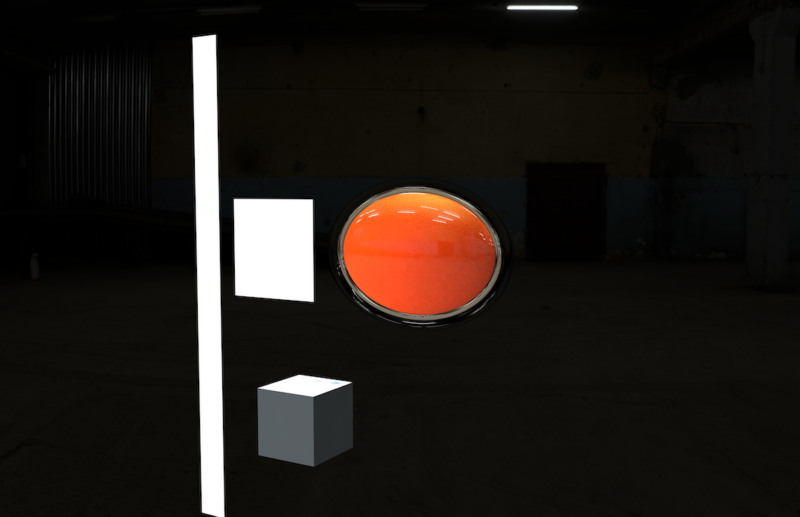
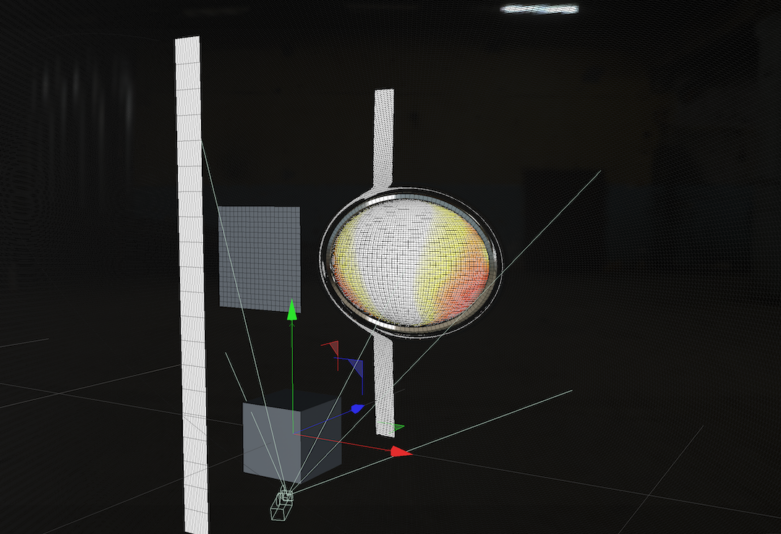
I have a scene set up with a model group designed to look like a car emblem on a painted black body panel. The idea is to pass a few object lights over the surface to accentuate the modeling. The object light is a parametric plane with an illumination material. Ideally, the object light reflections would be visible in the materials for the emblem and panel.
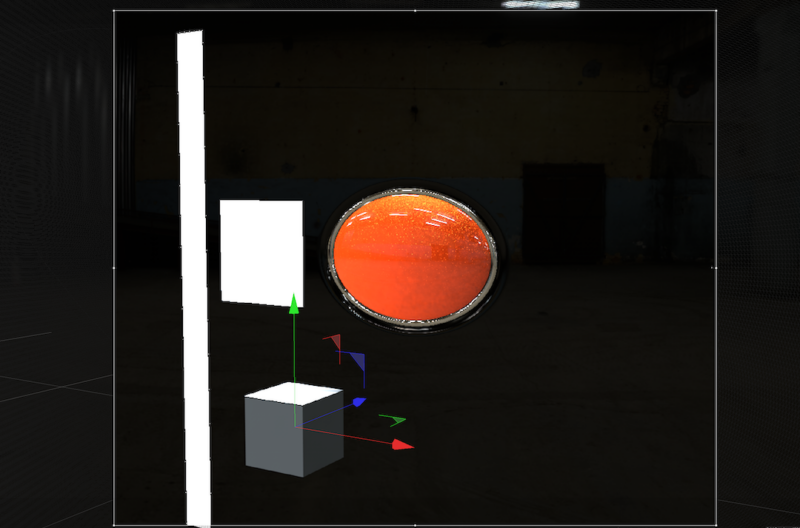
I can’t figure out how to get the object light to show up in the preview and render. In the viewport, I can freely move the the light object around and see the reflection clearly in the car model. I’m using an HDRI material for a garage look, and that’s coming through nicely in all the materials.
I’ve tried:
-Rendering GI in both physical and standard renderer
-turning light intensity up
-increasing reflectance and specular in all materials
-poring through render settings for GI and pretty much everything else
Objects in the scene, visible in these pictures, have no assigned material and are showing the object light just fine in preview and render. I made a new material and just changed the color to black, using default settings for everything else. Even this material won’t show any reflection of the object light. I feel like this must be a render setting, but I don’t know what else to check.
I’d really like to figure this out. Thanks for your help.
Cheers, B