-
Newbie Help – Can’t Save Displayable TIFs
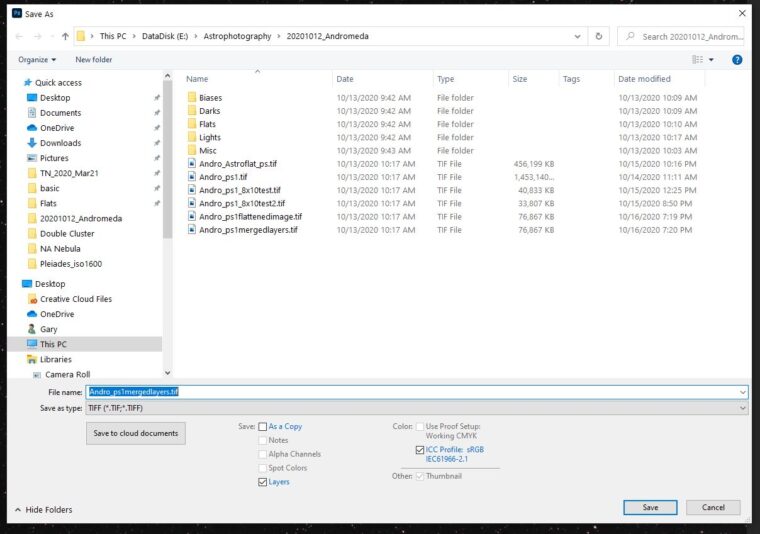
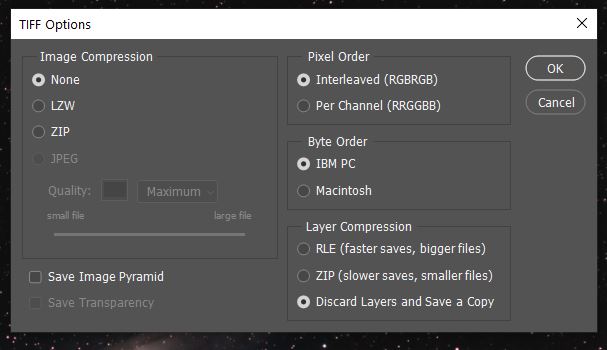
Hello! A new astrophotographer and new Photoshop CC user here, with a strange problem. Up until about 5 days ago, I could save a “shareable” version of an image in TIF format using the standard “discard layers and save a copy”. This morning, when I attempted to save my latest image, it was unreadable in everything except Adobe Bridge. If I saved as an uncompressed TIF, it wasn’t even readable in Adobe Bridge.
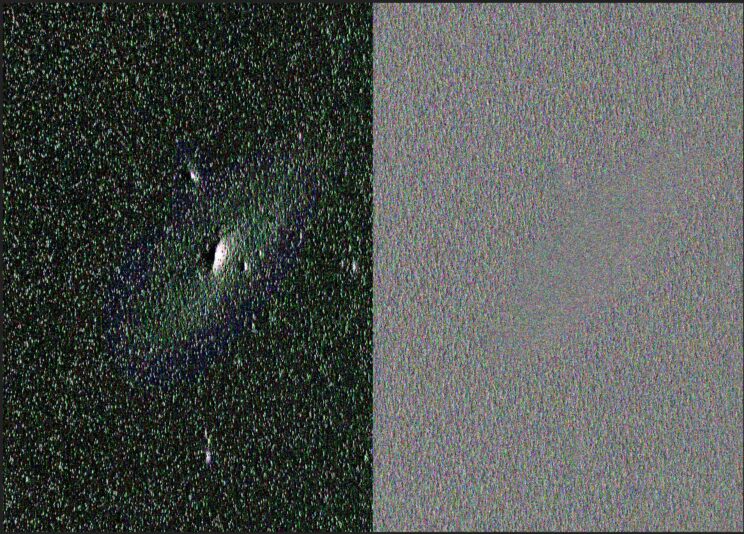
I tried all of the compression settings and color settings with no success. In looking back at past TIFs I saved, this wasn’t even an issue. I am able to save in JPG, but am puzzled as to why I can’t save TIF copies any more. I’ve attached a JPG of the latest image and a screen capture of the uncompressed TIF. I can still work and process in Photoshop.
Has anyone come across this before? Perhaps not a coincidence, a Windows update was pushed to my PC overnight. It has been restarted once and powered down/up once. Any insight or suggestions will be appreciated!
Thanks in advance!
Gary