Creative Communities of the World Forums

The peer to peer support community for media production professionals.

Activity Forums Apple Final Cut Pro Multicam Clip Black in Timeline

  • Multicam Clip Black in Timeline

    Posted by Jeff Krieger on April 11, 2023 at 7:27 pm

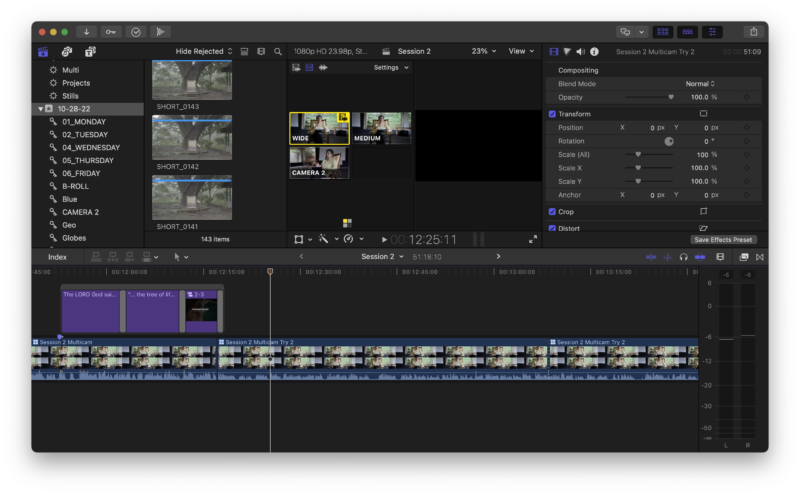
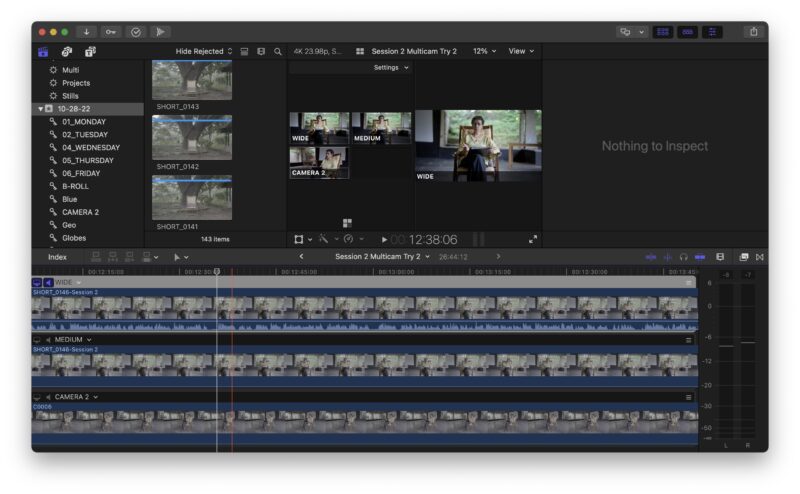
    Hi All, I’ve created a multicam clip with three angles. When I scrub in the project timeline across the multicam clip (only after a certain spot in the timeline, mind you), the viewer is sporadically black (and more black than not black). It worked fine in another project with footage shot on the same day. I check the footage…it’s fine. I export the multicam clip…it’s fine. I can’t see it in the viewer to edit it!

    I’ve restarted FCP, my computer. I’ve re-imported the footage. I’ve created a new project. I’ve re-created the multicam clip.

    I’ve noticed this has been an issue for others, but none of the fixes work for me. TIA.

    Joby Anthony jr replied 3 years ago 2 Members · 1 Reply
  • 1 Reply
  • Joby Anthony jr

    April 12, 2023 at 7:43 pm

    Unfortunately, I’m not familiar with the particular issue you’re experiencing. I only wanted to chime in here because under your list of troubleshooting, I didn’t see trash preferences. I think you nailed a lot of the other troubleshooting steps, and maybe you did that one too. But just in case, that’s another one to try.

    Joby.

We use anonymous cookies to give you the best experience we can.
Our Privacy policy | GDPR Policy