Creative Communities of the World Forums

The peer to peer support community for media production professionals.

Activity Forums Adobe After Effects Making one layer follow motion of another – corner pin not working

  • Making one layer follow motion of another – corner pin not working

    Posted by Suzann Johns on July 3, 2023 at 7:34 pm

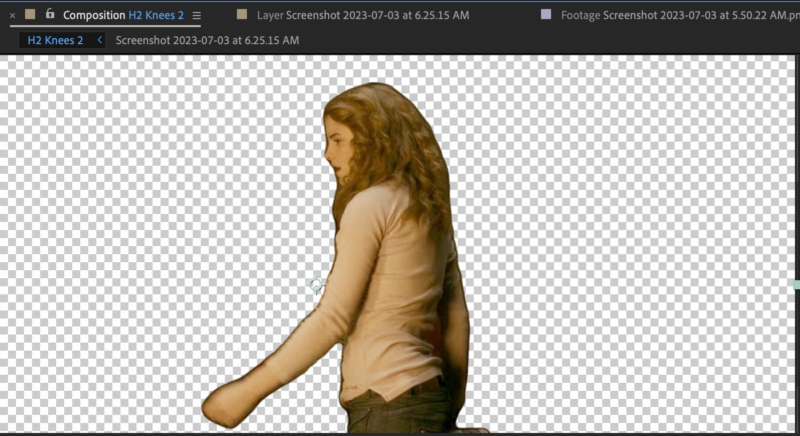
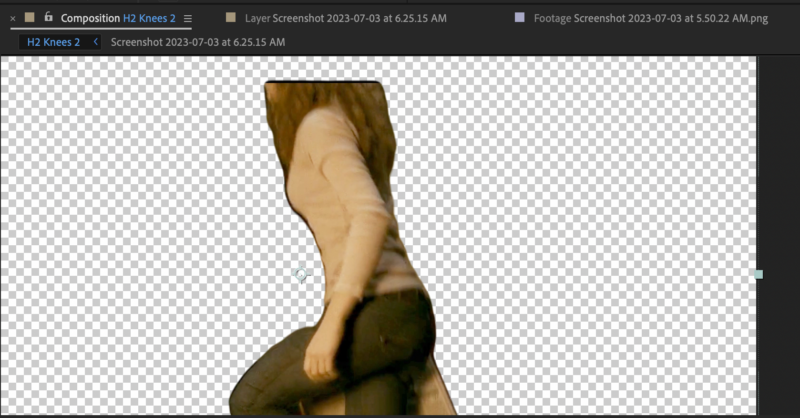
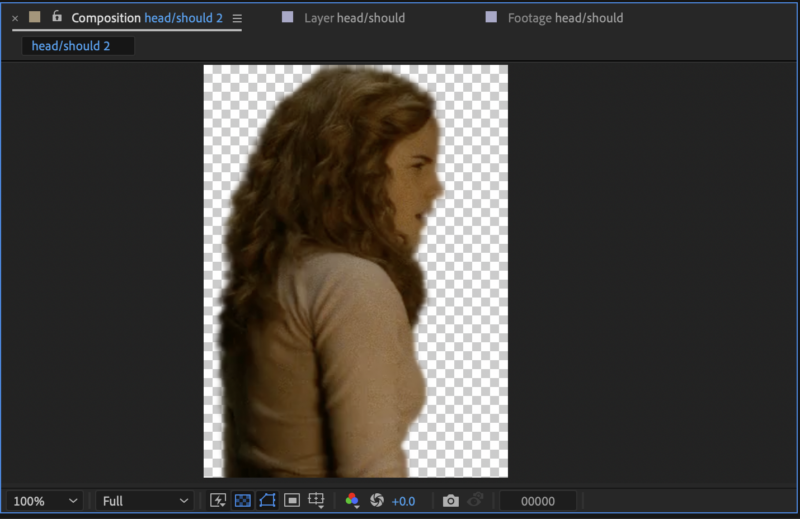
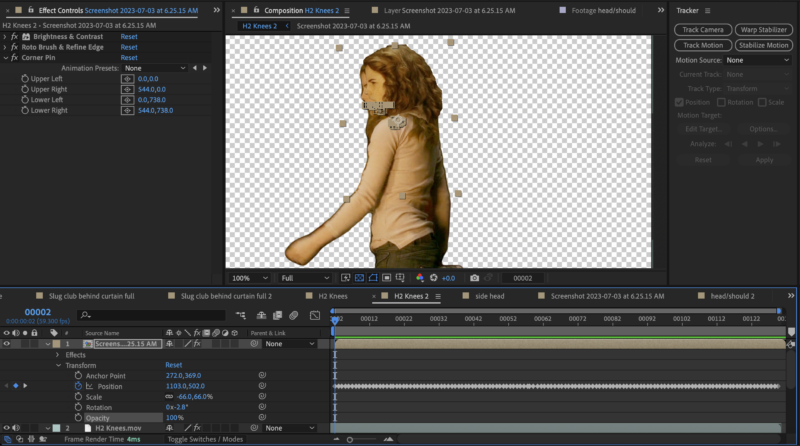
    I have one layer where a girl is getting off the ground, but her head/shoulders get cut off as she stands; I want to put an image of her on top of the clip, so it doesn’t chop off her head, but the tracking/keyframes with corner pin doesn’t work; the image doesn’t stay aligned with the video; how do I get her stupid head to stay with her body?

    The last screenshot is how it gets wonky.

    Please help; I’m sure I’m simply overlooking something or overcomplicating things…what is the solution?

    I’m using After Effects v 23.5 on a Mac running Ventura 13.3.1(a)

    Filip Vandueren replied 2 years, 10 months ago 2 Members · 1 Reply
  • 1 Reply
  • Filip Vandueren

    July 4, 2023 at 11:40 am

    Hello Suzann, it’s hard to troubleshoot without actually sitting in front of the project.

    I would try tracking the shoulders/hair with Mocha AE, maybe that has enough detail to do a precise track. Depending on the number of frames you need to fill in like this, it may be faster to do the positioning manually frame by frame, using the difference mode to aid in lining up an overiszed patch-layer with the surrounding areas that are visible, then masking it off to be a bit smaller afterwards.

    Hope that helps

We use anonymous cookies to give you the best experience we can.
Our Privacy policy | GDPR Policy