-
Make "Green" sock disappear!
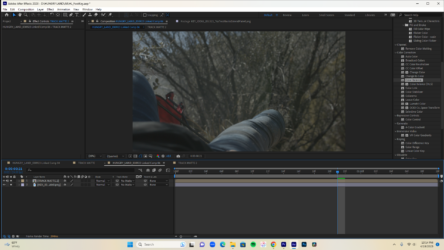
I am trying to make a “green” (really fluorescent yellow) sock disappear so it looks like a character lost his foot. Right now I have the clip in After Effects, and my TRACK MATTE pre-comp is set up, but I can’t get the actual Comp to show a background under the foot.
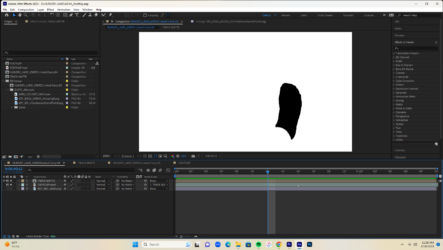
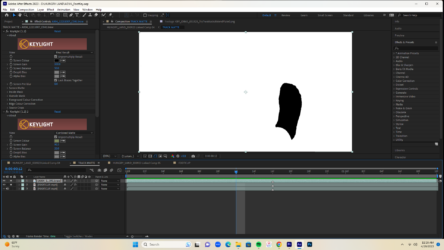
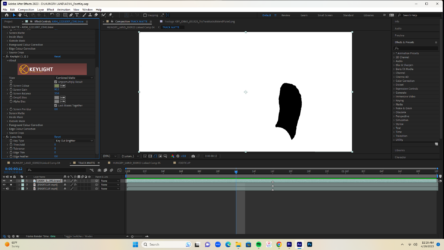
I attached screenshots of my AE comp and pre-comp. In the pre-comp I have keylight applied twice to the top layer along with Luma Key. In the layer under that Keylight is applied again. I originally posted to the Adobe forum, and got to where I’m at following the advice on this thread:
But now I’m stuck with the sock as a black silhouette over a white bg. Talked to somebody about it yesterday and was told the Track Matte column in the Comp will help me get the final result, but when I set the second layer in the Comp’s Track Matte to “1. TRACK MATTE,” it just turns the comp black.
I know the final result won’t look perfect since I don’t have a plate, but I’d at least like to get it so there’s just a hole where the sock should be so I can start fiddling with a fake plate. Please help!