Creative Communities of the World Forums

The peer to peer support community for media production professionals.

Activity Forums Adobe Premiere Pro Issues with moire after exporting.

  • Issues with moire after exporting.

    Posted by Hessam Esfahani on November 2, 2020 at 11:04 pm

    Hey guys.
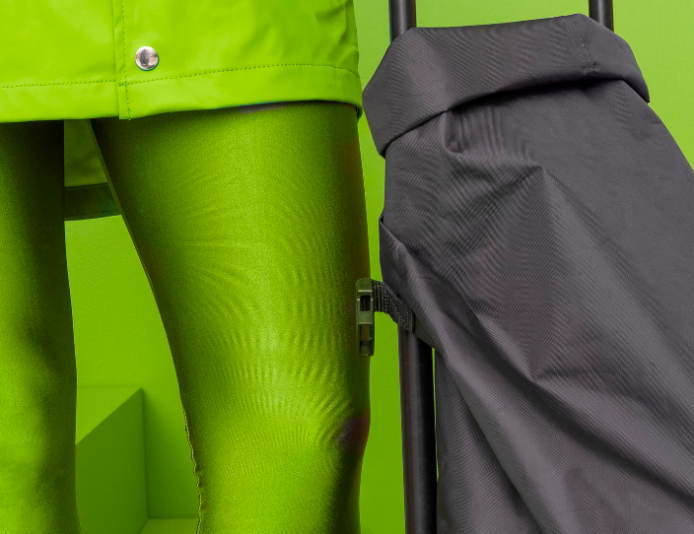
    Im exporting a stopmotion movie i’ve made out of tif’s, around 12-15 still frames. After i export one of the images end up with a bunch of moire that isnt there in Premire or on any other of the frames?
    I resized the tif in photoshop but that didnt help.
    I export in h.264 I’ve tried many different settings.
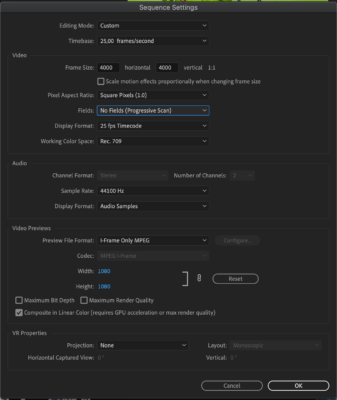
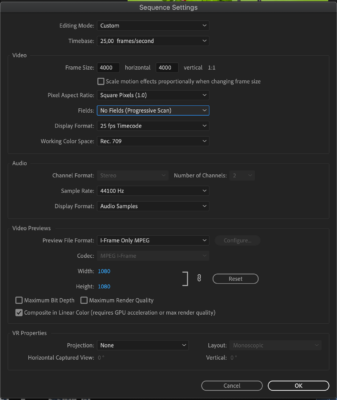
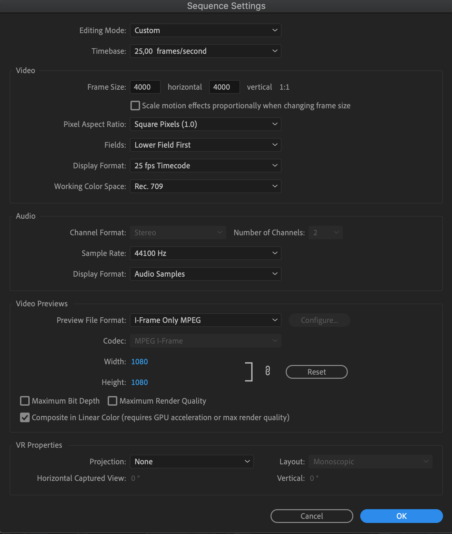
    I’ll attach a screenshot frm the tif and one from my sequence setting.
    Hessam Esfahani replied 5 years, 6 months ago 2 Members · 6 Replies
  • 6 Replies
  • Larry Chapman

    November 2, 2020 at 11:16 pm

    Try exporting progressive instead of interlaced.

  • Hessam Esfahani

    November 2, 2020 at 11:27 pm

    It was already progressive 🙁

  • Larry Chapman

    November 2, 2020 at 11:49 pm

    Your pictured sequence is interlaced. If it was progressive it wouldn’t have a specified field order.

  • Hessam Esfahani

    November 3, 2020 at 7:02 am

    Thanks for responding again Larry.
    In my sequence setting I have chosen “No Fields (progressive scan)” and this is the setting when I export.

  • Hessam Esfahani

    November 3, 2020 at 7:03 am
  • Hessam Esfahani

    November 3, 2020 at 7:38 am

    Hey Larry, I added a tiny bit of gaussian blur and it solved my problem for now.
    Thank you!

We use anonymous cookies to give you the best experience we can.
Our Privacy policy | GDPR Policy