-
Import clips with timed intervals
Hello, everyone. I’ve been having some troubles having to edit and sync many different video files to a single long audio clip without a timecode. I’ve attempted to use the auto-sync feature but it hasn’t been of much help.
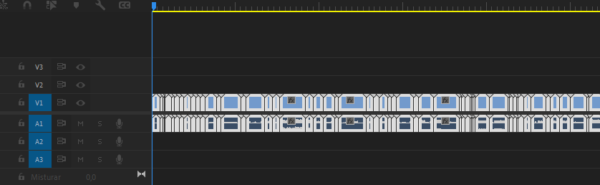
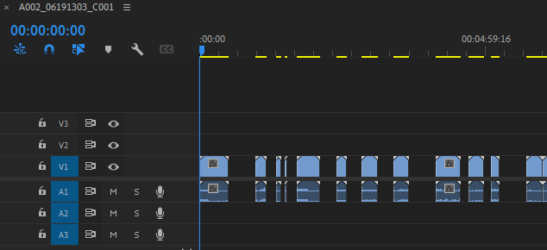
Anyway, I found that the solution would be to import the many video clips with a timed interval (instead of bringing every clip adjacent to one another at the timeline import) using the clips’ metadata to create intervals automatically. That would be the ideal way to sync, since I can use a single manual audio/video sync and the rest would follow. Is there any way for me to bring the material to a sequence and it becoming intervalled by its in-out points embedded in the metadata?
Below I attached some images to make the idea easier to visualize – the first image is the default import mechanism of premiere and the second would be the ideal way that these clips would be sorted with the information embedded.
Thanks in advance for the attention and sorry for any english mistakes