-
How to import obj with materials in R21 when import menu doesn’t show option
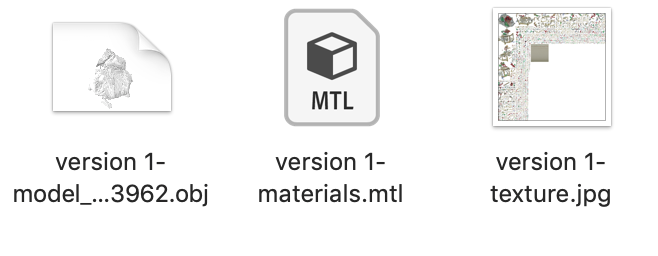
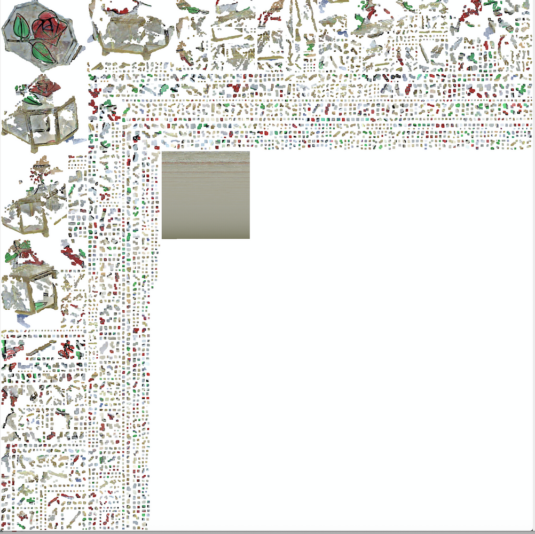
I downloaded a model folder with an obj, a mtl file, and a jpg with what looks like an unwrapped texture. I tried importing the obj into C4D R21, saw on the menu that ‘import material’ was checked (but did not ask me to select a mtl file), and hit ok. When it loaded, the obj was blank and the material at the bottom was white as well. My question is, why didn’t C4D load the material, and on a side note, what can be done with the separate jpg with the unwrapped texture? Assuming the material had loaded correctly, what is the jpg for? Am I meant to load it into the color channel of a new material? When I tried it, the texture did not appear correctly mapped. I do not know exactly what the obj should look like when properly textured, but I don’t think it was right. Here’s an image of what is in the folder, and the unwrapped texture jpg.
Thank you!