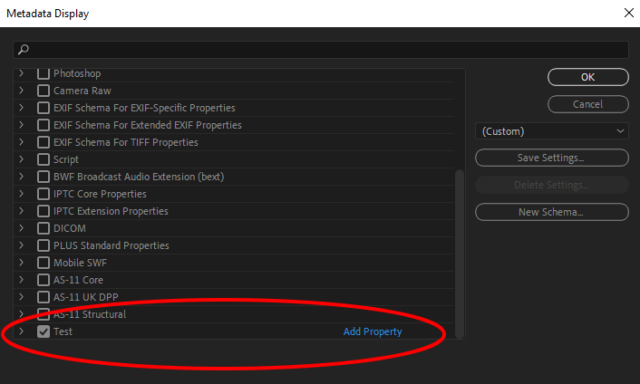
Its possible the XML file you are referring to is PremierePro.xml, am I correct?
This should be found under the file: PremierePro/Catalog/SavedVectors , I imagine the Premiere Pro folder should be under the C Drive.
In order to remove the label, you will need to follow these steps and see if it works for you:
- Backup your PremierePro.xml file.
- Open the PremierePro.xml file in a text editor (such as Notepad or Sublime Text).
- Find the label you want to remove and delete the corresponding XML tag.
- Save the PremierePro.xml file.
- Re-open Premiere Pro and the label should be gone.
Keep in mind that backing up your PremierePro.xml is essential before you make any changes just incase since it contains very important data like your workspaces, preferences and catalog settings.
If you still have issues, you can close Premiere Pro and then press and hold the ALT key (Windows) or Option Key (Mac), then double click to re open Premiere Pro! It will launch without the access to your preferences and such. Then you can close Premiere Pro again and re open it normally. Hopefully that works out for you!