

Activity › Forums › Adobe After Effects Expressions › How to create a dot grid with expressions?
-

Eduardo Asta
August 30, 2020 at 5:23 pmHi Walter,
I have just found this other plugin, Calvary, which seems also interesting.
https://cavalry.scenegroup.co/#Features
My best,
edo -

Walter Soyka
September 2, 2020 at 1:42 amCavalry is really cool, but it’s not a plugin — it’s a whole separate application. They’re trying to be a really smooth, fast, flexible tool for 2D animation. If you’re familiar with Ae and C4D, you’ll already be familiar with a lot of the concepts in Cavalry.
It’s a brand new product. It’s still got a way to go, but the premise and the architecture show a lot of promise.
Walter Soyka
Designer & Mad Scientist at Keen Live [link]
Motion Graphics, Widescreen Events, Presentation Design, and Consulting
@keenlive | RenderBreak [blog] | Profile [LinkedIn] -

Chris Jeffries
September 10, 2020 at 2:37 amComing late to this conversation, and wanted to offer that there are a few scripts over at AE Scripts that may help:
https://aescripts.com/cloners-plus-effectors/
https://aescripts.com/moglyph-fx/
https://aescripts.com/shapemonkey/
There are, of course, other options, and it would help to know more about what you’re aiming to do with the transparency and color.
E.g.: I was able to quickly create the grid in Illustrator and import it, and from there it can be used as a matte for a layer that has transparency/color information such as a video.
Once imported, I was able to convert the AI layer to a shape layer, if you’d like to avoid referencing an external file.
Also, I attempted to break apart the shape layer using “Explode Shape Layers 3.5.2” and AE choked, so there’s that. Additionally I’ve used “Release to layers (sequence)” within AI to create individual layers for import, and am waiting on AE to crash or succeed in importing via the convert to layered comp function.
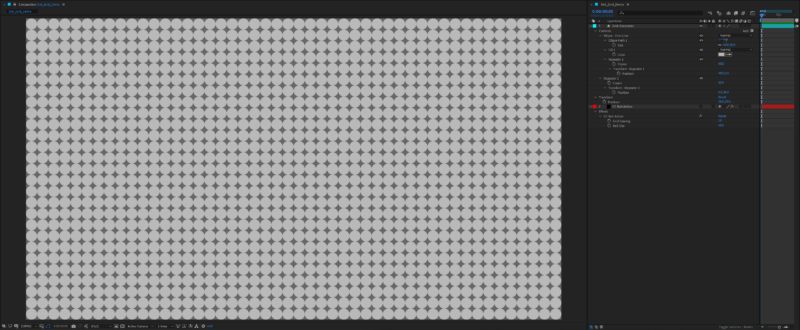
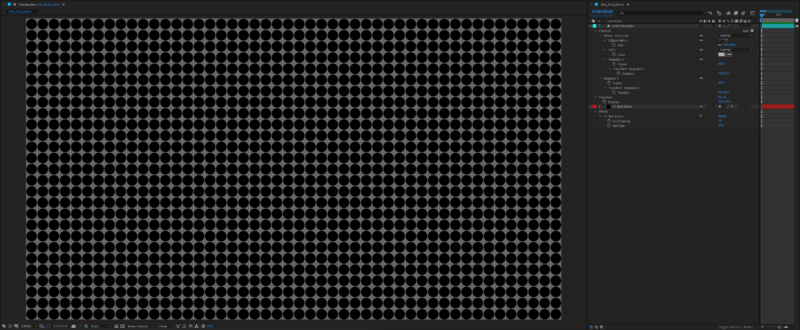
The two screenshots attached show methods of using (1) a shape layer with repeaters and (2) the CC Ball Action effect. Again, the result of either can be used as a matte, and they’re both light-weight solutions.

-

Dan Ebberts
September 10, 2020 at 4:16 pmIn general, a position expression like this should give you a grid (it assumes every layer in the comp is participating):
w = 40;
h = 40;
numCols = 48;
origin = [w/2,h/2]
myCol = (index-1)%numCols;
myRow = Math.floor((index-1)/numCols);
origin + [myCol*w,myRow*h]
-
Eduardo Asta
September 13, 2020 at 3:24 pmHey Chris,
Thanks for the idea.
<font face=”inherit”>I created on Illustrator a layer with the ellipse grid complete and other three layers with some </font>ellipses<font face=”inherit”> subtracted (to create the transition between the complete to the incomplete grid). </font>
<font face=”inherit”>After that, I imported the AI file as a comp into AE, added on top of it a shape layer with the same ellipse grid (constructed using the repeat), masked it using the “set matte” effect and then, </font>finally<font face=”inherit”>, inside of the AI comp, I created the transitions with layer opacity. </font>
The strongest point of this approach is the fact you end up handling just a couple of layers (instead of my first approach with more than 1K layers; insane and stupid one, I know). The downside of it is creating the animation outside of AE.
Still, a much better option, thanks!
-
Eduardo Asta
September 14, 2020 at 12:14 pmHi Dan,
Thanks for this expression.
For a long time I was wondering how to jump to the next line at the edge of the composition. If I understood your code, when index = 49 (it will the 1st column of the 2nd line), index-1 = 48, myCol = 0, myRow = 1 and then the position[0] = 20 and position[1] = 60. That’s amazing.
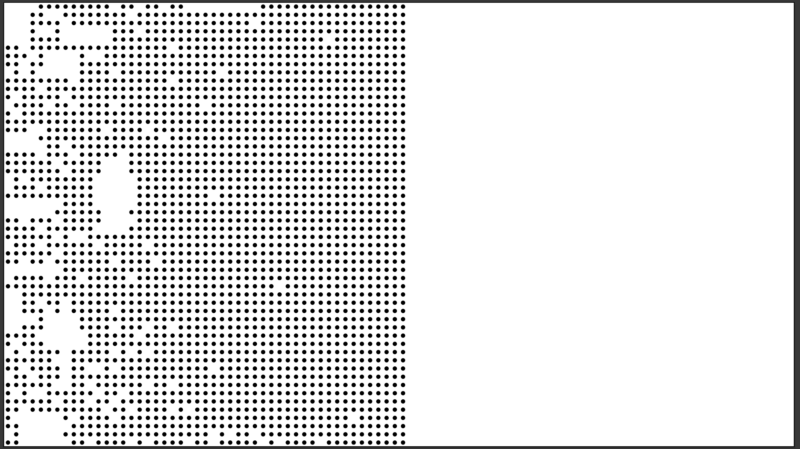
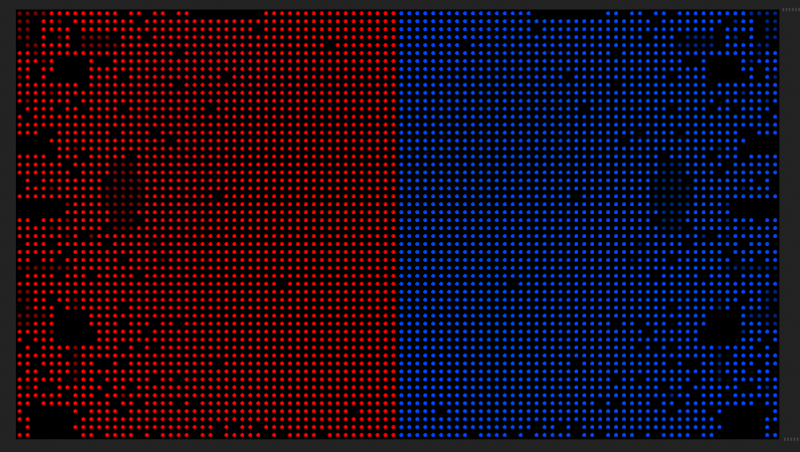
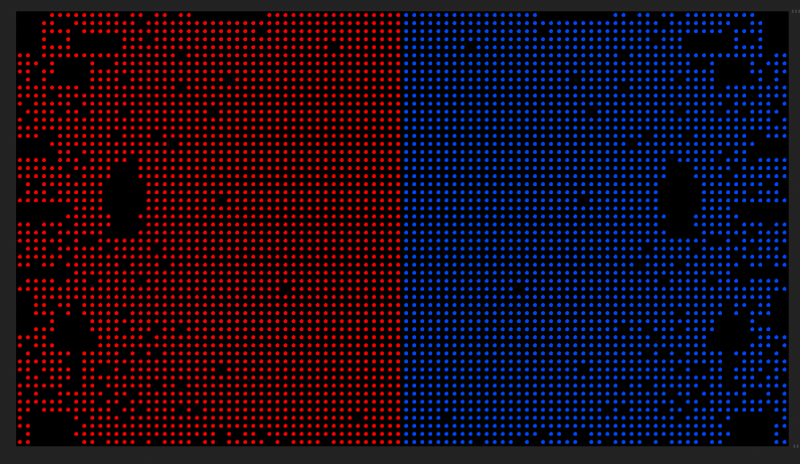
However, it results in too many layers. I’ve painfully learned that’s very hard to handle 1.926 layers, for me and for AE. Yes, I was naive when I thought it was the best way to tackle this problem (please, check this 5s clip).
Still, I could learn how to apply the ‘%’ and it inspired me to try another code using random(). If I am successful, I will post it here, ok?
My best,
edo


Reply to this Discussion! Login or Sign Up