Creative Communities of the World Forums

The peer to peer support community for media production professionals.

Activity Forums Adobe After Effects How to create 3D audio visualizer that's like this?

  • Robert Müller

    January 29, 2021 at 9:39 am

    You could do this:

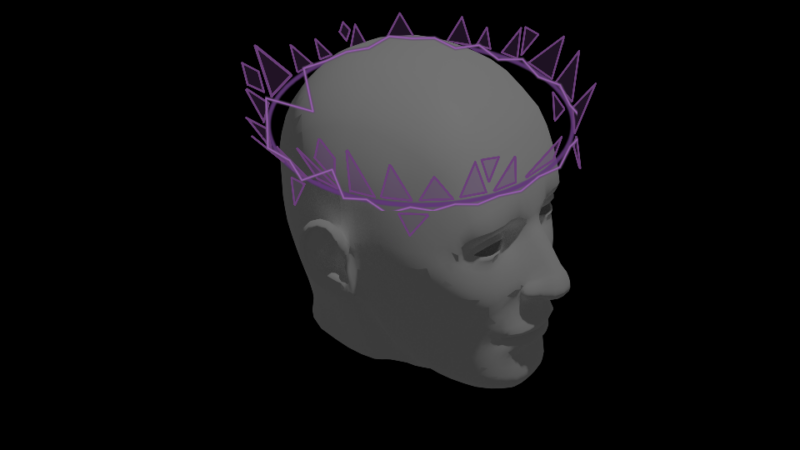
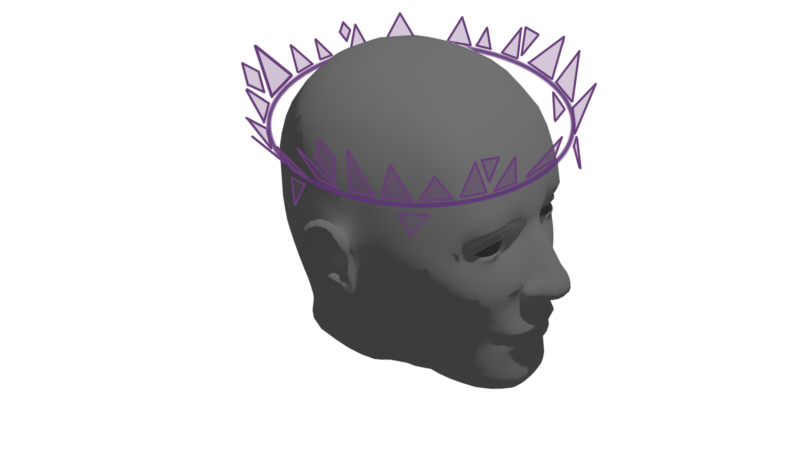
    Create a solid, apply the Audio Spectrum or Waveform effect, make sure start and endpoints are to the very left and very right of the layer, then apply a CC Cylinder effect. It remains a 2D layer but will interact with cameras and you got 3D controlls inside the effect

  • Kristhian Aguilar

    January 29, 2021 at 1:09 pm

    That did the trick, thank you! Now I’ve just gotta make the triangles move up and down to the beat and I’m done

  • Robert Müller

    January 29, 2021 at 1:39 pm

    You can extract keyframe values from the audiochannels and use the now generated slider values to drive the position of your triangles, using a linear function. You should smooth the audio values out though, see this:

    https://www.youtube.com/watch?v=HkkSL2gupRw

    For example, this is what I quickly put together:

    the 36 is the max value for the song I used, this might be different for you. I used the layername as the last parameter, so Ive got a quickly interchangeable variable, to have some variation in this


    s=thisComp.layer("Audio Amplitude").effect("Both Channels")("Slider"); //my null with the audio-keyframe-data

    y=linear(s,0,36,0,thisLayer.name)

    value-[0,y];

    Some contents or functionalities here are not available due to your cookie preferences!

    This happens because the functionality/content marked as “Google Youtube” uses cookies that you choosed to keep disabled. In order to view this content or use this functionality, please enable cookies: click here to open your cookie preferences.

We use anonymous cookies to give you the best experience we can.
Our Privacy policy | GDPR Policy