

-
How do I scale a mesh?
Hello,
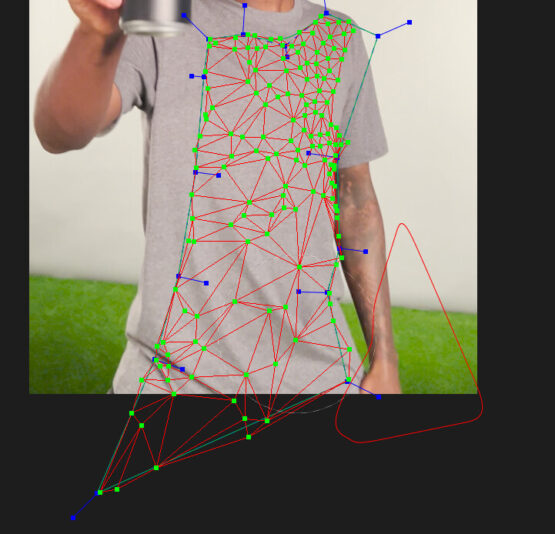
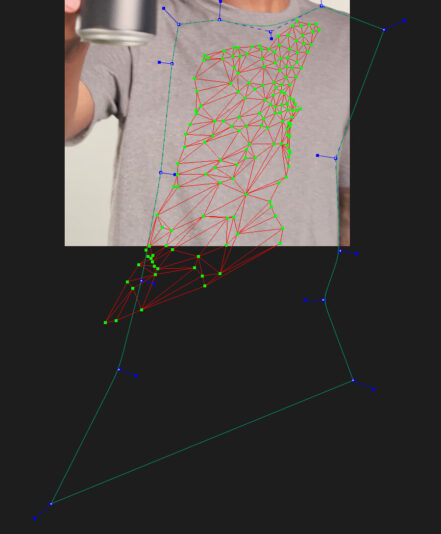
I have a Mocha Pro track set up that works ok – it’s a guy moving around, and I need to add a logo to his T-shirt. At the end of the shot, the camera does a rapid zoom in, and Mocha fails to track those last 9 or so frames. So I’ve manually added keyframes for the X-spline, but the mesh does not follow it. Any idea why?
I know I can select the mesh and manually move the whole mesh to its proper location, but there seems to be no way to SCALE the whole mesh…unless I’m missing something? Whenever I try to scale it, it just scales the X-spline, which is not what I want.
Any suggestions would be GREATLY appreciated, please!
~ Paul

Sorry, there were no replies found.