

Activity › Forums › Adobe After Effects › Hand drawn animation
-
Hand drawn animation
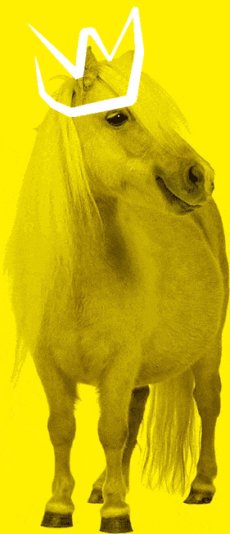
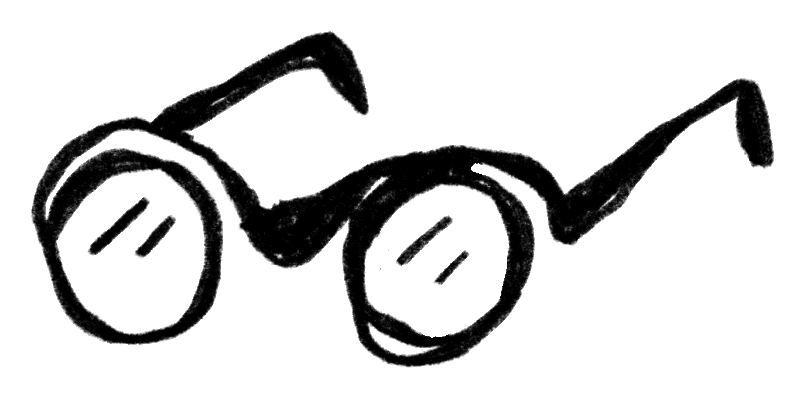
Posted by Kirill Morozov on April 7, 2022 at 12:25 pmDoes anyone know how to do these effects quickly? maybe there are plug-ins or features built into after effects?
 Matthew Boutros replied 4 years, 5 months ago 3 Members · 3 Replies
 -
3 Replies
-

John Cuevas
April 7, 2022 at 2:31 pmThe look can be achieved pretty quickly if you have vector files of hand-drawn images(Adobe Stock has a lot).
I prep my files in Illustrator and use the fee Battle Axe plugin ‘overlord’ to bring the paths into After effects as shape layers. From there you can add a trim paths effects to create the writing on of the stroke. Add wiggle paths and play with the settings and you should have something a pretty good hand drawn look.
Made a quick little example project
-

Matthew Boutros
April 12, 2022 at 1:31 amSome techniques I’ve used to create handdrawn looks:
Using Roughen Edges is a great way to create thick and thin line variation – and using a turbulent displace with small size can create a good roughened texture.
A large turbulent displace can make a straight line a little curvy, but use subtley. If you make the line a little wavy like that, CC Composite another copy of the original line below to make it look like two sketchy lines, then add your textured tiny turbulent displace over the top of both.
All of these effects can be randomised to create a boil effect. Select all your layers, use the search bar for ‘Seed’, and this is the expression I use inside their Random Seed value:
posterizeTime(5)
random(1000)This can create some real genuine random handdrawn looks, although can take a while to render.

Reply to this Discussion! Login or Sign Up