

Activity › Forums › Adobe After Effects › Global replace font command
-
Global replace font command
Posted by David Eells on March 6, 2008 at 3:23 pmSimilar questions have been asked, but so far I have yet to see an answer, so I’ll put it out there –
Is there a command or function to replace a font globally in a project? So that all instances of [missing font] are replaced by [the font I want to use]?
Hugo Van den doel replied 2 years, 1 month ago 6 Members · 6 Replies -
6 Replies
-

David Eells
March 14, 2008 at 3:51 pmIf anyone knows this to be impossible or unsupported, that would be helpful, too.
-

Eric Perkins
May 6, 2008 at 4:23 pmI don’t think this is supported yet. I can’t find any answers either.
-

Nicolas Menard
July 15, 2010 at 8:48 pmThere’s this script on AEScripts that could help you do that. You can make a search of font in all your document’s text layer, and then quickly change the font for each layer.
https://aescripts.com/pt_textedit/
Only downside is for text boxes with multiple fonts.
The plugin only detects the first font used in the text box. -

Adam Sabla
January 8, 2014 at 10:36 amI’m not sure if you can do this directly in AE,
but there is a good script for that:
https://aescripts.com/pt_textedit/(I know that I’m replying to a 6 years old post, but it would be good to have an answer here.)
-

Liran Tabib
September 29, 2020 at 5:10 pmYep!
You can use FontMate script to change all the fonts or a specific font in the After Effects project:
https://www.vdodna.com/products/fontmate/
-

Hugo Van den doel
July 30, 2024 at 4:14 pmI’ve used Find and Replace Fonts – https://sidequestplugins.com/
PT Textedit is a good suggestion too, just quite a lot more complicated to use and a bit pricier
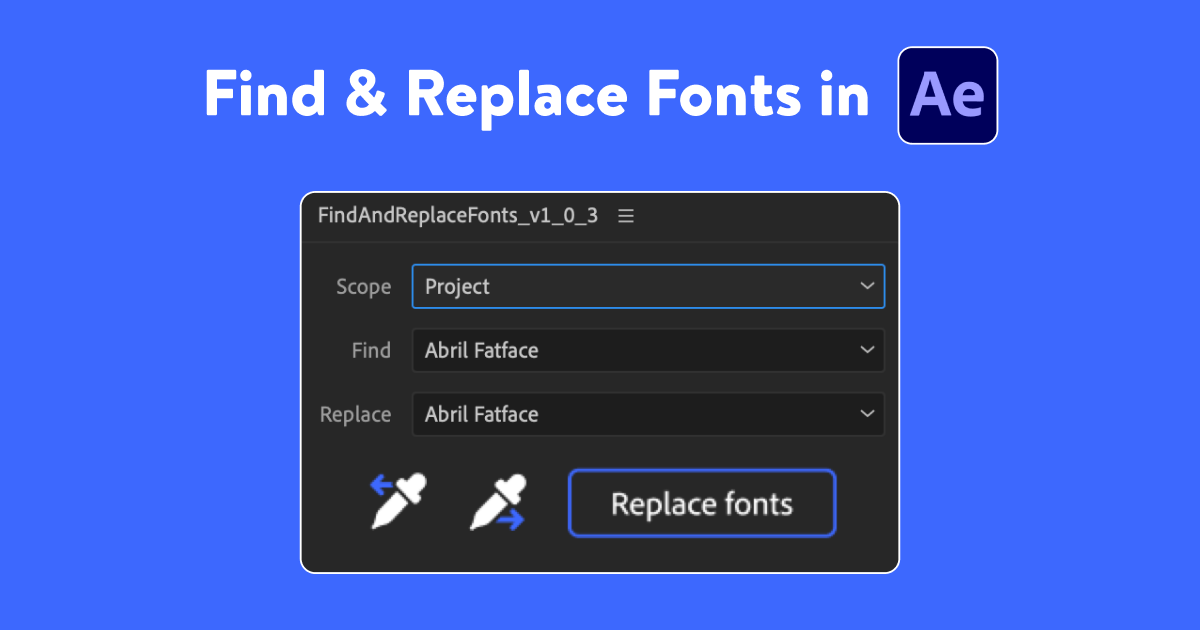
sidequestplugins.com
Find and Replace Fonts | AE Script
Globally find and replace fonts in After Effects. Project wide, in a specific composition, pre-comps or just selected layers. After Effects tools & scripts for motion designers.
Reply to this Discussion! Login or Sign Up