-
Ghosts in the Motion Pathway
Hi to all After Effects fanatics.
I’ve been working on this project for a long time, but the project’s motion pathway lines are not visually changing when I’ve added a ‘Bezier’ to their movement.
I use Creative Cloud with the most updated After Effects (v24.1) program.
My project comprises three large files (25867 x 14550 px) in which I move these layers and stroke-generating motion graphics in sync with a voiceover.
I’m using a MacBook Pro 13in 2020 with an M1 chip, updated to macOS Sonoma.
Previously, I’d add the bezier to the keyframe and then manipulate the pathway line handles to make the movement more precise. Yet, these once curved pathways have looked “straight” for the past few days, with the animated action alternatively ‘bouncing’ around.
Following my usual troubleshooting, I continue to fall back into the same challenges.
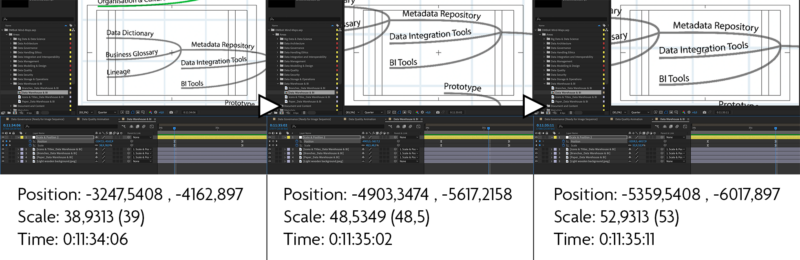
I’d begun by using the pen tool to manipulate the pathways directly, which is possible. However, there were still kinks that required excessive manipulation and negatively tampered with the final movement. I then looked at previous projects within the same job that had worked correctly completed, but now the pathway would sometimes not show (zoomed-out image attached). Another practice that has worked before is downgrading the After Effects version (v24.1 to v23.0), yet this still leaves me with my current error.
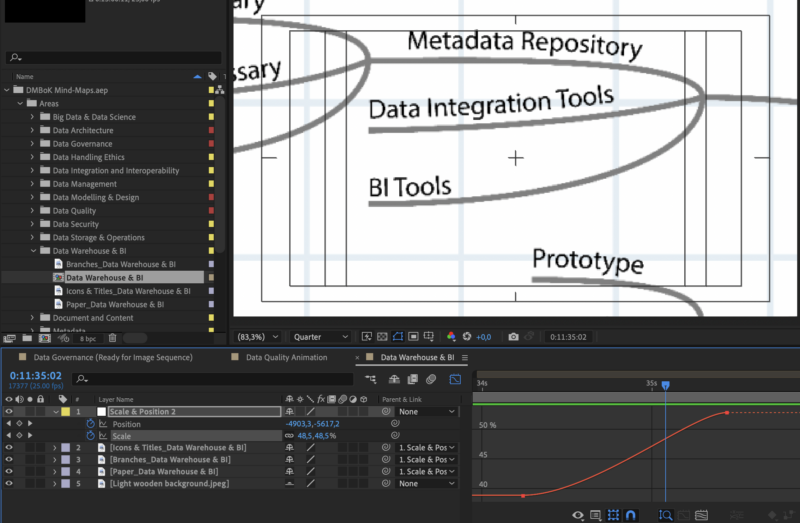
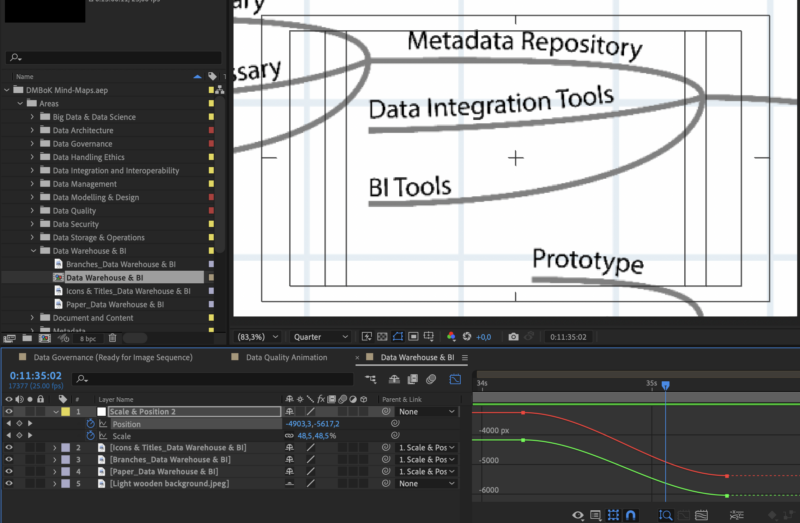
Sometimes, turning the ‘bezier’ off would help stabilise the movement, but other times, it still shifts without evidence in its pathway or the graph editor (as seen below).
Although I have many years under my belt, my understanding can often be ignorant and I would really appreciate advice and input into this difficulty I am experiencing.
Please ask if you have any questions
Kind regards
Andy Diesel