

-
“FG Only” option not working on Tracker config (Stabilization)
Hi all,
This is my first post.
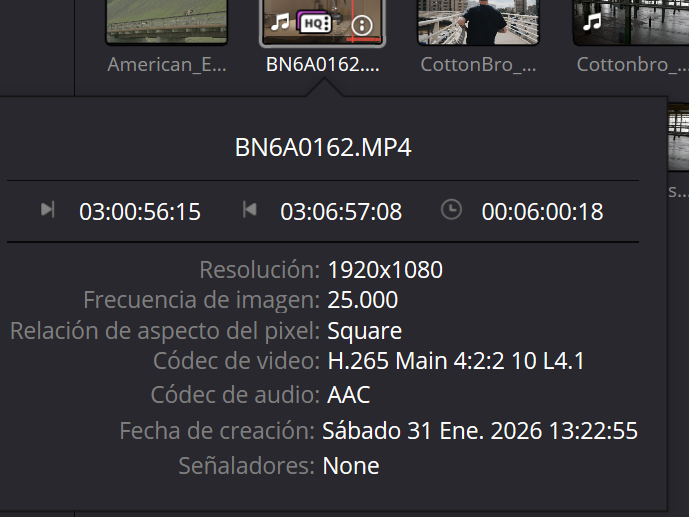
I'm trying to stabilize a series of clips.
I'm not getting good results with the stabilizer in the Edit module.
I've been focusing on different methods using the Fusion module.
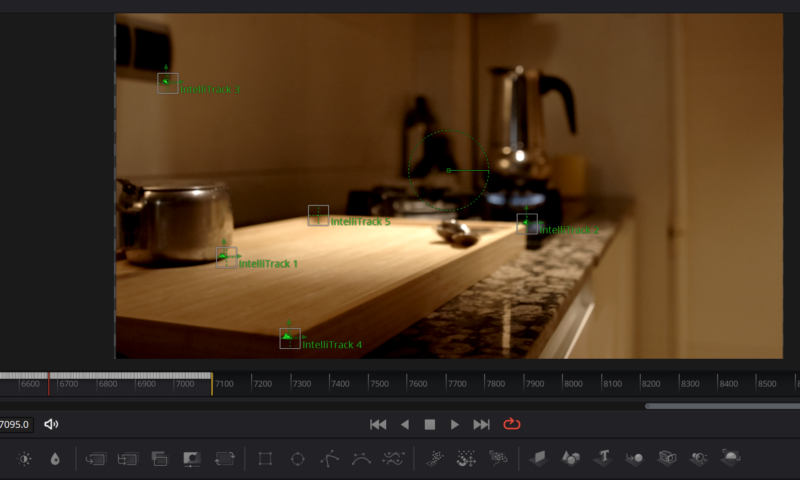
I've tried (following tutorials in all cases) Planar Tracker, Tracker, and Intellitrack for tracking, and initially, I feel like I've generated the best trajectories with Intellitrack.

But when it comes to configuring the parameters in the Operation menu, it improves with "Only BG," but it's not perfect.
The best option in all the cases I've tried is "Only FG."

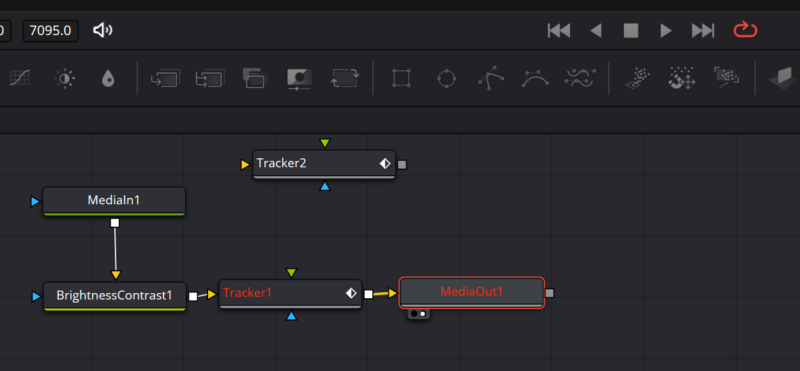
The problem is that with this option, the Tracker node turns red, and all the nodes from it onward in the chain also turn red. And when I try to view it in the Edit module, the image appears black. I can't see anything.

Thanks in advance.

Working on Windows 11, i7-8700, Nvidia Geforce RTX 3060

Sorry, there were no replies found.