I have not worked on this myself yet but I was looking up on YouTube for videos related to what you need. I found something for this, here is the link: https://www.youtube.com/watch?v=IPjfzcVz2nk
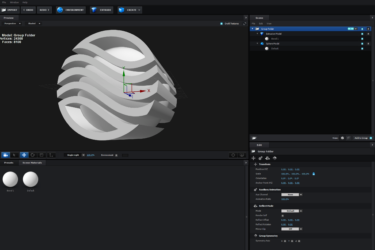
After doing some research too! Yes, it is possible to combine shapes in Elements 3D, which is a 3D compositing and animation tool that is available as part of the Adobe After Effects suite. Here’s how you can combine shapes using Elements 3D:
Create your shapes using the Shape tool in Elements 3D. This can be a circle, square, triangle, or any other shape. You can also import shapes from other 3D software if you prefer.
Once you have created your shapes, you can position and rotate them in the 3D viewport as desired.
You can also add textures, materials, and lighting effects to your shapes to make them more realistic.
To combine shapes, you can select multiple shapes using the Select tool, and then use the Combine option from the Edit menu.
This will join the selected shapes together, creating a single object.
Please note that Elements 3D is a fairly powerful 3D compositing tool and there are many other advanced techniques available. I’d recommend spending some time learning the tool before attempting more complicated projects.
Hope this helps! 🙂
Some contents or functionalities here are not available due to your cookie preferences!
This happens because the functionality/content marked as “Google Youtube” uses cookies that you choosed to keep disabled. In order to view this content or use this functionality, please enable cookies: click here to open your cookie preferences.