Creative Communities of the World Forums

The peer to peer support community for media production professionals.

Activity Forums VEGAS Pro Core Parking in WIndows 7 with rendering on Sony Vegas Pro 10?

  • Core Parking in WIndows 7 with rendering on Sony Vegas Pro 10?

    Posted by Joe Bigornia on November 21, 2010 at 4:09 am

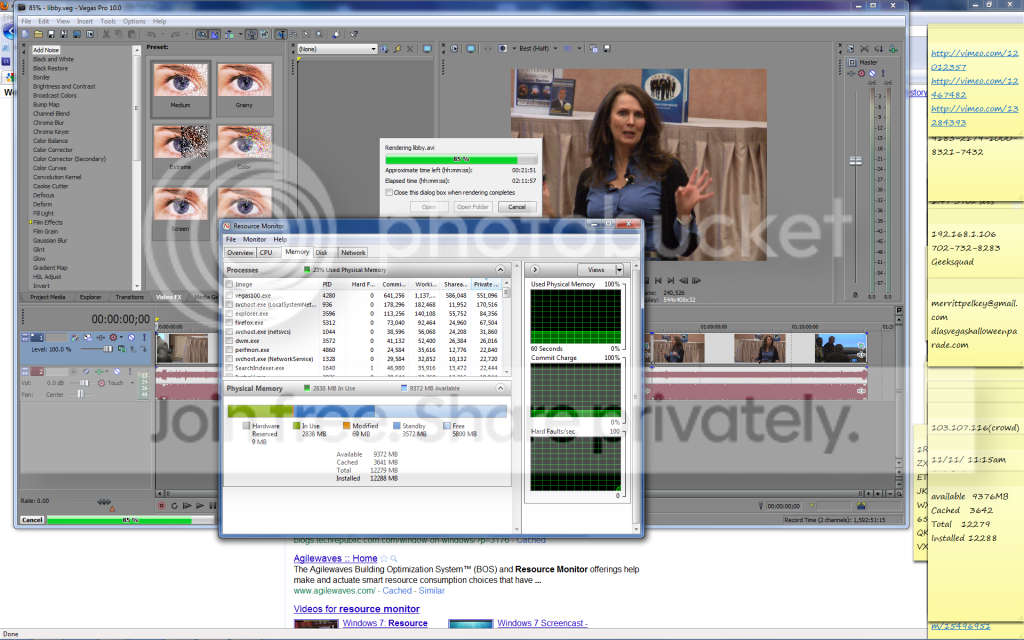
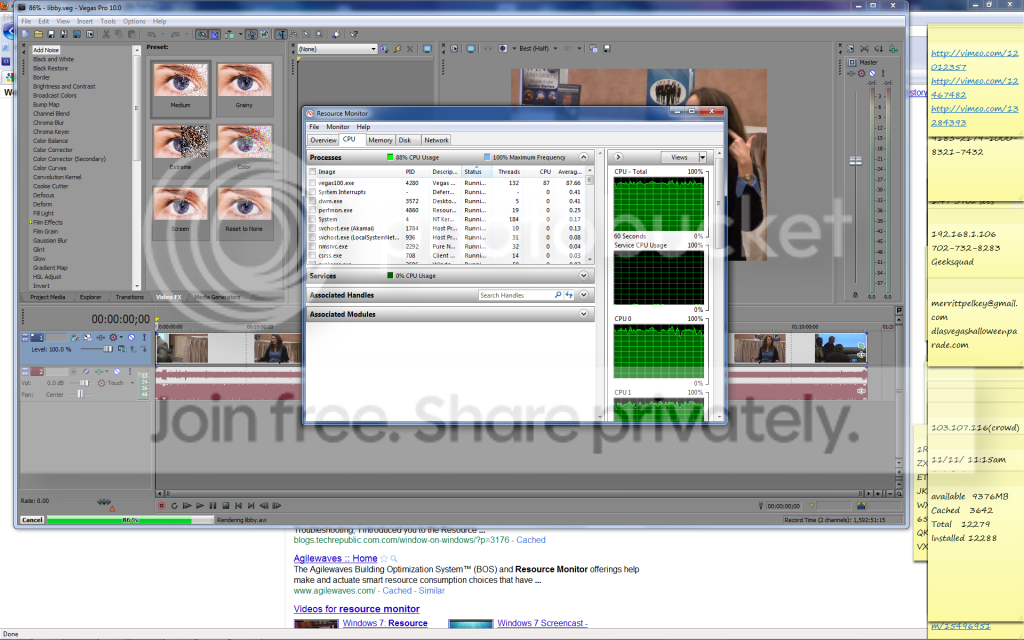
    I have been reading a little on this. I understand that it is in Windows 7. Now will this really help in rendering? Is there an easy way to do this Core Parking for windows 7? I noticed that not too much of my memory is being used when rendering. I have some screen shots and maybe someone can answer to see if I can use more memory somehow.
    Al Bergstein replied 15 years, 6 months ago 2 Members · 1 Reply
  • 1 Reply
  • Al Bergstein

    November 21, 2010 at 8:19 am

    It’s been discussed here before if my memory serves me well. But from what I’ve read the answer is likely no, in that core parking is usually used by servers, for low load levels you see in virtualized environments.It’s actually discussed by MS as more for virtualization than workstations. The goal is to shut down unused CPU cores when not in use, but I don’t think you want to be messing with that when doing rendering. I have not seen it happening on my machine, for example. The cores do not park when rendering.

    However, if your machine is sitting idle all day, then yes, Windows 7 will likely idle your cores to save power. It’s tuning done by the OS, I couldn’t find any parameters worth tweaking.
    But I might have missed something.

    Alf

We use anonymous cookies to give you the best experience we can.
Our Privacy policy | GDPR Policy