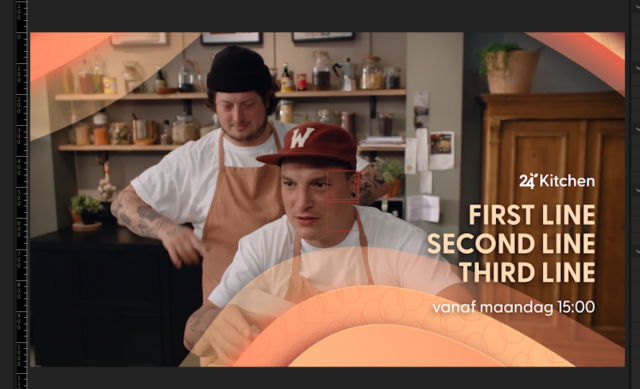
-
Combine 3 source text layers in 1 source text layer on 3 lines
Hi there,
Is it possible to combine 3 separate text lines in 1 source text on 3 lines like the screenshot?
If I do the expression like below it just puts everything in one line.
Please help
Yvonne
Note: Building a template for promo gfx. An other asset must be on one and this title has a specific scripted animation so I need it to be in one text source. If it’s not possible I’ll make 3 separate text layers.
R1 = comp("24K_Promo_Control").layer("First line").text.sourceText;
R2 = comp("24K_Promo_Control").layer("second line").text.sourceText;
R3 = comp("24K_Promo_Control").layer("third line").text.sourceText;
R1 + //first line
R2 + // second line
R3 // third line
 replied 5 years, 1 month ago 2 Members · 1 Reply