Creative Communities of the World Forums

The peer to peer support community for media production professionals.

Activity Forums Maxon Cinema 4D “Close polygon hole” leaves weird waves in the surface

  • “Close polygon hole” leaves weird waves in the surface

    Posted by Dezső Szűcs on November 27, 2020 at 3:26 pm

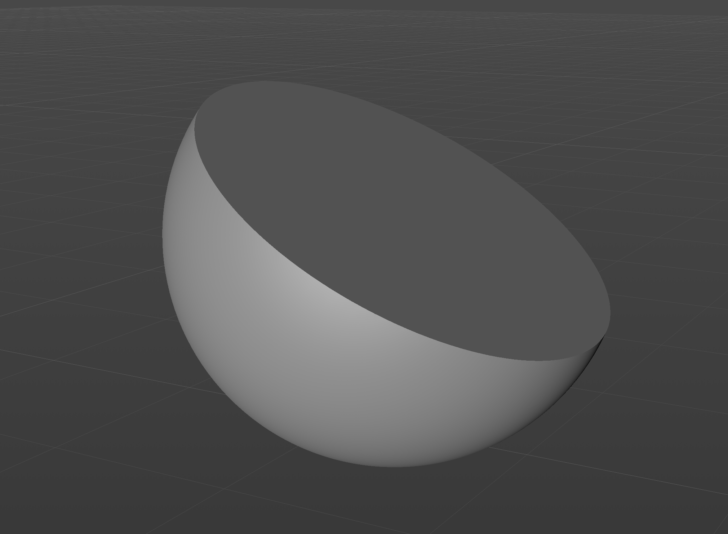
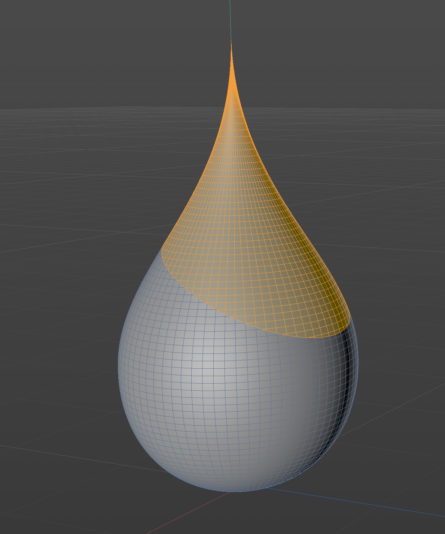
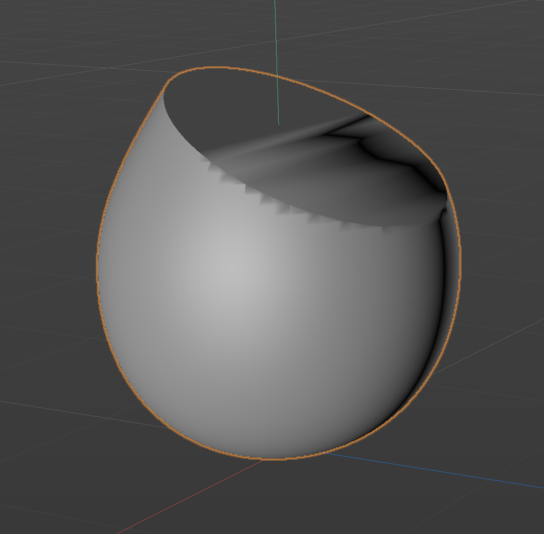
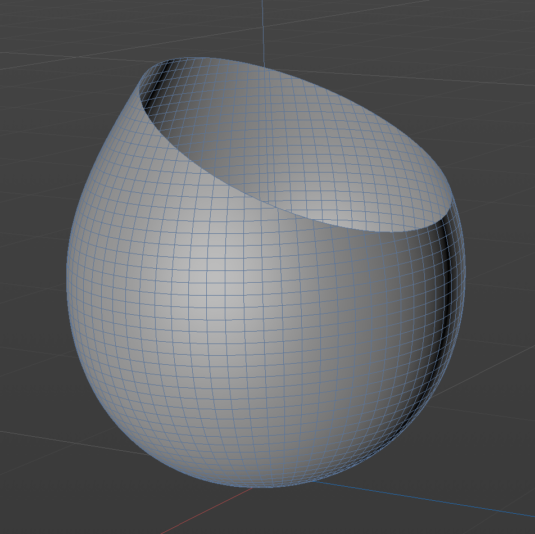
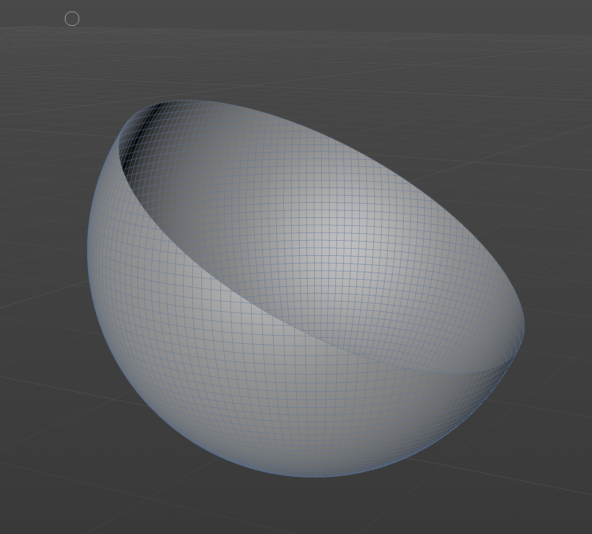
    So I have this waterdrop shaped lathe object that I want to cut in half, but when I use the “close polygon hole” tool on it, the surface isn’t flat. When I tried doing the same thing to a sphere, it worked perfectly.

    What could be the problem?

    Thanks in advance!

    Dezső Szűcs replied 5 years, 8 months ago 2 Members · 2 Replies
  • 2 Replies
  • Justin Thomson

    November 27, 2020 at 6:07 pm

    You’ll need to add some new “edges” to poly created to fill the whole. Why not just use a Boole that includes the Lathe object and a Cube?

  • Dezső Szűcs

    November 30, 2020 at 7:33 am

    Well, I didn’t know that tool exists, but I gave it a try and it worked perfectly.
    Thanks for the help!

We use anonymous cookies to give you the best experience we can.
Our Privacy policy | GDPR Policy