

-
Can’t remove letterboxing?
I’m trying to edit a video from Youtube that has audio that’s not in synch with the video (for my personal viewing), and am trying to render it, but I can’t get rid of the letterboxing that Vegas creates with the project. I matched the project settings to that of the video-480×360, PAR of 1.0, progressive scan, and 29.999 fps.
Here is a link to the original video (with no letterboxing).
https://www.youtube.com/watch?v=3pzBMrPVZv4
Here’s how it appears in my Vegas project.
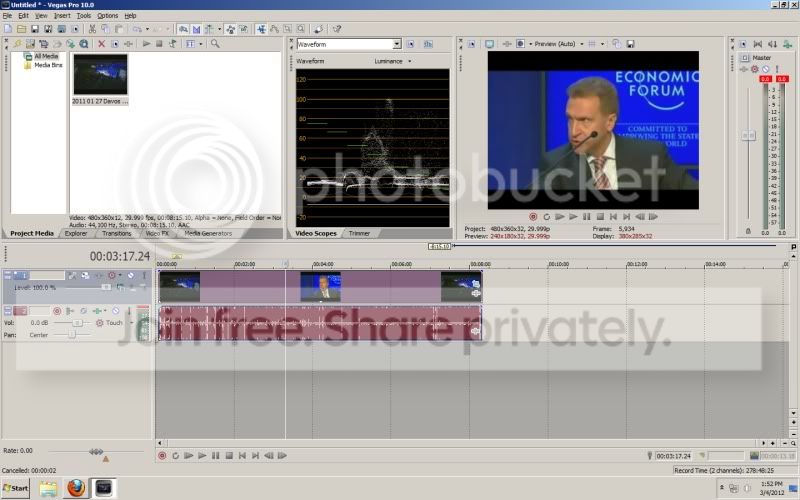
Full screen in my project.
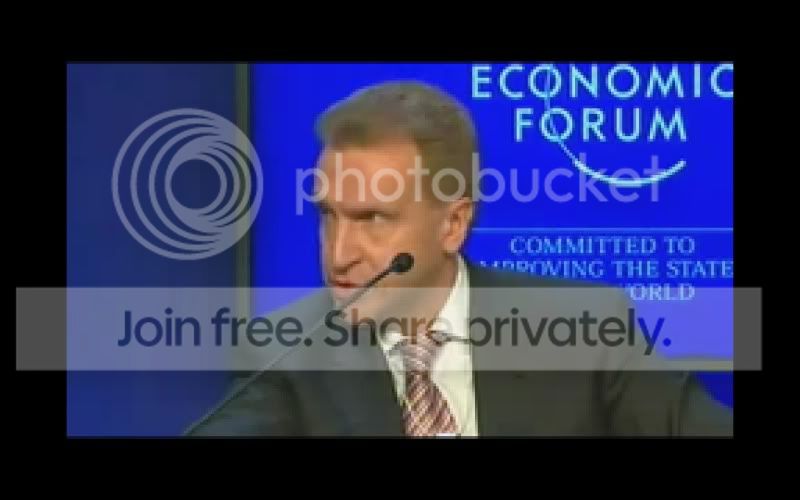
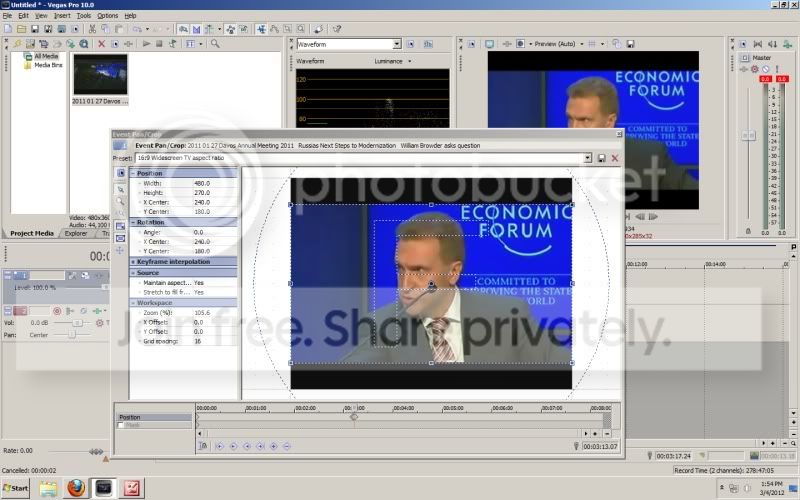
And trying to correct it by setting the aspect ratio to 16×9 in the pan and crop function-which normally works, but here, does nothing to change the size of the image or to remove the letterboxing (yes, I realize that it’s keyframed to that one position, but I had it set to 16×9 for the entire video and at no point does it actually make the video 16×9 or remove the letterboxing).
Finally, here’s a test upload I did.
https://www.youtube.com/watch?v=80oMOSKKQI4
Basically, it seems that no matter what, I have a 4:3 image that’s letterboxed. Any ideas?
http://www.scenethroughglass.com
Some contents or functionalities here are not available due to your cookie preferences!This happens because the functionality/content marked as “Google Youtube” uses cookies that you choosed to keep disabled. In order to view this content or use this functionality, please enable cookies: click here to open your cookie preferences.


