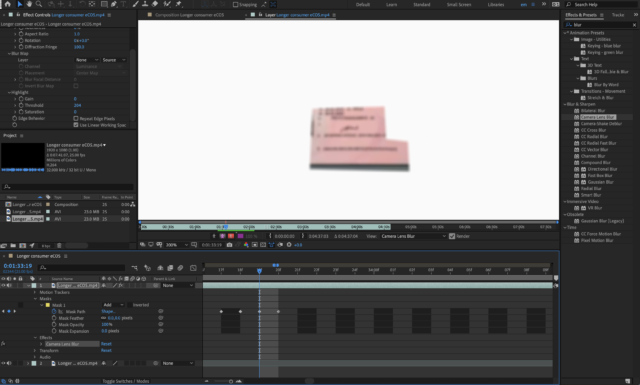
-
can’t get motion tracking mask right
Relatively inexperienced AE user here so please be kind. I’m trying to blur out something with the motion tracker but I’m obviously missing something because I’m getting it wrong.
I have my main footage layer, which I’ve duplicated because the tutorial I’m watching told me to. Then on the top copy, I’m using the pen tool to draw a shape over the area that I want to hide. Then I’m going to the tracker and hitting play. It analyses the movement and tracks it. I can apply an effect to the mask, this is fine.
The problem is that what I’m seeing is a white screen, showing just the area I want masked. What I want is for the footage to be visible, but with the masked area hidden by the effect. Both my layers are turned on.
Could someone please tell me how to remedy this? Screengrab attached.