-
Bizarre issue – render preview bar disappearing.
Hi all, this is something that’s been happening for a few months now, through multiple Premiere updates. I kept hoping it would be fixed in an update, but at this point I’ve given up on that.
The problem:
When editing in a sequence, I will make an change to the timeline, and the yellow render preview bar will disappear. My video preview will go black. If I undo the change I just made, (usually a ripple delete between two clips or otherwise changing a clip’s position on the timeline,) the render bar will often reappear, along with my preview.
There are a few things I’ve noticed about this issue:
1. It seems to happen more often as I get deeper into a long edit. I work primarily on editing long webinars for clients, so I’m usually working with timelines of an hour or longer.
2. Once the problem starts, it seems to happen exponentially more often as I proceed. Eventually, undoing my edits stops working, and I’m left without any render bar at all.
3. Sometimes, deleting my render files will fix the issue. Other times, it makes no difference at all.
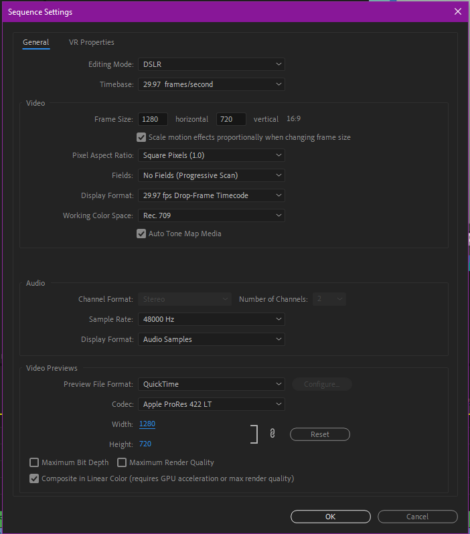
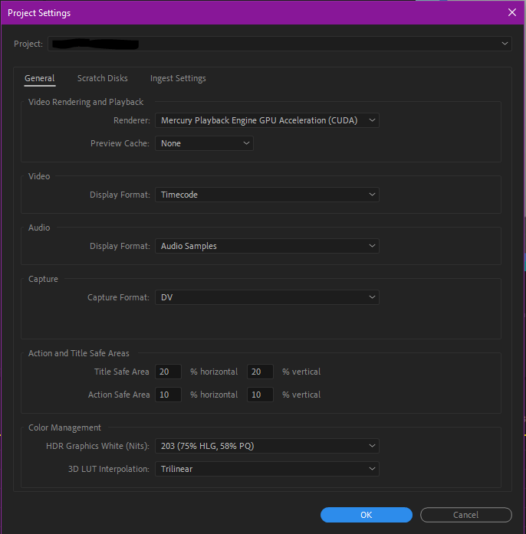
I have tried enabling and disabling “Composite in linear color” in sequence settings, changing the codec of my video previews, using proxies (and not using proxies,) changing the resolution of my sequence, disabling Lumetri color, creating a new project, etc. Basically, I’ve done everything I can think of, and this continues to happen, even in a brand-new, clean project.
Unfortunately, rendering the sequence ahead of time doesn’t solve the problem either. My projects usually have thousands of edits, and re-rendering just isn’t an option. Not to mention that when I have tried this, the same problem continues to happen as soon as I start making changes to the timeline.
Again, this has happened across multiple Premiere updates. I can’t remember exactly when it started, but I believe it’s been going on for 3-4 months now. I can’t think of anything else to try. It gets very frustrating to deal with.
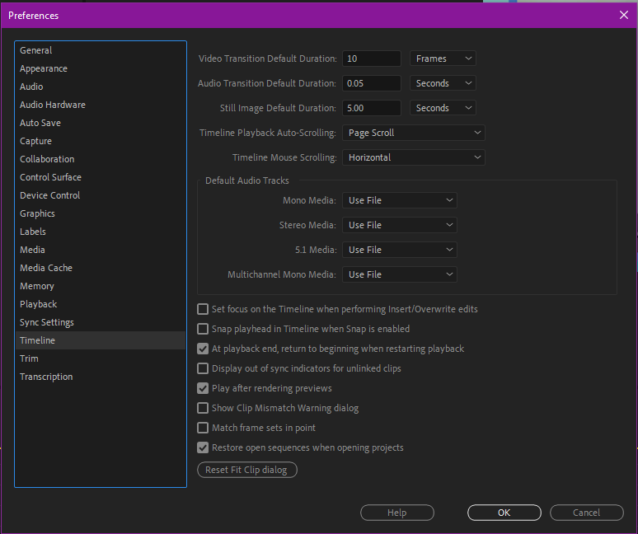
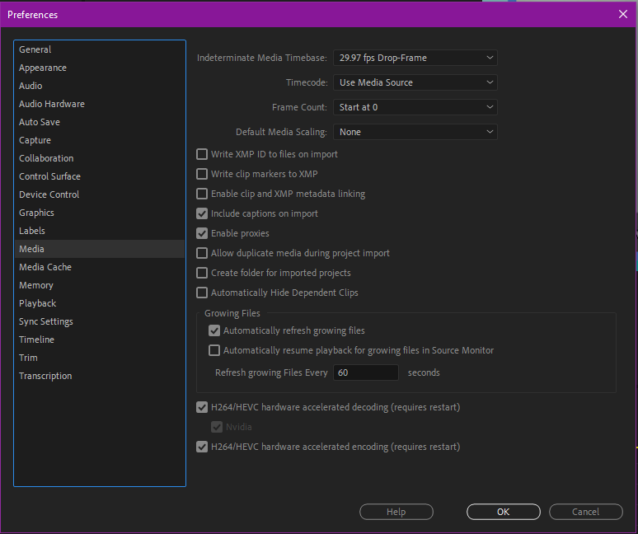
Attaching screenshots with all the information I can think of that might be relevant. If you need more details, please let me know. Thanks for reading, and thanks for your help.
— Computer Details —
OS – Windows 10
Processor AMD Ryzen 9 3950X 16-Core Processor 3.50 GHz
Installed RAM 64.0 GB
GPU RTX 3080