

Activity › Forums › Adobe After Effects › After Effects, Fitting the Project to a Curved Surface
-
After Effects, Fitting the Project to a Curved Surface
Posted by Cagdas Kara on January 4, 2025 at 2:46 pmHello everyone.
I would be very grateful if you could guide and help me on the following issue.
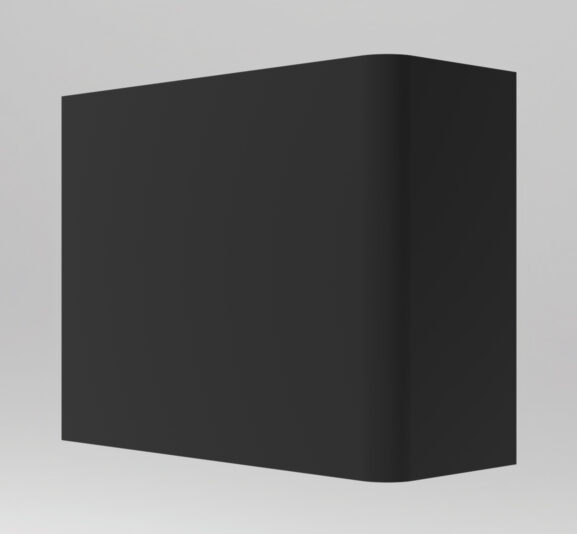
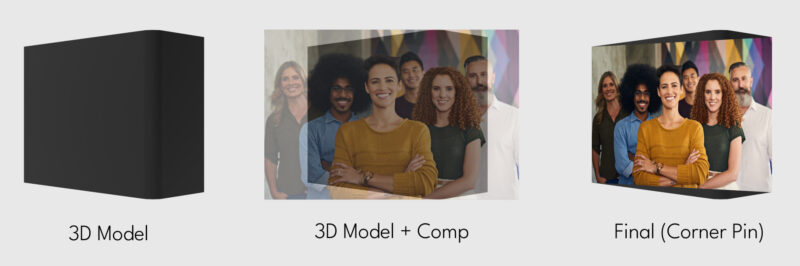
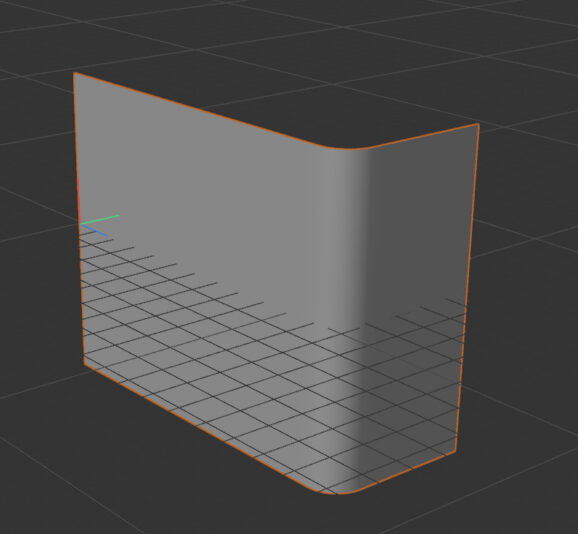
I have a curved surface that I created with 3D programs (C4D and Blender).
I import this surface as PNG to the After Effect program.
I’m trying to fit the project I’m working on this surface. But I can’t fully fit the comp file I created on the curved surface. For this, I watched all the videos on Youtube that could give ideas and tried to apply them, but it didn’t work.
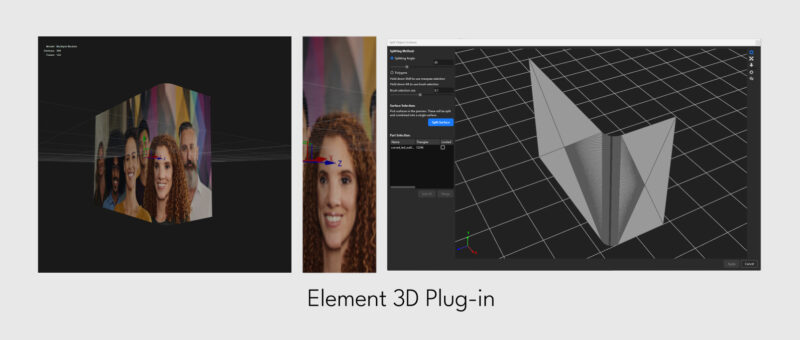
Finally, I wanted to use the surface in OBJ format with the Element 3D plugin, but again the curved surface caused problems.
I cannot fit my project to the 3D surface I have prepared in any way.
I am sharing screenshots with you.
I hope you can guide me.
I thank everyone in advance.
 John Cuevas replied 1 year, 8 months ago 3 Members · 8 Replies
 -
8 Replies
-

Vasyl Iskovych
January 4, 2025 at 4:07 pmMaybe it’s not quite right, but can you try to duplicate the placeholder and make the effect for each side?
Please see the attached files.
-

Cagdas Kara
January 4, 2025 at 6:33 pmThat’s a good idea. Although it can’t fully simulate the curved area, it’s still good for giving an idea.
Thank you very much for your interest.
I will continue with your idea until I find the exact solution.
-

John Cuevas
January 9, 2025 at 2:16 pmThe simplest way would be to render out what you want to put on the curved screen, then in C4D create a material and add the video to one of the channels(color in the physical renderer—turn off the other channels), then apply it to your object. Then render that out. If there is audio-you might have to marry it back in AE or Premiere.
-
John Cuevas
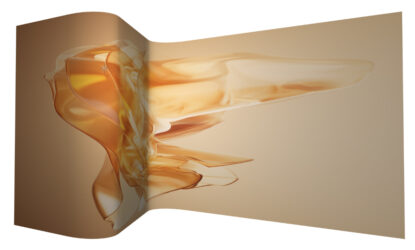
January 9, 2025 at 6:14 pmNot sure why using element didn’t work. I exported an object from C4D, brought it into element then just added a material to the diffuse channel and worked fine. See example.
-
Cagdas Kara
January 10, 2025 at 3:26 pmThank you for your support and comment.
The object you prepared works very well and smoothly in the Element plugin.
The last object I prepared was prepared in Creo program and exported in stl format because there was a problem in C4D. I wonder if this is why I am having problems with the surface of the object?
I am sharing my object with you.
-
John Cuevas
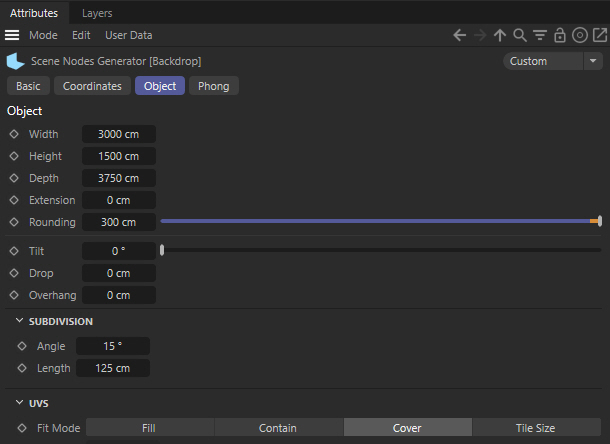
January 10, 2025 at 3:58 pmI tried to use your .obj in Element and had issues right away. I opened it in C4D and I just think the way Creo(don’t use it) creates geometry isn’t optimized for Element. My product wall wasn’t exactly the shape of your object, so I went into C4D and created a new object(Cyc Wall) as close as I could to what you made and just added it into the AE project. I included the C4D file also in case you want to modify it.
And I’m always try to help out as much as I can here. Discovered this site over 20 years ago, working the third shift at a tv station and couldn’t figure out how to do something, posted it here and someone shot me an answer in a few hours. Saved me hours and hours of work. So I’ve been paying it forward ever since.
Cheers,
Johnny -
Cagdas Kara
January 10, 2025 at 5:30 pmI appreciate your help. I’m very grateful.
I changed the dimensions of the object you created in the C4D program and brought it to the desired dimensions.
But when I export the object, there is no material on the front surface of the object in the Element plugin. The material always stays on the inner surface. The front surface is always dark. How can I fix this?
-
John Cuevas
January 10, 2025 at 6:22 pmOpen up your scene elements, click on the object and then click on surface options. Then just invert the normals. Once I did that, the material showed up on the other side. I just had to rotate it around.
The normals, created in C4D, point perpendicular to the surface of the object. I think because this object really doesn’t have any thinkness, isn’t closed, is why Element is only applying the material to one side.
To be honest, ever since I started working in C4D(2017), I haven’t used element, so I’m pretty rusty.


Reply to this Discussion! Login or Sign Up