-
Adding points to a shape layer with expressions
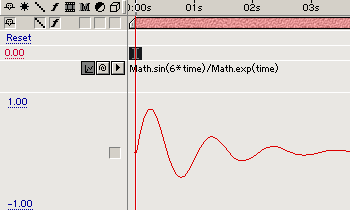
Hello I have an expression I am using that generates a sinewave L > R
My expression so far is:
S = effect(“Speed”)(“Slider”);
A = effect(“Amp”)(“Slider”);
F = effect(“Frequency”)(“Slider”);
R = effect(“Resolution”)(“Slider”);
W = effect(“Width”)(“Slider”);
P = [];
for (i=0; i<R; i++) {
P.push([W/R*i, Math.sin(time*S+i /(R/F))*A]);}
createPath(P, [], [], false)
I would like to add two points to the animation one at the start, one at the end in order to generate an area under the wave animation to be used for a fill
I would also like to change the sliders over time and fot the values at that time to be reflected in the sinewave, rather than generating a global effect.
Hope that makes sense?
Can you guys help?
Cheers – C