

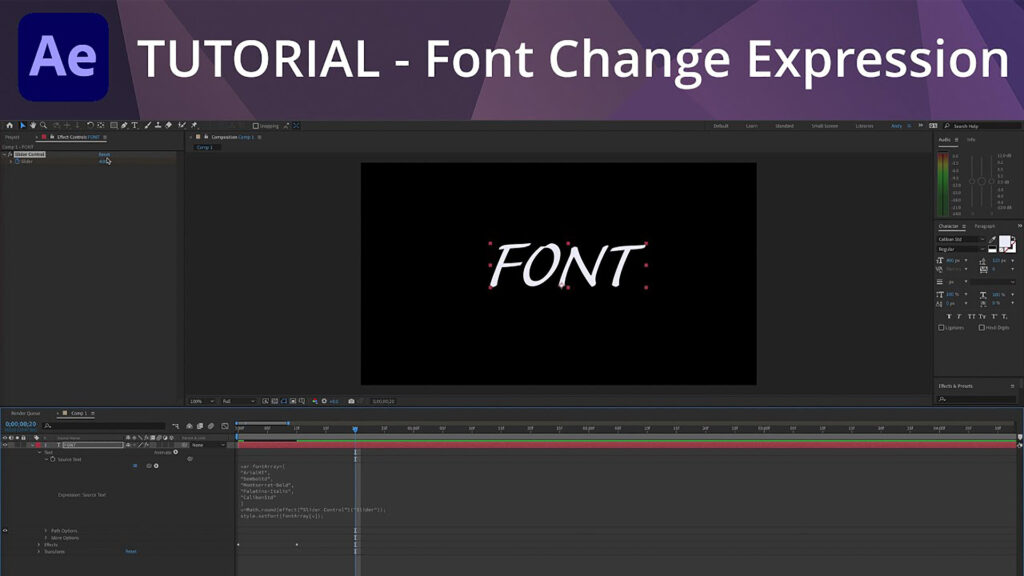
Font Change Expression in AE

The sourceRectAtTime expression is perfect for returning the width or height dimensions of shape and text layers. This is useful when trying to make box or line elements fit your text. Here is a quick example of how to use this expression.
Shape Layer > Path > Size expression
x=thisComp.layer(“Text”).sourceRectAtTime().width;
[x,value[1]]
Learn more in this short video tutorial:
###
Enjoying this tutorial? Sign up now for the Creative COW Newsletter!

Sign up for the Creative COW newsletter and get weekly updates on industry news, forum highlights, inspirational tutorials, tips, burning questions, and more! Receive bulletins from the largest, longest-running community dedicated to supporting professionals working in film, video, and audio.
Enter your email address, a first and last name, and let us know what you’d like to see more of in the message!
[contact-form-block name_label=”Name” email_label=”E-mail” message_label=”Message” header=”false” header_image_id=”null” header_image_size=”50″ header_image_align=”left” header_title=”Get in Touch” header_text=”Leave your message and we’ll get back to you shortly.” button_text=”Send” button_color=”#3d84f6″ button_text_color=”white” align=”undefined” theme=”default” message_rows=”5″][/contact-form-block]
Loving this. Thank you very much!