

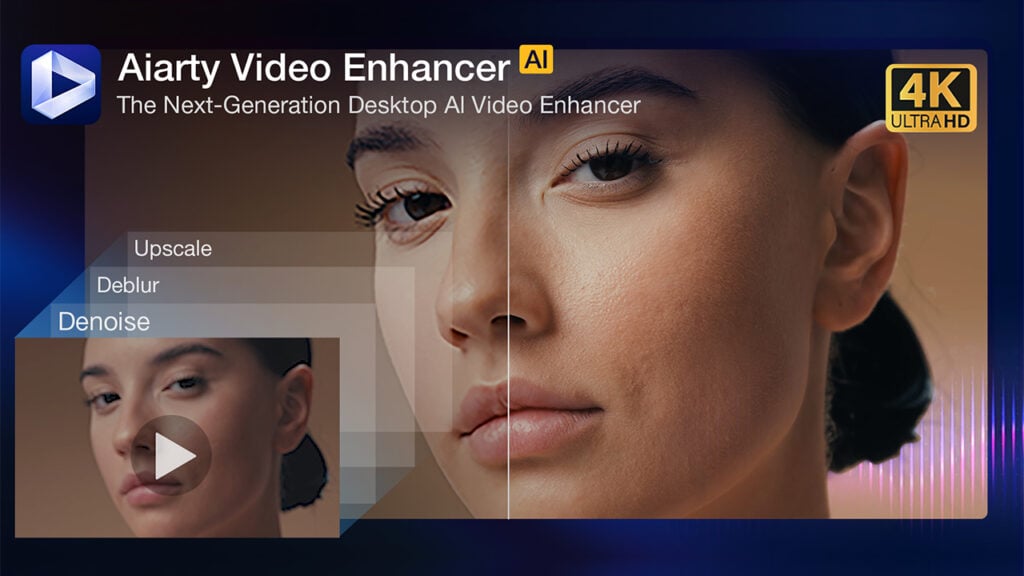
Enhance Videos Faster with Aiarty Video Enhancer – Offline, Sharp, and Natural

If you’ve used AI video tools before, you’ve probably run into familiar frustrations—slow cloud uploads, overprocessed results, or clunky interfaces that interrupt your workflow. Aiarty Video Enhancer takes a different approach.
Built for editors, creators, and filmmakers, Aiarty Video Enhancer is a lightweight, GPU-accelerated tool that runs entirely offline—delivering fast, natural-looking enhancements with optimized AI models and no subscription required.
It’s not meant to replace your NLE, but if you often deal with inconsistent footage—from drones, action cams, client clips, or legacy formats—Aiarty fits right into your workflow without getting in the way.
Limited-Time Offer: Free License + 30% Off Lifetime Plan
For a limited time, you can claim a free license code and test Aiarty directly in your offline workflow—with no watermarks and no feature limits.
A 30% discount is also available on the one-time Lifetime License, which supports up to three devices and includes free lifetime updates. It’s also backed by a 30-day money-back guarantee.
This happens because the functionality/content marked as “Vimeo framework” uses cookies that you choosed to keep disabled. In order to view this content or use this functionality, please enable cookies: click here to open your cookie preferences.
Fully Offline and Privacy-Focused
Aiarty Video Enhancer runs entirely on your machine—no cloud rendering, no background syncing, and no internet connection required — ideal if you’re working under NDA, handling private material, or just simply preferring to keep footage local.

AI Models Tuned for Less-Perfect Footage
Instead of bombarding you with settings, Aiarty gives you three targeted AI models, each tuned to common post-production scenarios:
- moDetail – Designed for enhancing fine textures like hair, skin, and fabric without over-sharpening. Great for social content, interviews, and short-form video.
- Smooth-HQ – the go-to model for moderate cleanup. It balances denoising and deblurring without smoothing over fine detail—perfect for DV tapes, event recordings, or archival restorations.
- superVideo – Optimized for grainy, low-light, or heavily compressed footage. It handles the toughest content: dimly lit receptions, noisy dashcam clips, and overly compressed drone shots. It preserves skin tones and ambient lighting while significantly reducing noise and compression artifacts. Though slightly slower, it delivers the highest quality results.
Learn how Aiarty preserves critical detail while removing noise >
This happens because the functionality/content marked as “Vimeo framework” uses cookies that you choosed to keep disabled. In order to view this content or use this functionality, please enable cookies: click here to open your cookie preferences.
GPU-Accelerated Speed with Turbo Mode
Aiarty fully leverages your GPU for faster processing across workflows. Turbo Mode prioritizes speed over precision, perfect for early drafts or client previews. For example, on a system with NVIDIA RTX 5090, Intel Core i7, and 8GB RAM (Windows), Aiarty can upscale a 25-minute 2K video at 30FPS to 4K in real time—while similar tools often take over an hour.
Explore the technology behind Aiarty Video Enhancer >
This happens because the functionality/content marked as “Vimeo framework” uses cookies that you choosed to keep disabled. In order to view this content or use this functionality, please enable cookies: click here to open your cookie preferences.
Denoising and Detail Restoration
Aiarty’s advanced AI algorithms address both luminance and chroma noise while preserving structural detail. Unlike traditional filters that tend to blur edges and textures, Aiarty maintains clarity—even when processing heavily compressed or low-light footage.
It’s particularly effective for:
- Smartphone or DSLR footage shot in poor lighting
- Drone, dashcam, or action camera clips with motion and compression artifacts
- Low-resolution archival material or social media footage that needs upscaling
AI Frame Interpolation (Up to 120FPS)
Aiarty can also perform frame interpolation to smooth out low-FPS footage. Whether you’re enhancing 30fps clips for slow-motion playback or reviving older material for modern formats, it can generate intermediate frames up to 120fps.
This is particularly useful when converting archival or lower-quality footage for commercial delivery.
This happens because the functionality/content marked as “Vimeo framework” uses cookies that you choosed to keep disabled. In order to view this content or use this functionality, please enable cookies: click here to open your cookie preferences.
Audio Enhancement
Aiarty Video Enhancer includes basic audio cleanup tools that reduce wind noise, microphone hum, and background ambient sounds. While not a full audio suite, it’s a useful addition for editors working on quick-turnaround projects or footage recorded without dedicated audio equipment.
Quick Edits Before Enhancement
To speed up workflows, Aiarty includes basic tools for trimming, cropping, rotating, flipping, and setting export dimensions for common social and video platforms (YouTube, TikTok, Instagram). This avoids round-tripping through a separate NLE just to reframe or prep a clip for enhancement.
Final Thoughts
Aiarty Video Enhancer is one of the best AI video enhancers for restoring old footage and improving HD videos with realistic detail. It operates fully offline, integrates smoothly with your existing workflow, and doesn’t replace your NLE or rely on cloud services
Key Benefits
- Restores archival and low-quality videos
- Enhances HD footage with natural textures
- Excellent denoising and deblurring for clearer images
- Fast, GPU-accelerated processing without internet
- Privacy-focused with no cloud uploads
- Easy to use alongside your editing tools
Download the trial or learn more
Enjoying the news? Sign up for the Creative COW Newsletter!
Sign up for the Creative COW newsletter and get weekly updates on industry news, forum highlights, jobs, inspirational tutorials, tips, burning questions, and more! Receive bulletins from the largest, longest-running community dedicated to supporting professionals working in film, video, and audio.
Enter your email address, and your first and last name below!


Responses