


DaVinci Resolve Studio Used for Post Production on Winny

Blackmagic Design announced today that its DaVinci Resolve Studio editing, grading, visual effects (VFX) and audio post production software was used for post production on the film “Winny.” DaVinci Resolve Editor Keyboard and DaVinci Resolve Speed Editor were also used for editing, while the DaVinci Resolve Advanced Panel and DaVinci Resolve Micro Panel were used for grading the film.
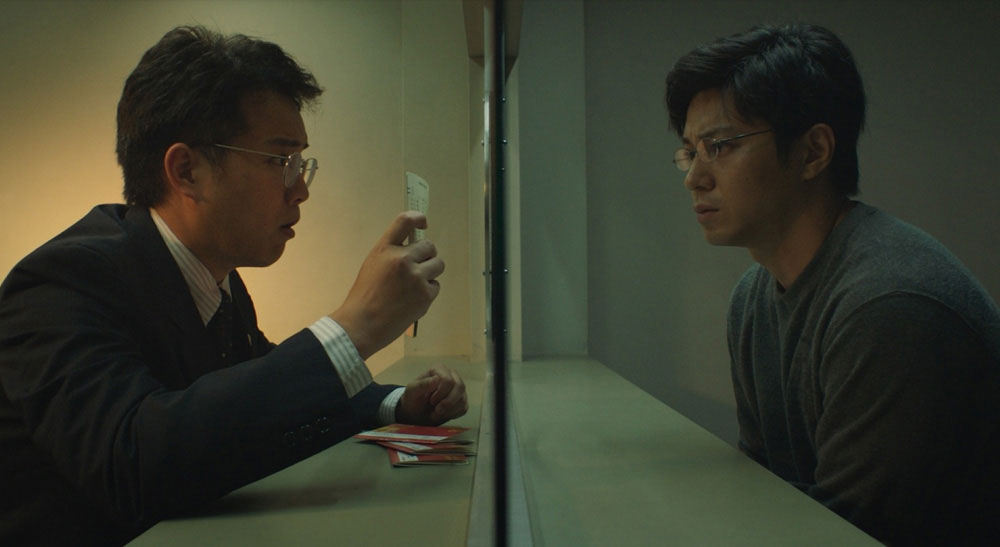
“Winny,” starring Masahiro Higashide and Takahiro Miura, tells the story of Isamu Kaneko, the developer of Winny, an innovative file sharing software developed in the early 2000s that has exploded in market share. The number of users illegally uploading and copying movies, games, music, etc., and the spread of information leakage viruses that exploited Winny’s characteristics, caused a social problem and the developer, Kaneko, was arrested on charges of aiding and abetting copyright infringement. A legal team was formed to protect the future and rights of the genius programmer who was wrongfully arrested, and the film depicts the long process of acquitting him.
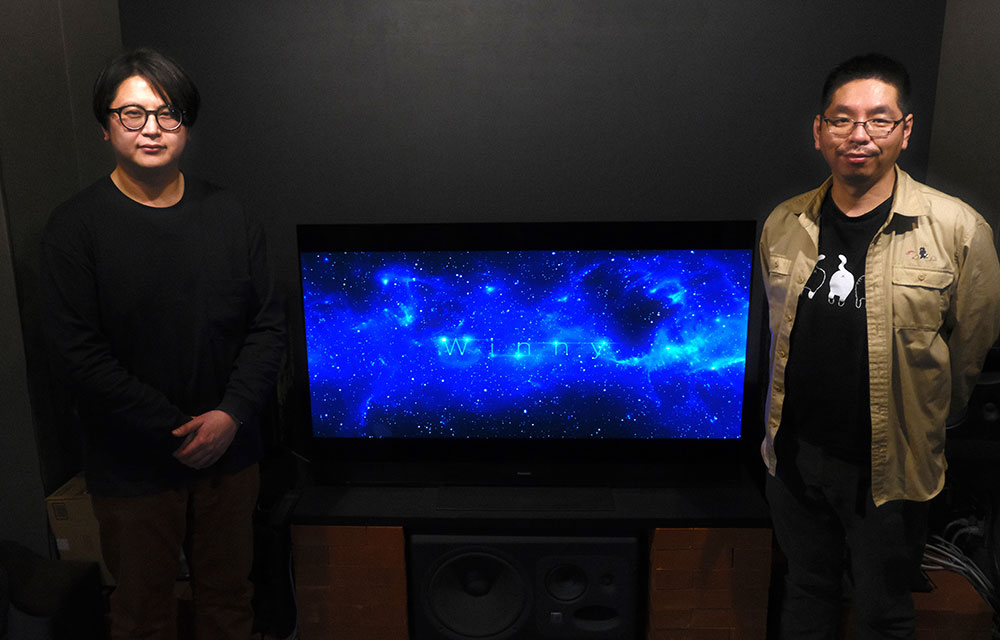
DaVinci Resolve Studio was used for editing and grading of the film. Editing was done by Genta Tamaki of Interceptor, Inc. and grading was done by Takamitsu Hoshiko, a colorist of DI Factory. Both Tamaki and Hoshiko had worked with the director, Yusaku Matsumoto, on previous films, and they decided to work together again on this film.
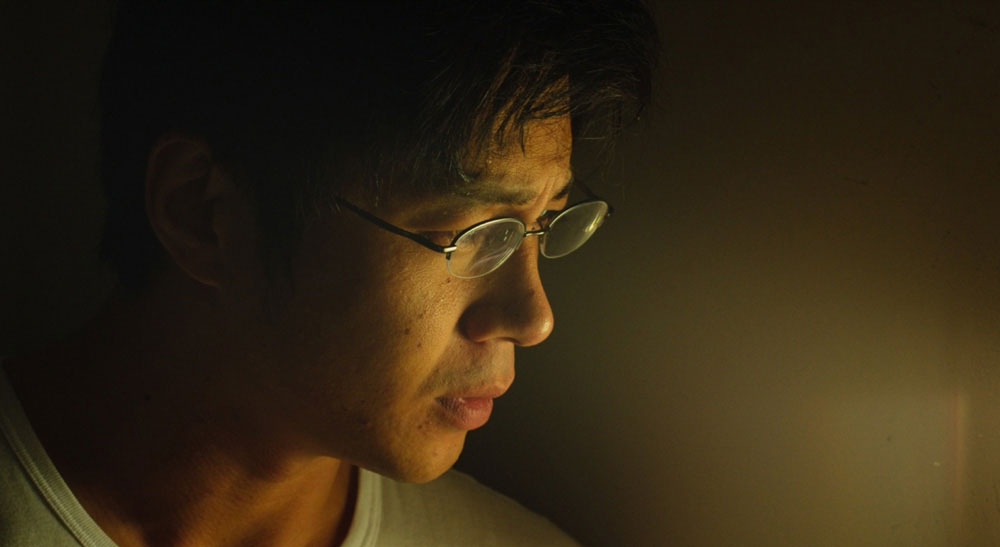
The editing and grading of the film also made full use of DaVinci Resolve hardware control panels. The workflow was greatly streamlined by using the same software for both editing and grading.
“I always use the DaVinci Resolve Editor Keyboard when editing in the studio. I can’t do without it. I sometimes worked at home for this film, and I used the DaVinci Resolve Speed Editor and M1 MacBook Pro for editing at home,” said Tamaki.

Hoshiko added, “I did the prep grading in my home studio using the DaVinci Resolve Micro Panel. After that, I continued grading with the DaVinci Resolve Advanced Panel in the DI Factory studio.”
Hoshiko explained about the workflow for this film, “DaVinci Resolve was used for offline editing for this film, so the workflow for subsequent grading was quite easy. Normally, an editor would edit the offline material and export the final edit data in XML or AAF format. With the edit data and reference video, I conformed the project to make it ready for grading in DaVinci Resolve. Using a different NLE software would require detailed modifications on things such as retime effect, which would be time consuming. It’s not unusual for a long form feature film to take a week, or at least three days in some cases, just to get it started, but this time I could start with absolutely nothing.”
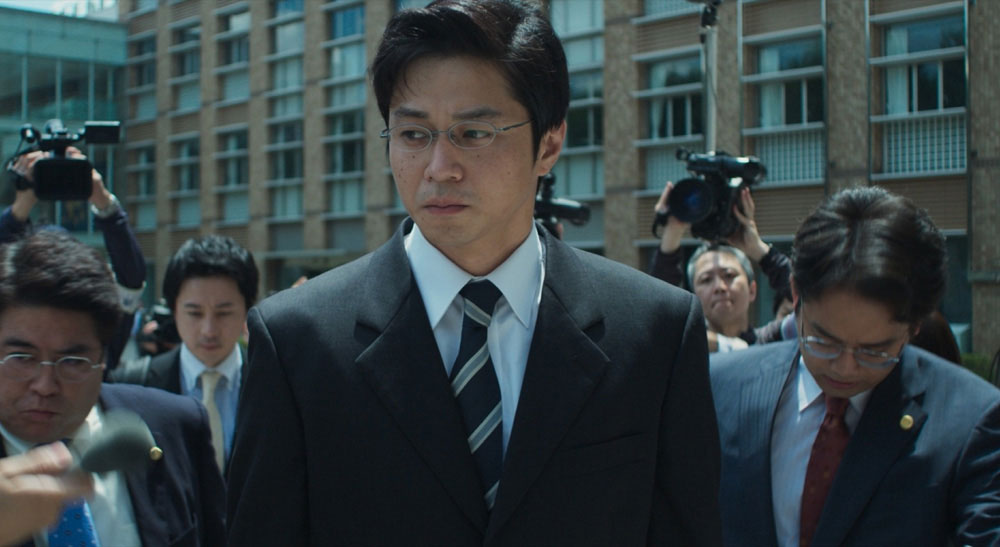
“DaVinci Resolve has a project archive feature that outputs the project file and the media files used for the project in one package, and I gave them that archive on an SSD. That way, all Hoshiko had to do was open the project file on the SSD and everything he needed was lined up on the timeline,” said Tamaki.
“I opened the project file, and it opened the timeline with all the materials already linked, so all I had to do was copy the project archive to our own server,” said Hoshiko.

Lastly, Hoshiko spoke about the grading of the film. “I did day for night grading in this film. The interrogation scene was graded to appear as if it were shot at night. Day for night grading gave a different look from a regular night scene shot with lighting. So, Kentaro Kishi, the cinematographer of this film, was pleased that we were able to bring an interesting look in this scene.”
Enjoying the news? Sign up for the Creative COW Newsletter!
Sign up for the Creative COW newsletter and get weekly updates on industry news, forum highlights, jobs, inspirational tutorials, tips, burning questions, and more! Receive bulletins from the largest, longest-running community dedicated to supporting professionals working in film, video, and audio.
Enter your email address, and your first and last name below!

Responses