

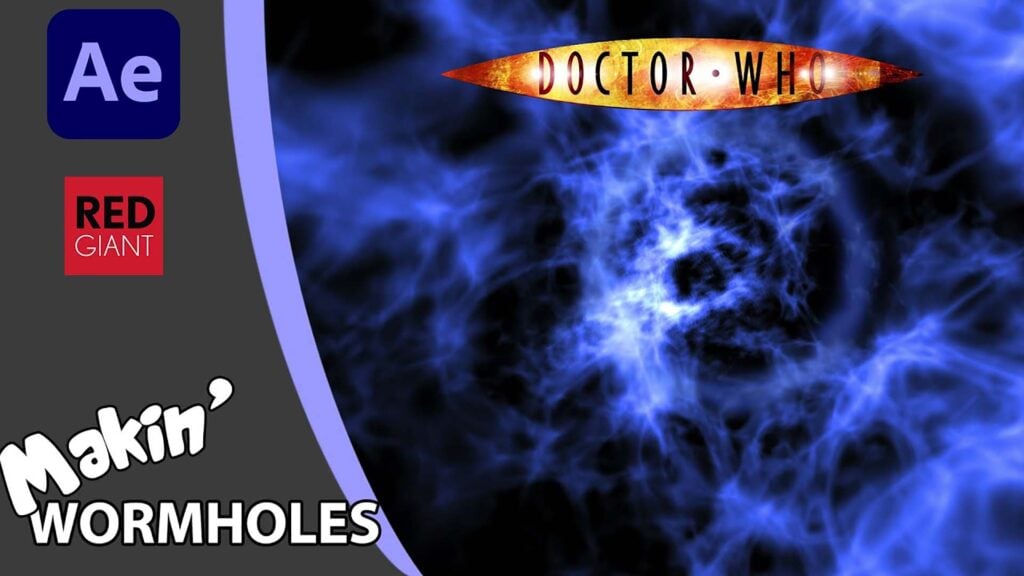
Create a Doctor Who (2005) Time Vortex in After Effects

A Trapcode Particular and CC Particle World tutorial. Fantastic! After all these years, it turns out there’s a simple way to recreate a David Tennant era… I mean… Christopher Eccleston era time vortex. In this dual After Effects tutorial, I show how to take the particle tunnel / wormhole I previously showed how to make, and adapt it to match the 2005 – 2009 Doctor Who title sequence.
And not only that, but then I also demonstrate how to reverse the direction of travel, swinging the camera around and changing the colour from blue to red. Just like the blue-shift to red-shift of the titles. Oh yes! I do have to use a couple of expressions, but I promise they are easy to follow and won’t make AE go all wibbly-wobbly timey-wimey.
Links mentioned:
- CC Particle World tutorial: https://youtu.be/0oz62W7LuK8
- Particular tutorial: https://youtu.be/T-ZYc3QRzHQ
- @Video Copilot Vibrance free plugin: https://www.videocopilot.net/tutorials/color_vibrance_plug-in/
Enjoying this tutorial? Sign up now for the Creative COW Newsletter!

Sign up for the Creative COW newsletter and get weekly updates on industry news, forum highlights, inspirational tutorials, tips, burning questions, and more! Receive bulletins from the largest, longest-running community dedicated to supporting professionals working in film, video, and audio.
Enter your email address, a first and last name, and let us know what you’d like to see more of in the message!
[contact-form-block name_label=”Name” email_label=”E-mail” message_label=”Message” header=”false” header_image_id=”null” header_image_size=”50″ header_image_align=”left” header_title=”Get in Touch” header_text=”Leave your message and we’ll get back to you shortly.” button_text=”Send” button_color=”#3d84f6″ button_text_color=”white” align=”undefined” theme=”default” message_rows=”5″][/contact-form-block]
Responses