

Blackmagic Design Powers Houston Tamil Sangam Literacy Competition

Volunteers use ATEM Mini Pro, Blackmagic Design cameras and DaVinci Resolve to produce the historic event.
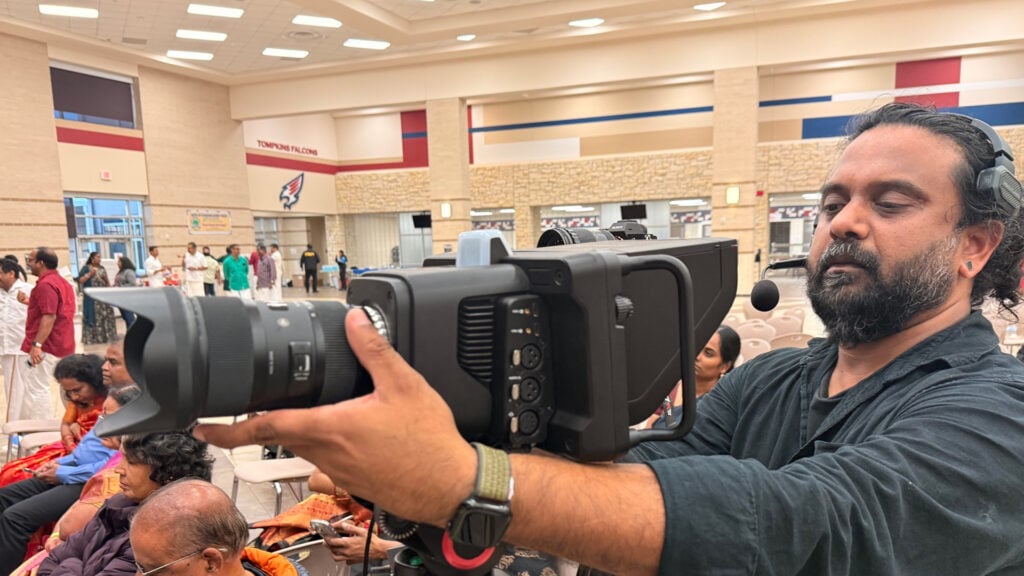
Blackmagic Design today announced that Houston Tamil Sangam used a Blackmagic Design live production workflow to capture its annual Thirukkural competition this year, helping to document the vibrant celebration of Tamil literature for the first time. The workflow, manned by a team of volunteers, featured a Blackmagic Studio Camera 6K Pro as the primary camera and a Blackmagic Micro Studio Camera 4K G2 capturing B roll, both feeding into an ATEM Mini Pro live production switcher, with DaVinci Resolve for post production.
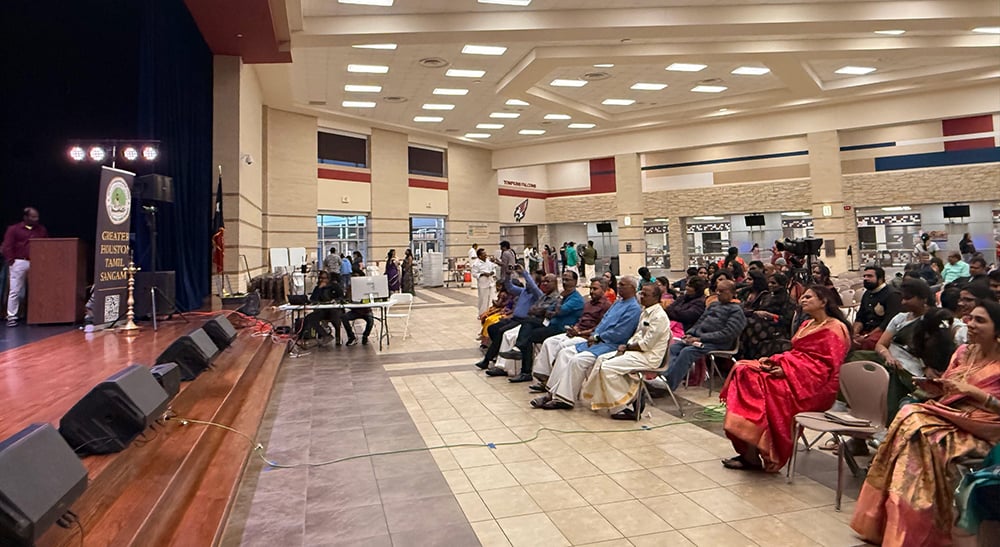
One of the longest surviving classical languages in the world, Tamil has more than two thousand years of written history. Launched in 2019, Houston Tamil Sangam’s Thirukkural competition brings together teams who compete by demonstrating their knowledge of the Thirukkural, one of the most celebrated works of Tamil literature, comprised of 1,330 verses. To capture the event, volunteer videographer Senthil Kumar Kulandaivelayutham built a multicamera production workflow backed by Blackmagic Design.
“I am passionate about making professional tools accessible to young minds and showing what is possible through real world examples. My goal with this production was to elevate beyond a single camera setup and to prove that professional grade tools are practical and manageable, even for a small volunteer team. We achieved that goal with Blackmagic Design, and the picture quality was a clear step up from any previous attempts,” Kulandaivelayutham began.
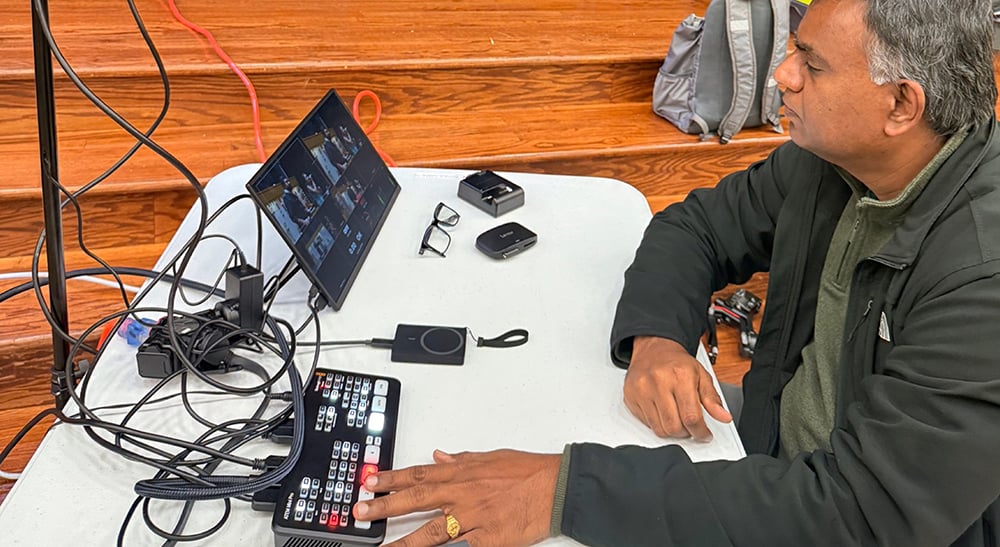
The Blackmagic Studio Camera 6K Pro was positioned to capture the main stage and recorded directly to an external hard drive in Blackmagic RAW. The Blackmagic Micro Studio Camera 4K G2 was used throughout the venue to capture B roll footage and close ups. Both cameras fed into the ATEM Mini Pro alongside a third camera feed. Kulandaivelayutham monitored the production through the ATEM Mini Pro multiview output while recording the switched program feed to an SSD.
“It was great to see how quickly everyone picked up the workflow,” Kulandaivelayutham noted. “One of the volunteers helping me was even a high school student who was in charge of the ATEM switching. I barely had to explain anything. The intuitive controls really made a difference.”
Kulandaivelayutham credited his previous experience with the Blackmagic Camera app in helping him become comfortable before moving to the Blackmagic Studio Camera models. “My familiarity with the free Blackmagic Camera app introduced me to things like focus peaking, which is not available in standard phone camera apps,” he said. “Because I already understood how to use it, I was immediately comfortable applying it on both Blackmagic cameras during the event.”
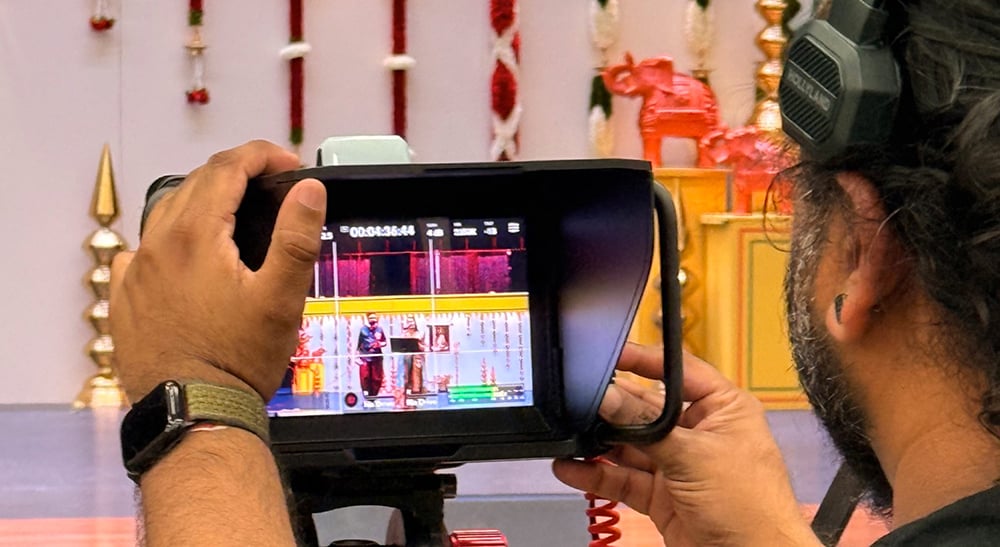
Kulandaivelayutham continued, “My favorite feature of the Micro Studio Camera 4K G2 was absolutely its compact form factor, which meant that I did not need a large rig, making it ideal for capturing B roll footage throughout the event. What impressed me even more was how well it achieved accurate focus despite its small lens.”
Kulandaivelayutham also credits the Blackmagic Studio Camera 6K Pro’s ease of use for making it easy to operate for volunteers who had limited camera experience.
“The built in screen with the sun shade was a game changer,” said Kulandaivelayutham. “There was no guesswork because you could clearly see exactly what the camera was capturing at all times. I set the focus peaking to red highlights and simply told volunteers to make sure the red lines stayed on the main subject. The large, intuitive screen made that possible.”
The ability to record directly to an external drive also proved valuable during the fast paced event. “There was a moment during the event when I was not fully prepared to record,” Kulandaivelayutham explained. “Being able to connect a drive and immediately start recording, without hunting for a memory card, was incredibly convenient.”
After the event, Kulandaivelayutham backed up the footage and began preparing it in DaVinci Resolve, which he has used exclusively since 2021.
“I was introduced to DaVinci Resolve because it is free, but what surprised me was how much capability is packed into the free version; it is genuinely mind blowing. The learning curve was minimal thanks to the wealth of content available on the DaVinci Resolve training website,” he said. “Recording the Blackmagic Studio Camera 6K Pro in Blackmagic RAW gave me a significantly greater dynamic range compared to any other camera format I have worked with. I have used LOG formats before but shooting natively in Blackmagic RAW, and having that latitude in post, was on another level.”
“Until this year, we simply did not have the resources to properly capture and record an event of this scale,” Kulandaivelayutham added. “Organizing the competition takes so much effort and manpower that recording it became secondary. I wanted to make this year’s event special so that people who could not attend would still be able to understand and appreciate what we do, while also inspiring more participation in the future. Blackmagic Design helped me achieve just that.”
Kulandaivelayutham regularly uses DaVinci Resolve in his volunteer and professional work, including Houston Tamil Schools, where he introduces students and volunteers to creative technology. He recently upgraded to DaVinci Resolve Studio paired with a DaVinci Resolve Speed Editor, which significantly streamlined his post process.
“The most daunting task about video work for me has always been editing. When I tried the Speed Editor, I was blown away by how easy it is to navigate and perform cuts and edits,” concluded Kulandaivelayutham. “Stage programs in particular have lots of pauses, and I used to rely on keyboard shortcuts to handle them, but it was still slow. With the Speed Editor, the search wheel is butter smooth. The cherry on top is DaVinci Resolve Studio, which lets me pull the transcript and cut the silences automatically. I cannot express how much I wish I’d incorporated this sooner.”
Enjoying the news? Sign up for the Creative COW Newsletter!
Sign up for the Creative COW newsletter and get weekly updates on industry news, forum highlights, jobs, inspirational tutorials, tips, burning questions, and more! Receive bulletins from the largest, longest-running community dedicated to supporting professionals working in film, video, and audio.
Enter your email address, and your first and last name below!


Responses