

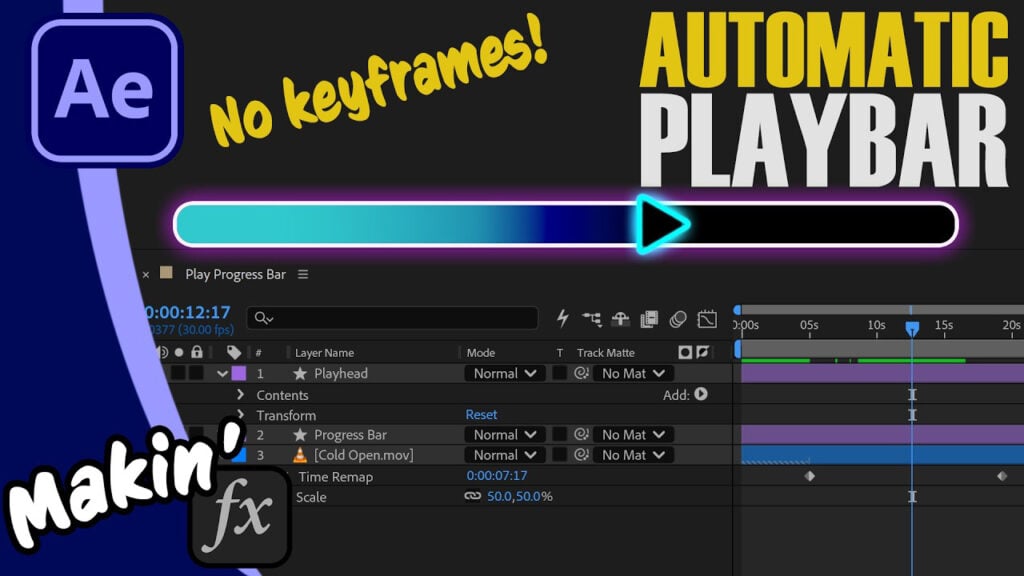
Automate Video Progress Bars in After Effects – No Keyframes!

Learn how to create an automated video playback bar in After Effects that perfectly matches your footage duration. And you won’t need keyframes!
In this tutorial, I’m building a smart, reusable playback bar that I’d use for a picture-in-picture media player. The whole thing works from a shape layer and trim paths, but it is automated using a couple of simple expressions, timeRemap and linear(). I walk you through all the code, so you’ll learn what that does too!
Can’t see this video? Click here!
Shoutout to @collectorsforecast1132 for requesting this video! Sorry for the wait!
Download the project here (Pay What You Want, including free)
Bonus: Free step-by-step PDF
Get ShiveringCactus VFX as phone cases, T-shirts, mugs
Enjoying the news? Sign up for the Creative COW Newsletter!
Sign up for the Creative COW newsletter and get weekly updates on industry news, forum highlights, jobs, inspirational tutorials, tips, burning questions, and more! Receive bulletins from the largest, longest-running community dedicated to supporting professionals working in film, video, and audio.
Enter your email address, and your first and last name below!


Responses