

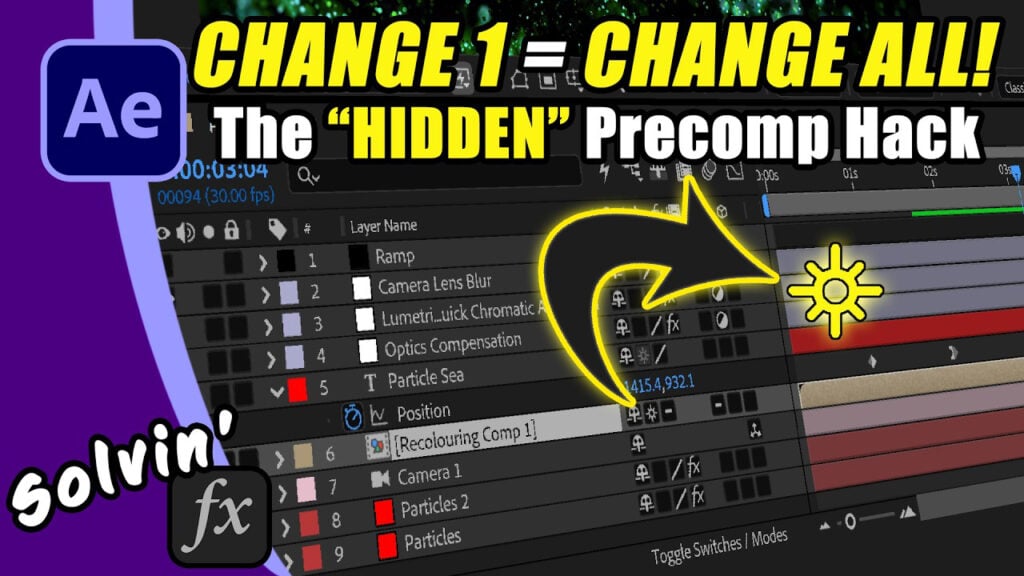
The Secret Master Adjustment Layer Hack in After Effects

Trish Meyer (who literally beta-tested the original After Effects) dropped a workflow hack that will completely change how you manage multiple compositions.
If you’ve ever had to manually copy and paste a color grade or film grain across 10 to 25 different compositions you know the pain when a client asks you to tweak it later. I recently got to talk to both Chris and Trisk Meyer and right at the end of our chat, Trish shared an amazing tip.
In this video I’ll talk you through the concept of using a “master” pre-comp and the Continuously Rasterize checkbox in the timeline. Setting up your comps to use this means that one change updates everything. Zero tedious copy-pasting.
Can’t see this video? Click here!
If you want to hear more from the Meyers and the early days of After Effects, check out my VFX History episode.
Get ShiveringCactus VFX as phone cases, T-shirts, mugs.
Or buy me a coffee.
Enjoying the news? Sign up for the Creative COW Newsletter!
Sign up for the Creative COW newsletter and get weekly updates on industry news, forum highlights, jobs, inspirational tutorials, tips, burning questions, and more! Receive bulletins from the largest, longest-running community dedicated to supporting professionals working in film, video, and audio.
Enter your email address, and your first and last name below!


Responses