

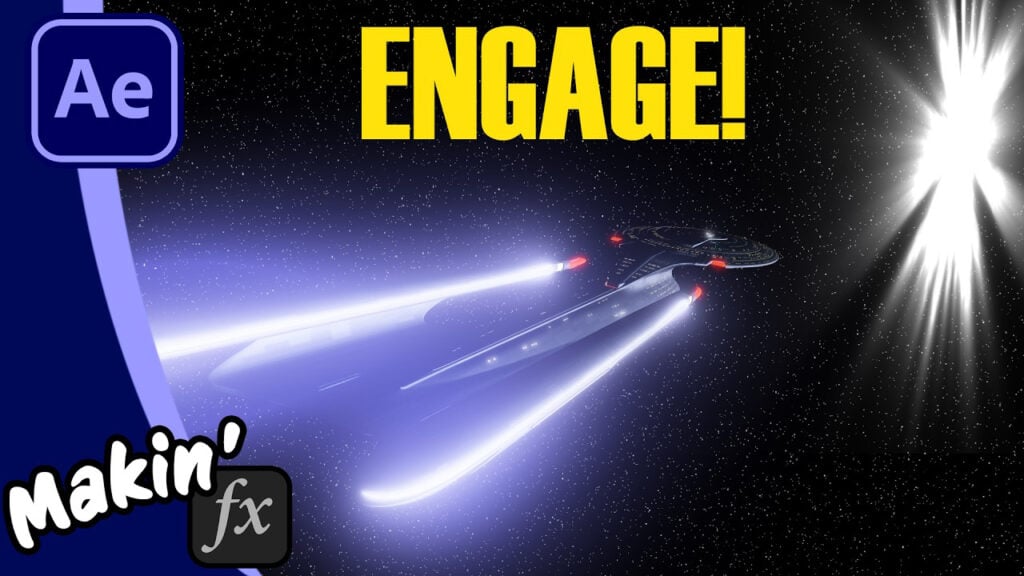
How to Recreate the Star Trek TNG jump to warp in After Effects

In 1987, John Knoll at ILM had to use labor-intensive, 3D slitscan photography to make the Enterprise-D stretch into warp speed. In today’s tutorial, we’re skipping the long exposures and doing it all in After Effects!
I’ll show you how to use 3D models, Null objects, and the Calculations effect to recreate that iconic “stretch and flash” look from Star Trek: The Next Generation. We’ll also build a custom procedural warp flash using shape layers and wiggle paths, no scratched acrylic needed!
In this video:
- Setting up the 3D Enterprise model.
- The “Null Pivot” trick for perfect directional stretching.
- Isolating warp nacelles using the Calculations effect to add a glow.
- Building a procedural 1987-style warp flash.
Bonus: Free step-by-step PDF
Links and Credits:
“Enterprise D 2 8 Simple Bake Export” by HaughtyGrayAlien is licensed under Creative Commons Attribution.
Can’t see this video? Click here!
Enjoying the news? Sign up for the Creative COW Newsletter!
Sign up for the Creative COW newsletter and get weekly updates on industry news, forum highlights, jobs, inspirational tutorials, tips, burning questions, and more! Receive bulletins from the largest, longest-running community dedicated to supporting professionals working in film, video, and audio.
Enter your email address, and your first and last name below!


Responses