-
How do delete individual keyframes
Hi all.
I hope this message finds you well.
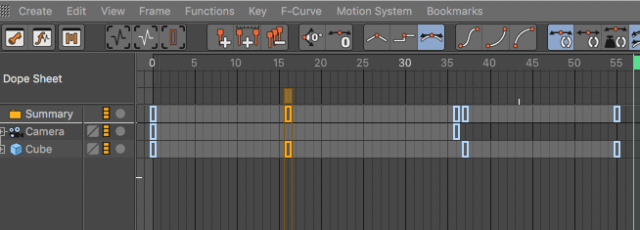
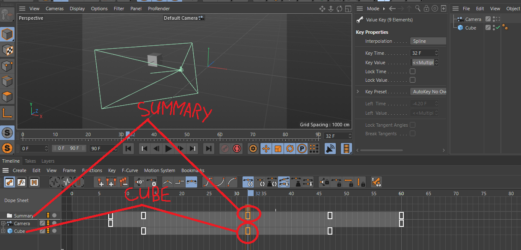
Can’t believe I’m having to ask this question, but I can’t seem to delete individual keyframes from the dope sheet page. If I am on my camera track and I want to delete its frames it highlights the the cube I’m animating and it will delete both even though they are separate animations.
I was thinking maybe I could lock the other tracks or use a qualifying key like shift or something. I can delete the entire animation, but I’ve even had problems with that. I go to delete the camera stuff and it deletes the cube.
I don’t get it. It seems like a very basic thing to do, but I haven’t been able to find anything on it looking on line.
Am I missing something?
Thanks in advance…