-
The $10,000 PIP Challenge
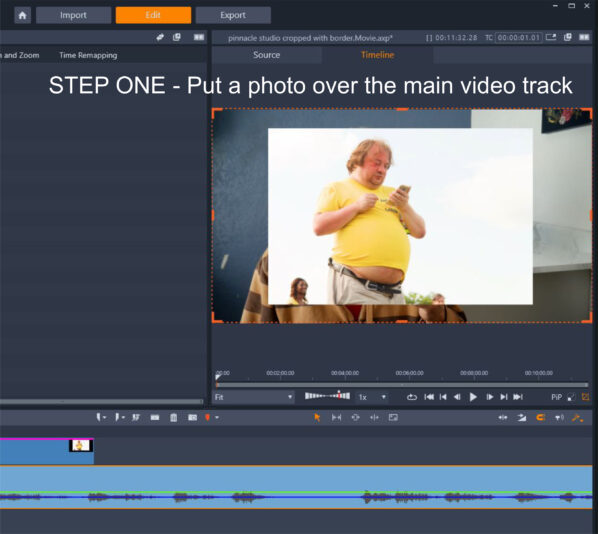
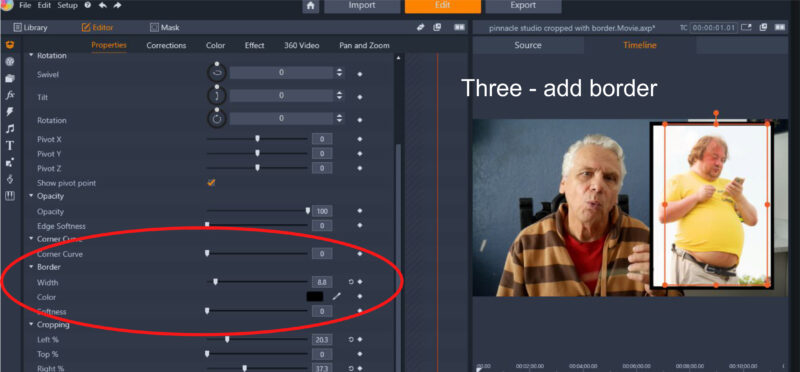
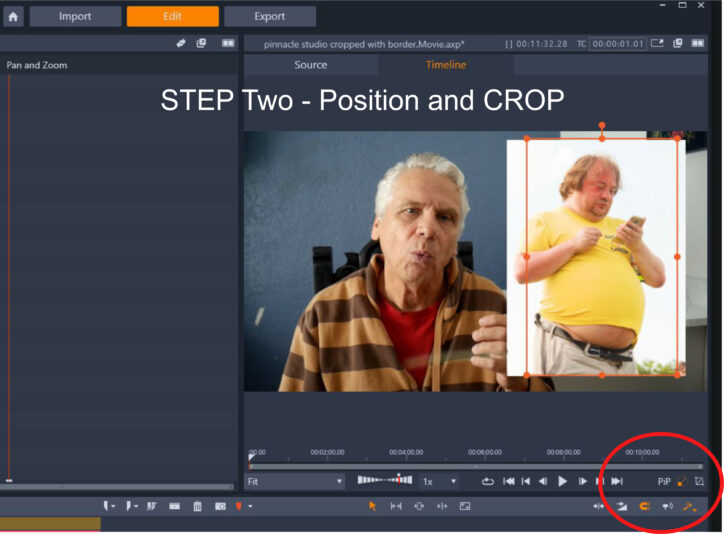
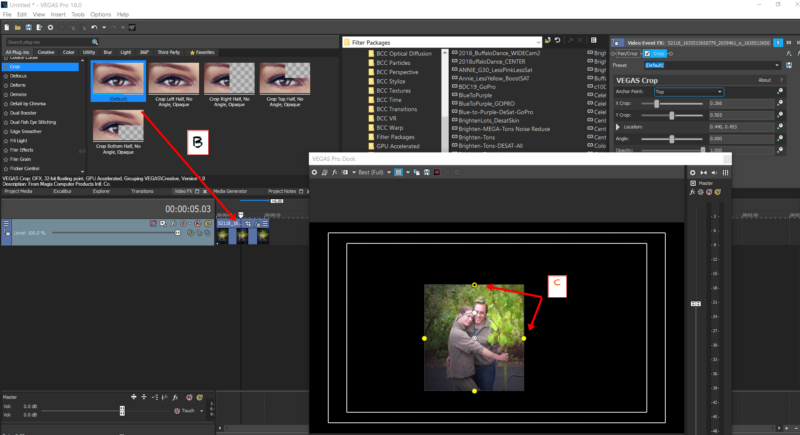
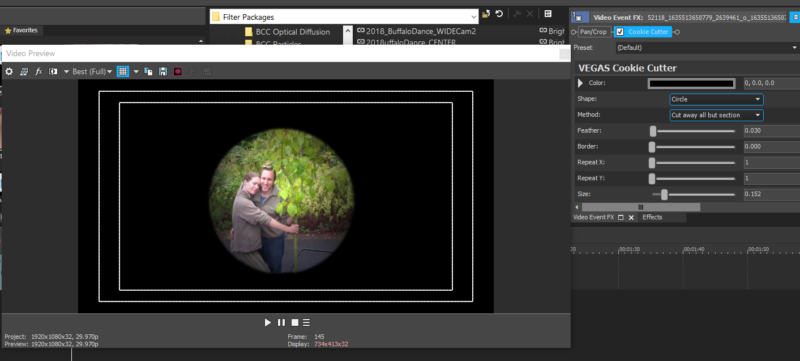
Pinnacle Studio vs Vegas – I can take a picture in Pinnacle Studio 23, put it as an overlay (PIP), CROP IT and put a border around it in a few seconds (3 steps). Pinnacle Studio does not claim to be professional video editing software. In my professional video editing software ie Vegas “Pro” (Vegas pro 15, version 416 but I will upgrade if I have to ) I can’t accomplish the same thing. Please note my emphasis on a CROPPED picture. See photos for the process in Pinnacle Studio. I can’t show you photos of how to do that in Vegas because, well, you can’t accomplish the same thing as far as I can tell. OR maybe you can using all kinds of border effects, pan/crops, track motions etc. etc. BUT when you have 20 or so photos to work with, all with different aspect ratios and positioning requirements I’m not inclined to put each photo on a separate track and see if I can do the job cobbling together different fx or pan/crops or keyframing track motion or standing on my head and twirling around disabling GPUs or what have you. BUT I would if I absolutely had to – although it certainly defeats the purpose of “professional” software, which I pay for to make my life simpler, easier and FASTER. If anybody out there can give me a FAST, EASY, ELEGANT solution in VP just explain it to me like I’m a six-year-old. Just kidding about the $10,000 lol.