-
help with space tranforms
I’m trying to make a few simple video compositions for an art project. I know the basics of Maya, but I’m a complete newbie to After Effects.
In essence, it’s a simple screen replacement. But using a 3D scene instead of video footage seems to have complicated things massively.
What I’m trying to do is probably simple by compositors standards, but I’m already completely bogged down by expressions and layer space transforms. I could do with a little hand-holding; I’ve no knowledge of code or programming at all – I’ve searched all over the place, but the documentation and tutorials I’ve found are way over my head.
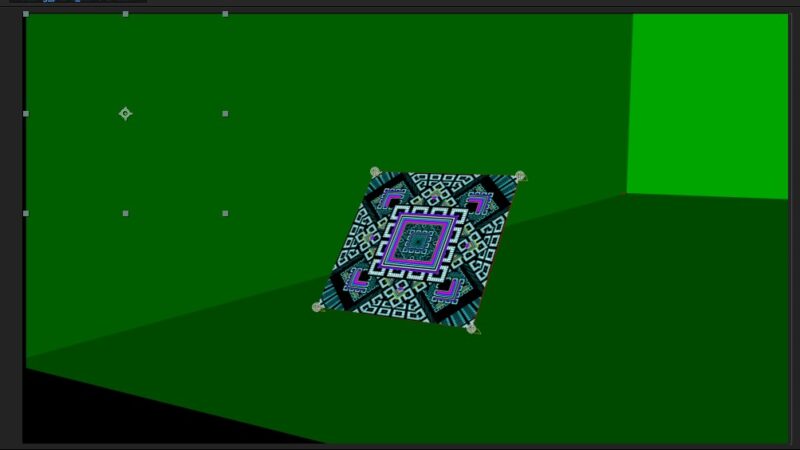
What I’ve managed so far (see attached pics) –
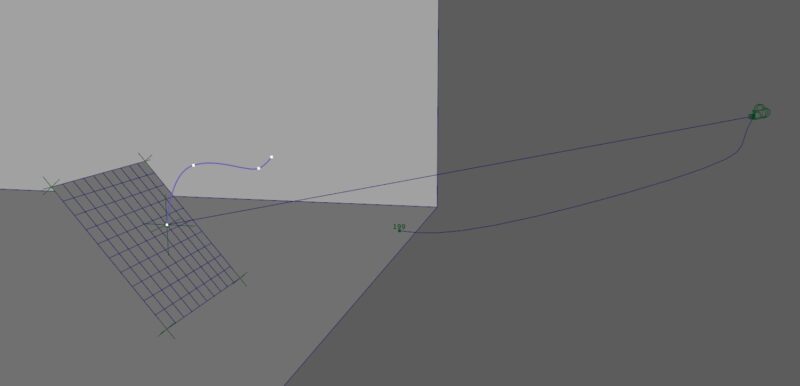
– Created a Maya scene with a simple plane and camera animation;
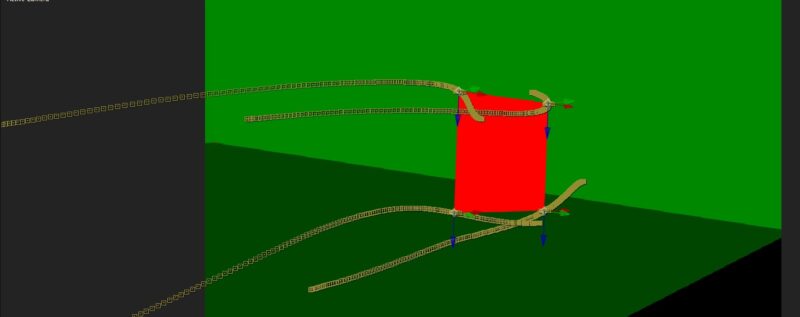
– Attached locators to the corners of the plane, imported them and the camera data into AE
– aligned the data over the rendered sequence, so have nulls giving corner position data,
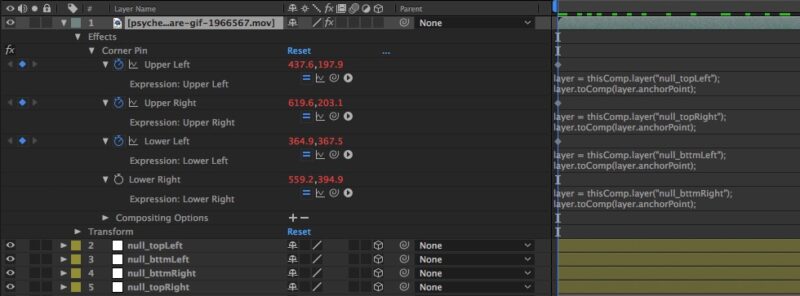
Next, I wanted to place a square animated GIF over the plane. I tried parenting and corner pinning, but it didn’t work properly. I found the following expression to help –
layer = thisComp.layer(“null_bttmRight”);
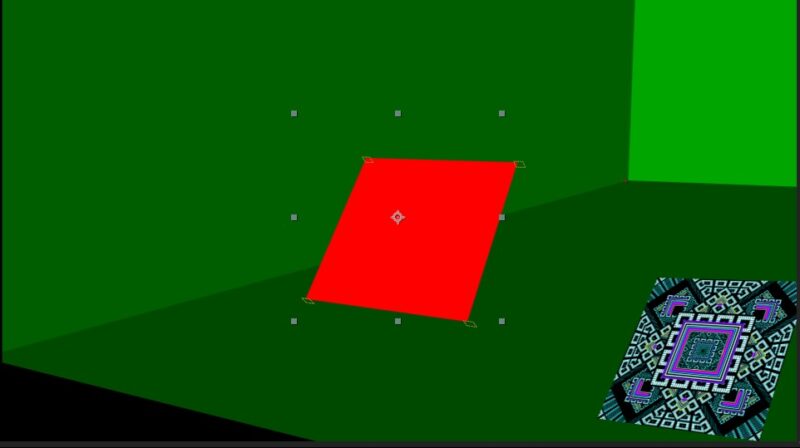
layer.toComp(layer.anchorPoint);I didn’t understand it but pasted it in and fluked it. Although this pinned the corners, the transform controls for the GIF layer are still in the top left corner. I’ve asked around, and someone suggested I might need toWorld or fromWorld… but no explanation on how to do this, and I’ve been stuck at this point for weeks –
I could do with an idiot-proof explanation of how I’d use fromWorld to move the transform controls back over the GIF (if this is indeed the right thing to do). I’ve been reading about layer, comp and world space, expressions, values
and arguments. The different spaces AE uses kind of makes sense now,
but I’m entirely baffled by expressions – what I need to type and where
they need to go.Thanks