-
Velocity Envelope
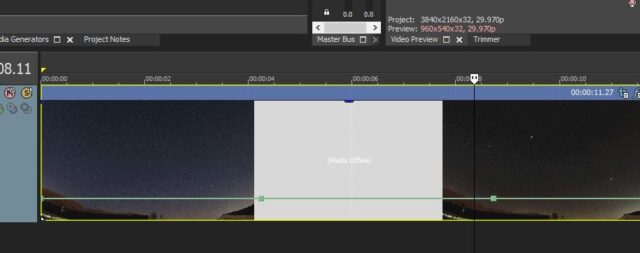
I’m just wondering if there is any way of moving the default 100% placement height of the Velocity Envelope higher in the video window. Currently, the default 100% speed Velocity line is pretty low in the video track. This makes it pretty touchy to adjust it down without going too far and reversing the speed of the track, or just going past the desired Velocity. It’s hard to grab and adjust it down, because there is so little room to move it down without going past the desired speed.
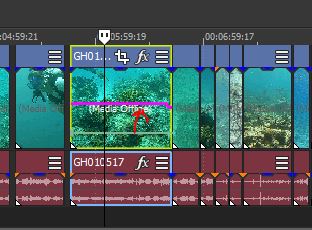
In the attached photo, the green line is the default height. I made a red arrow and a pink line to show where it would be nice if the 100% speed line would show up when the “Insert/Remove Envelope > Velocity” is inserted in the video.