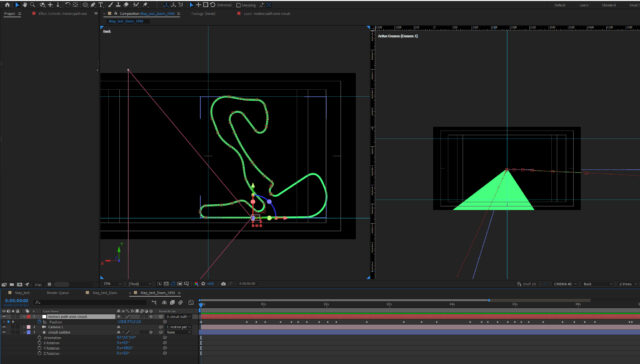
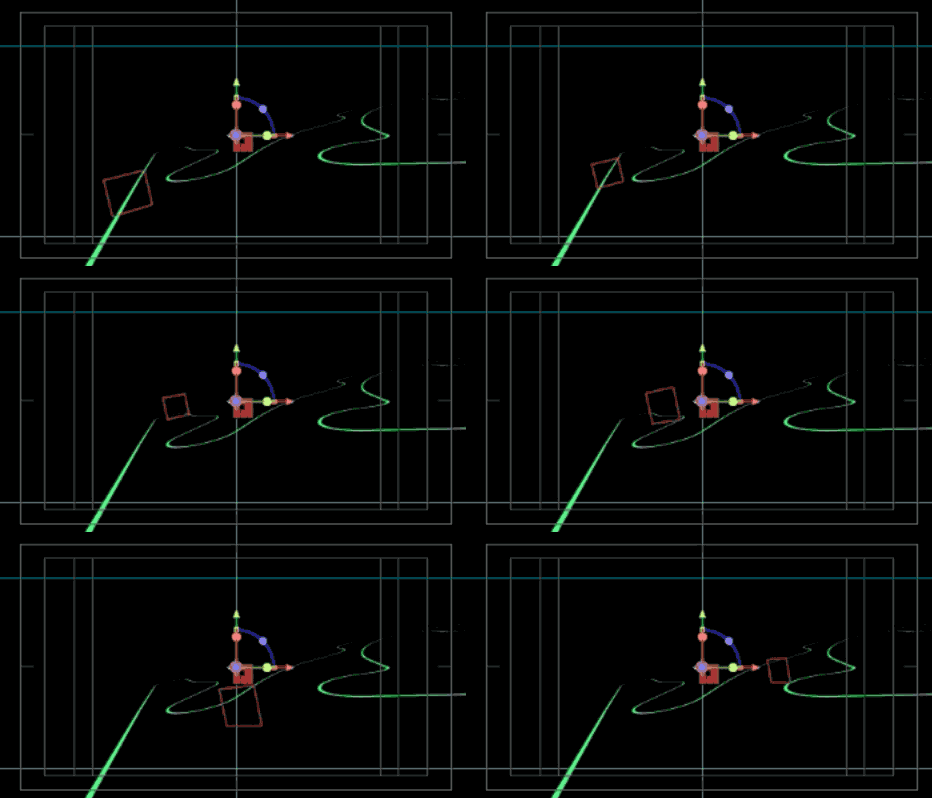
I’ve had similar issues and I think it’s to do with how you created your path. The null and camera are 3D objects, but the path is resolutely, will-not-change 2D. This messes up 3D orientation. Copying and pasting a path as a keyframe works fine to 2D, but not here.
So, there’s a couple of things you can try:
1) Unparent the camera, copy the position values to it and move them slightly down the timeline. This will get the camera following the null object around. Then use the pick whip to link the camera’s POI to the null’s position. This will get the camera looking ahead on the track the whole time and turning as it views the nul.
2) recreate the tracks movement for the null using position keyframes without copying and pasting. These will be definitely 3D instead of a 2D convert.
Bonus option 3) I’ve just finished a tutorial on exactly this sort of thing. Come back here at 5pm on Friday 30th to see how tousle expressions to add in a couple of extra options. 😉