

-
Images in Storyline Resized Themselves
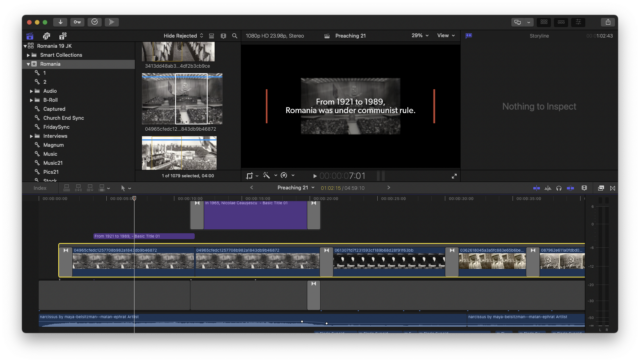
Hi. I copied a library and all the linked files to an SSD. When I open it up, a whole storyline of content (all images with Ken Burns effect applied), the images are way smaller. If I drop a new image in the storyline, it gets resized as well. Any idea how to fix? I also tried dropping the same image into the layer above…it shows up the right size…but FCPX won’t let me add cross dissolves to them b/c there’s not enough content? Huh? It’s a pic. See screenshot. Thx!

Sorry, there were no replies found.