

Activity › Forums › Apple Final Cut Pro › Recognize This Missing File Icon?
-
Recognize This Missing File Icon?
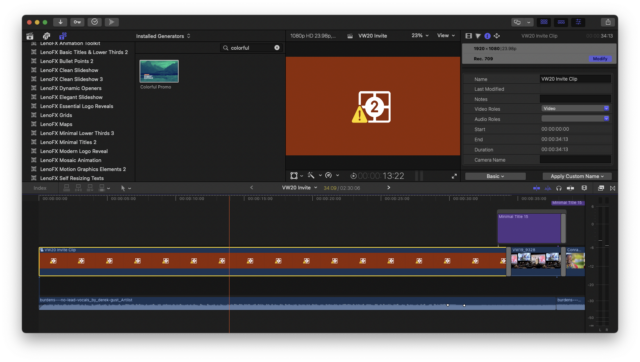
Posted by Jeff Krieger on May 12, 2021 at 7:38 pmHi, I am trying to update a past project … which I used a plugin to create. But it’s saying I am missing content. But I don’t recognize the icon…and it’s not showing in relink files. Anyone know??
 Jeremy Garchow replied 5 years, 2 months ago 2 Members · 14 Replies
 -
14 Replies
-

Jeremy Garchow
May 12, 2021 at 8:12 pmIt’s a Generator. Open (double click) the compound clip and see what’s inside.
-
Jeremy Garchow
May 12, 2021 at 8:19 pmBut what does the clip say in both the title and when you clip on it (the clip inside the cc).
-

Jeff Krieger
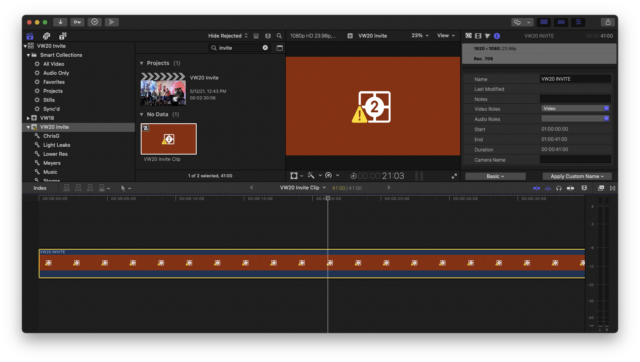
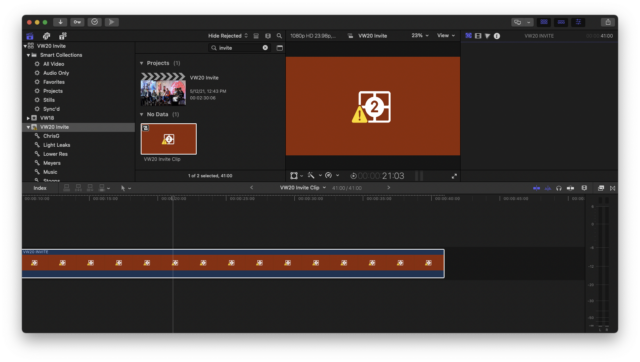
May 12, 2021 at 11:03 pmWhen I open the compound clip named “VW20 Invite Clip”, it opens a very similar looking clip called “Vw20 Invite” that I believe was the plugin. Keep trying to upload a screenshot but it’s very similar looking to what I uploaded already.
-
Jeremy Garchow
May 13, 2021 at 12:21 amOn the top right corner there’s a series of icons. Click on the generator icon (looks like a 2pop next to the little filmstrip) to show the controls in the inspector.
-
Jeff Krieger
May 13, 2021 at 1:39 amThx again. When. I click on that, nothing shows up in the Inspector. 🙁
-
Jeremy Garchow
May 13, 2021 at 2:08 amBummer. I was hoping there would be some sort of residual left over to modify. I think the only way to restore this is to find the generator you made (probably in Motion) in a Time Machine or similar, backup.
-
Jeff Krieger
May 13, 2021 at 2:17 amYou are a smart man. I realized I had customized a Generator (the plugin), so I looked in my Time Machine backups. I found a customized version of the Motion content…but for a similar/different project I had used the same plugin/generator for. At least I have the blank customized generator…but any idea how to find the original? I looked in the Movies/Motion Content and Movies/Motion Templates folders.
-
Jeremy Garchow
May 13, 2021 at 1:56 pmYou’d have to find it in Motion Template > Generators. Or look for a .motn file with a VW20 INVITE name. You might be able to find it In the Motion Projects > Autosave Vault folder as well.
Reply to this Discussion! Login or Sign Up