Creative Communities of the World Forums

The peer to peer support community for media production professionals.

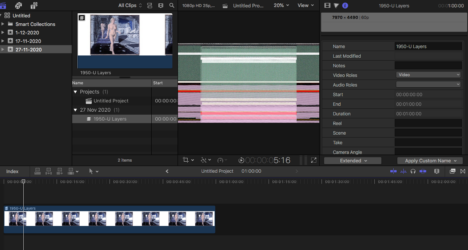
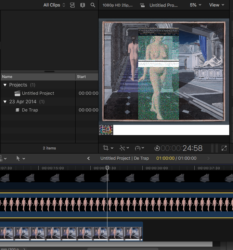
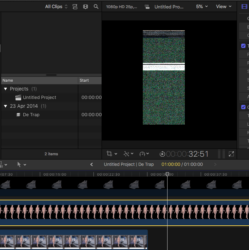
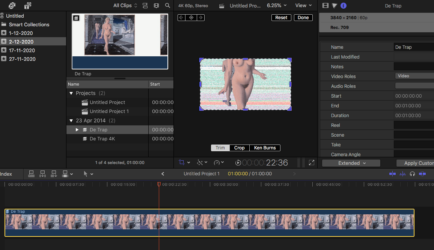
Activity Forums Apple Final Cut Pro Green/color noise when importing large .psd-file in project used for animations

  • Eric Santiago

    December 2, 2020 at 7:01 pm

    Can you take the 9600×5400 pixel image and convert to JPG then import?

    Also, check if you are 8bit as well as RGB.

    Its a long shot but you never know.

    The JPG import helps deduce the issue with PSDs.

  • Jelle Van Lysebettens

    December 3, 2020 at 7:47 pm

    Thans for your reply Eric

    I indeed exported it as you mentioned.

    I searched a lot on the internet and watched tons of tutorials but someone on a forum told me this

    First, go to the preferences and turn off background rendering.

    Then select the Library in the browser, go to the File menu, in there is Delete All Generated Library Files.
    In there, delete ALL render files.
    Then quit, relaunch, see how it works.

    Also, don’t make the images you import too big. If they get too large (in dimension and file size) you can have problems.”

    These instructions helped a lot. There’s less distortion now. I’ve used smaller files and it gave less to no distortion. I think I’ll have a workaround and cut certain parts from the picture then zoom in on that because I still need to zoom in big time on the background and keep the quality.
    The picture I used before was 9600×5400 (I saw somewhere that if you want to zoom in you need 2,5x the resolution of the project), that’s a pretty big fella but it’s necessary to keep the quality when I zoom in.
    Would it work better with a stronger computer, with more RAM or a better videocard or is it just a Final Cut Pro limit?

We use anonymous cookies to give you the best experience we can.
Our Privacy policy | GDPR Policy