-
Conversion 1440x1080i 25fps to 1920x1080p 24fs
What would be the “Best Practices” workflow for a project to be re-edited from material captured at 1440x1080i @25 fps (MiniDV tape) and the final delivered as ProRes422HQ 1920x1080p 24fps?
NOTE: External Audio was recorded to Camera Audio.This is the workflow I believe would provide the most flexibility and quality.
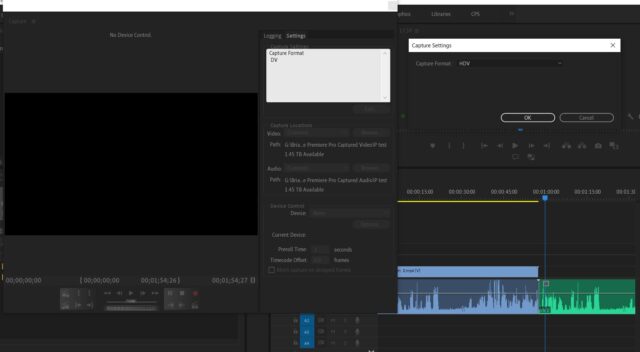
– Capture HDV in Premiere Pro (cc2020) to TimeLine# (corresponds to Tape #)
– Resize captured clip to 1920×1080
– Perform Auto Scene Detection Cut
– Export Media at ProRes 422HQ @24fps , Audio (Match audio settings), progressive
(One Master ProRes MOV file per corresponding Tape)
– Use ProRes422 files as original media and edit to create the new project.Is this the optimum workflow? Any “Gotchas” I’m overlooking?
Any suggestions would be greatly appreciated.
Joseph Freeman