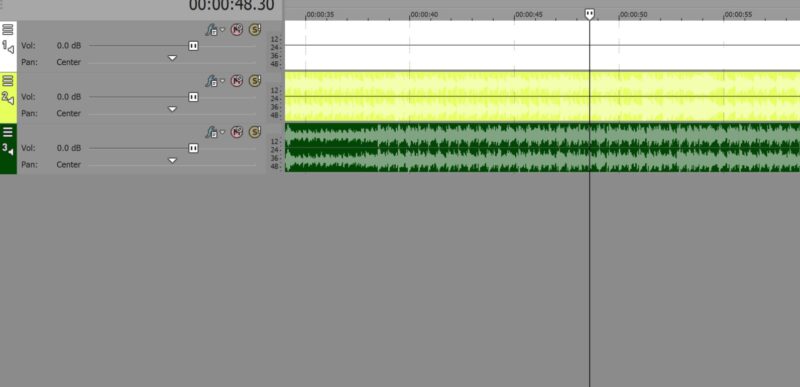
-
New audio track color in V17 unable to change
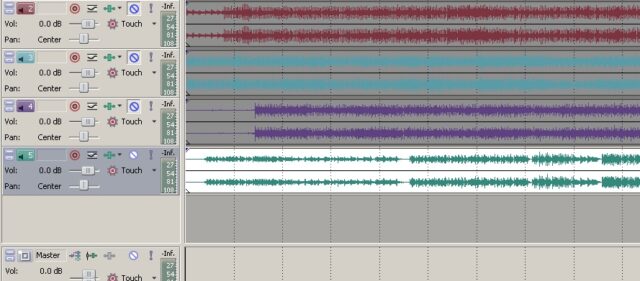
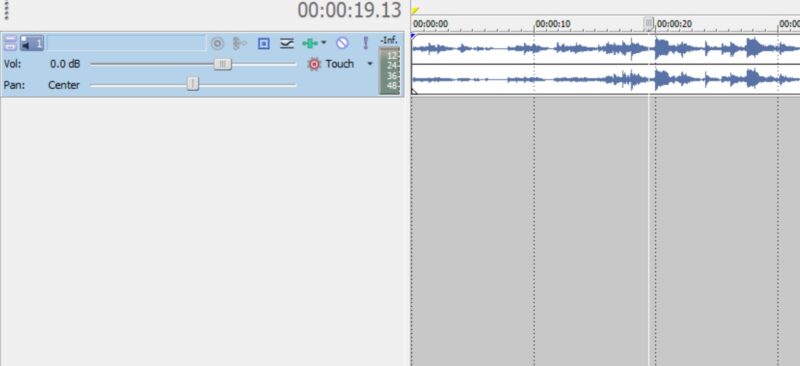
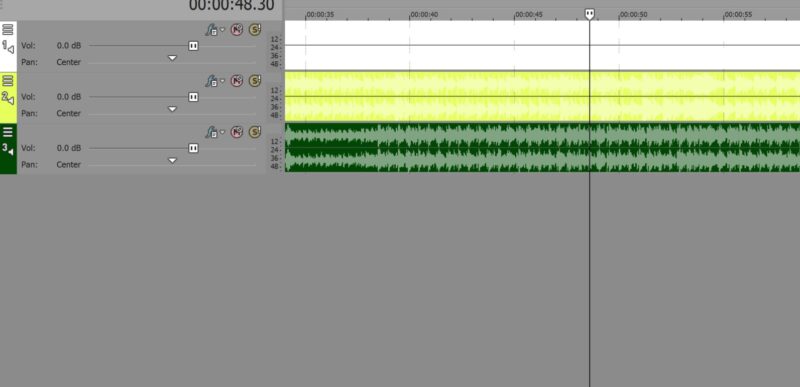
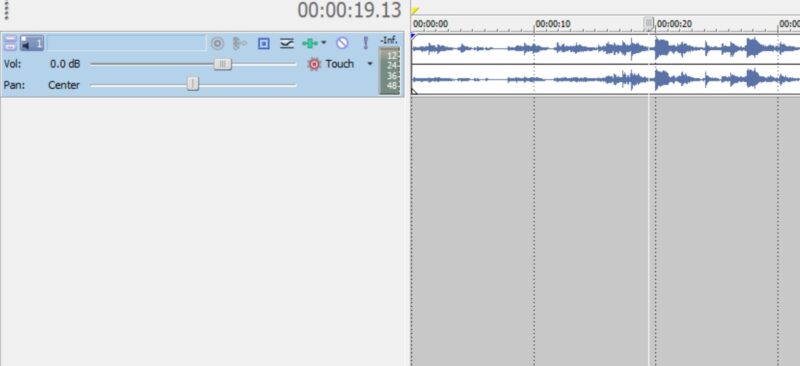
I’ve been using Vegas Po since v5 but recently migrated to Vegas Pro 17 from Vegas Pro 12 and I’m almost tempted to go back. The main issue are the audio tracks on the timeline. Where they used to be white by default (see attached photo from V-Pro 12) and a colored audio wave form (which made the audio so easy to see), the audio wave form is now the same color as the track itself, just a slightly different shade. Really hard to see.
Is there any way to have the tracks white and the audio wave form whatever color, something like dark green, like it used to be? I’ve looked at the obvious choices such as the Options/Preferences/Display panel but no luck. I’d really appreciate any help.