

-
Can’t do a simple text wrap around an object CS6
Hello All!
I can’t figure out how to do a simple text wrap around an object. I’ve already seen online tutorials and I think I’ve done everything I can to accomplish this and it just won’t work. Let me show you what is happening.I want the orange text to wrap around the sides of the green banner without touching it:
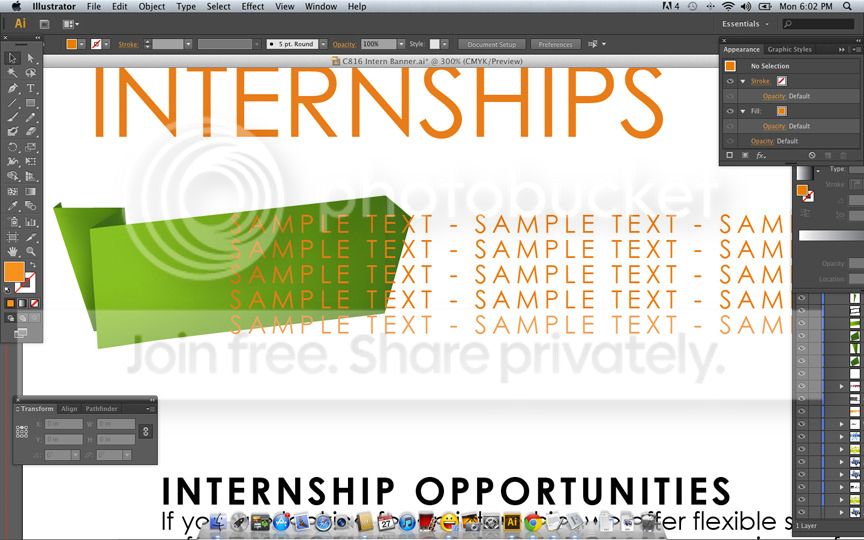
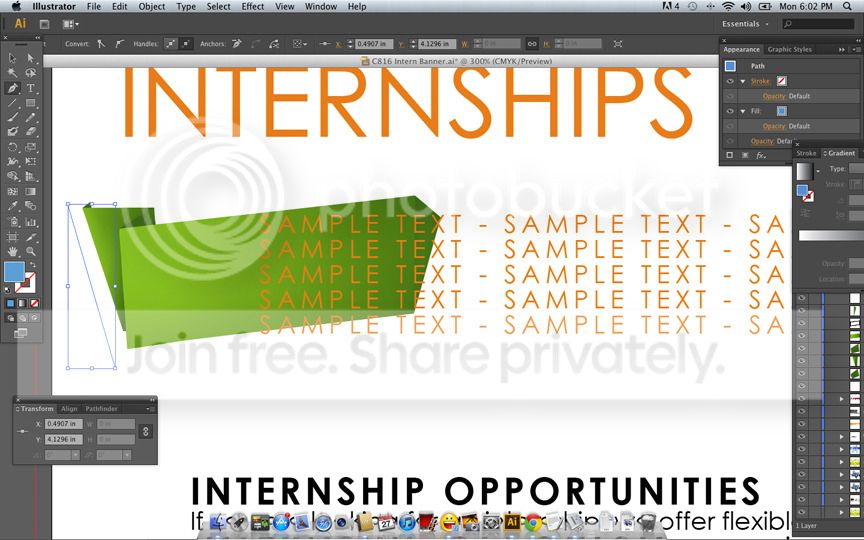
So the first thing I did was start by using the pen tool to create an object around the green banner (I planned to delete the object once the text wrapped around it):
When I’m done connecting the points, I right-click the object and select “Make Compound Path”
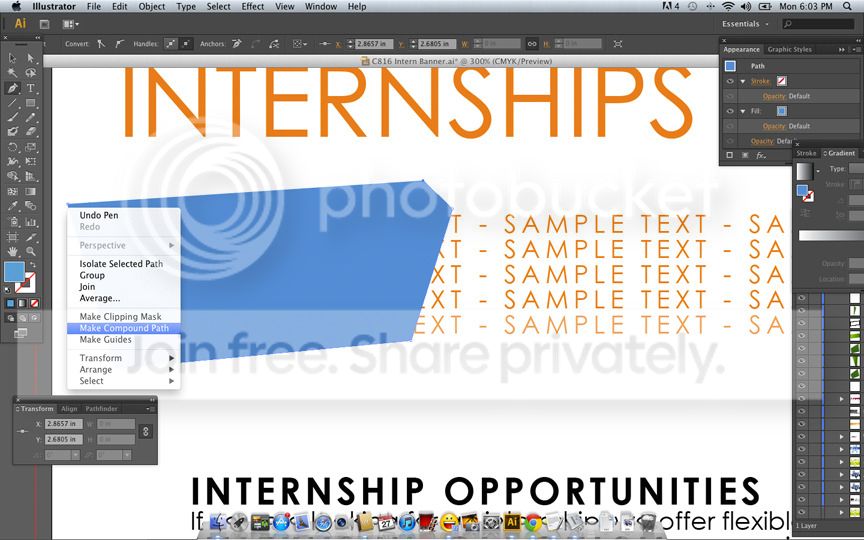
Resulting in this:
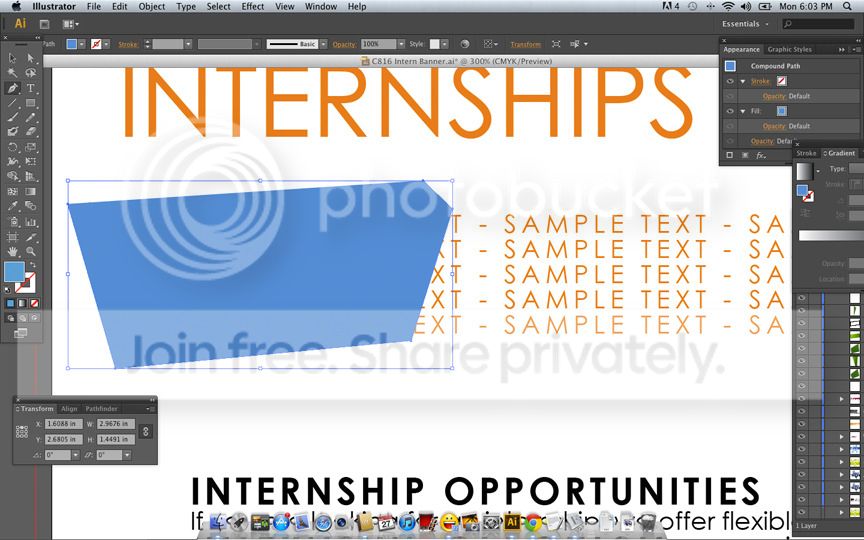
I made sure both the text and object layers were arranged in the front and the text layer was OVER the object layer:
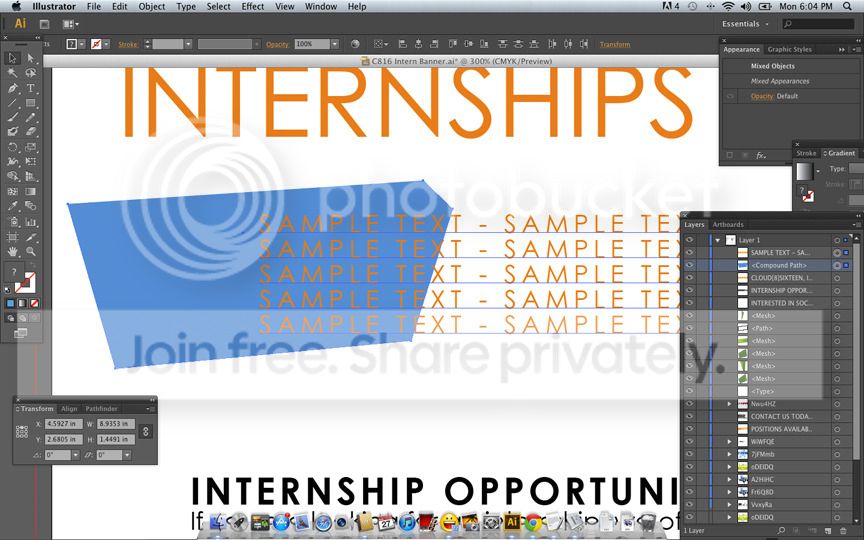
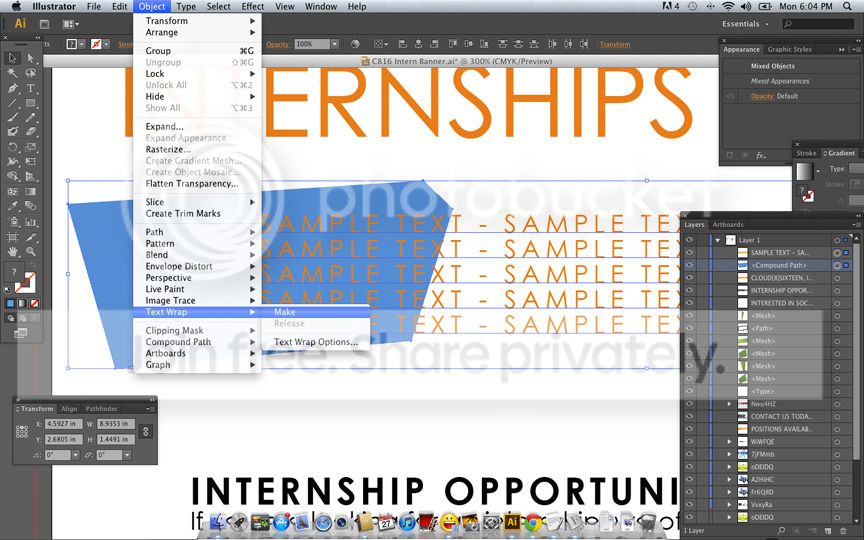
I did Object > Text Wrap > Make
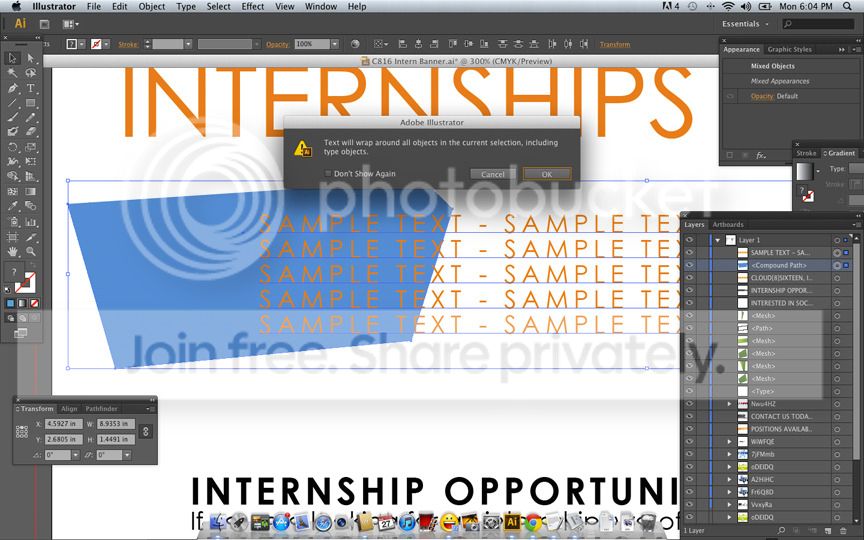
I click ‘Okay’
And instead of the text wrapping around the object, I get this:
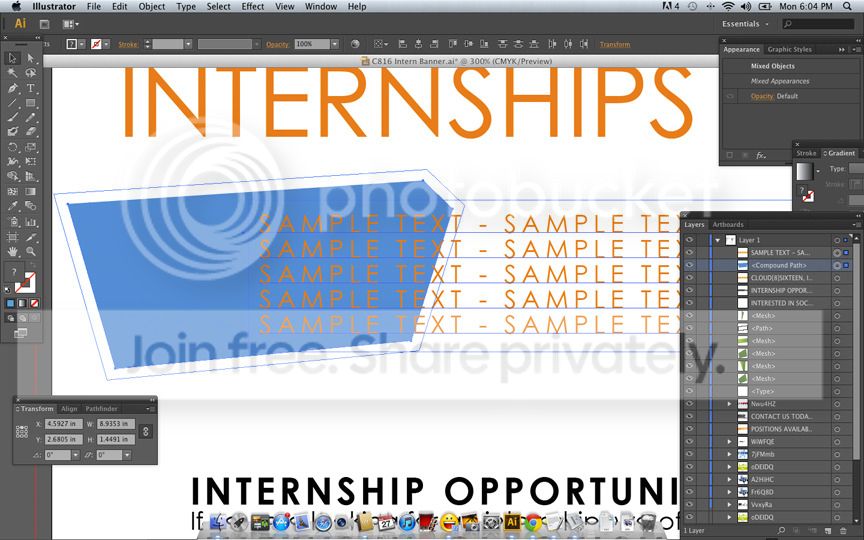
What am I doing wrong? Thanks CreativeCOW Community!


