Thanks for responding Doug, appreciate it.
– I activate the timeline which has my film on it
– Then File > Share > Export File (default)
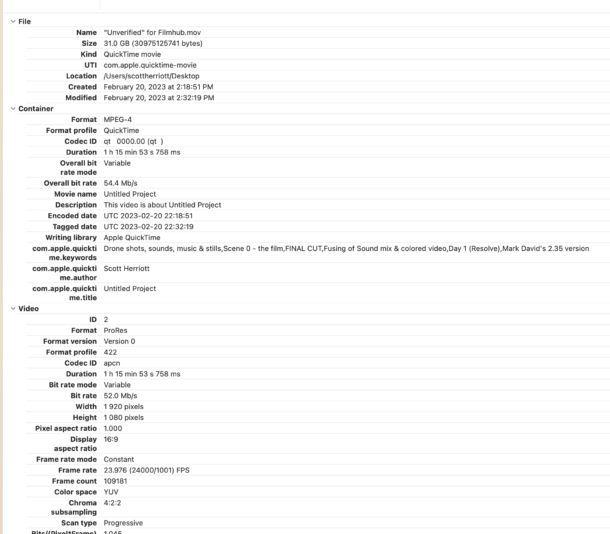
– Export File window comes up, I go to Settings, set Codec to Apple Pro Res 422 HQ (which is required at Filmhub), tick the Include Chapter Markers box (it should be noted here that the est. size of the file says 101 GB…when I did it…it only came out to 39 GB…that discrepancy seems big, no?
– File is done, I then upload to Filmhub…(6 hours go by).
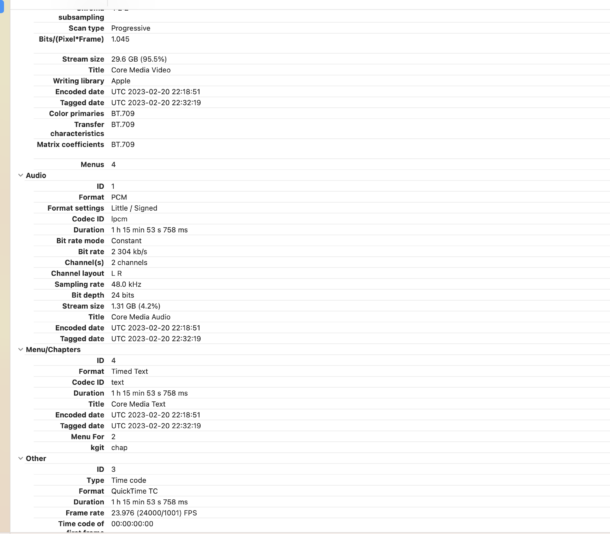
– When it’s done I get a message that says “compression – bit rate needs to be higher”
I have this film up on Amazon already and it looks great…I do seem to remember that that exported file was bigger, unfortunately I can’t find it (needed to add chapter markers for the Filmhub version anyway).
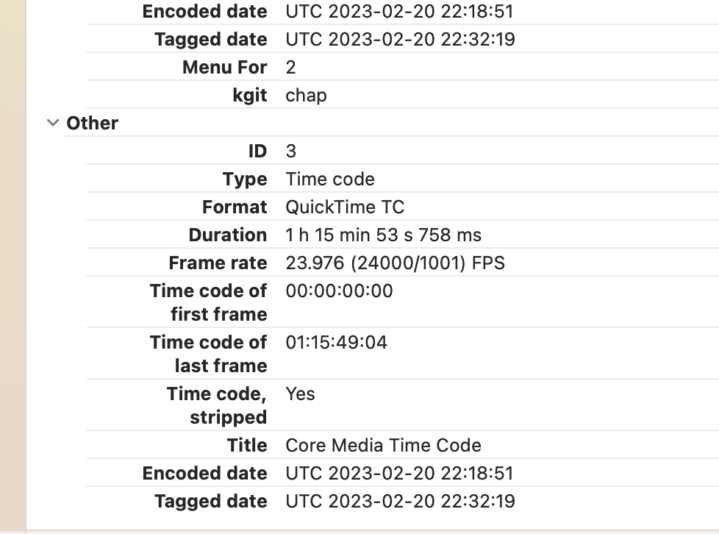
Below is some compression info from Filmhub
Thanks for your time, Doug