-
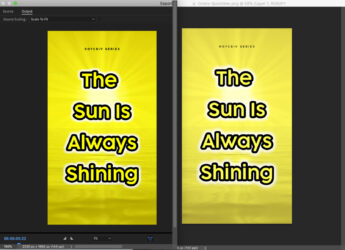
Why Are My Colors So Washed Out (yes, I added QT Gamma Compensation.cube)
Hello Creative Cows,
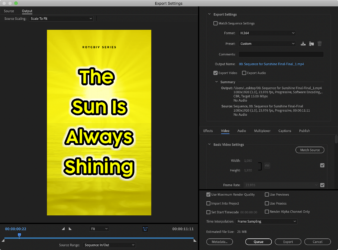
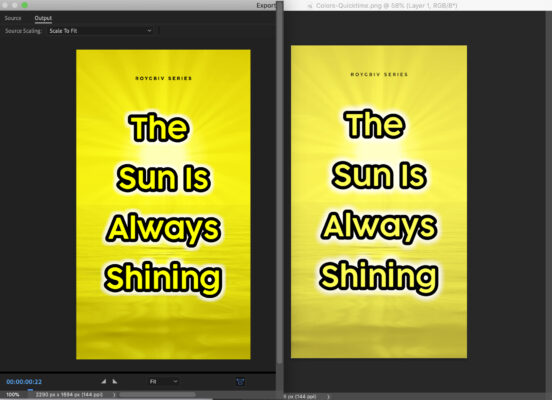
I am exporting my sequence out of Premier Pro 2020 (iMac 2017) using H.264 and everything looks great in Premier but washed out after exporting.
For the fun of it, I also exported as Apple ProRes MXF OP1a and Quick Time which also causes washed out colors.
I also downloaded a file called QT Gamma Compensation.cube and applied to Effects / Lumetri Look / LUT which did not help either.
Note: When I select Display Color Management (required GPU acceleration) in General / Preferences, it makes my video (colors) look washed out in Premier before exporting.
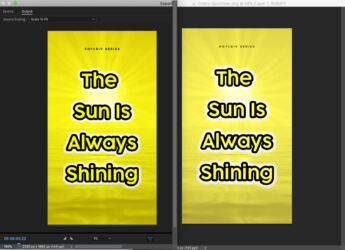
Does anyone know why this is happening? I would like the nice vivid (bright) colors as seen in my video (timeline) and Export Media preview.
(See snap shots for clarity)
Thanks!
Ed