

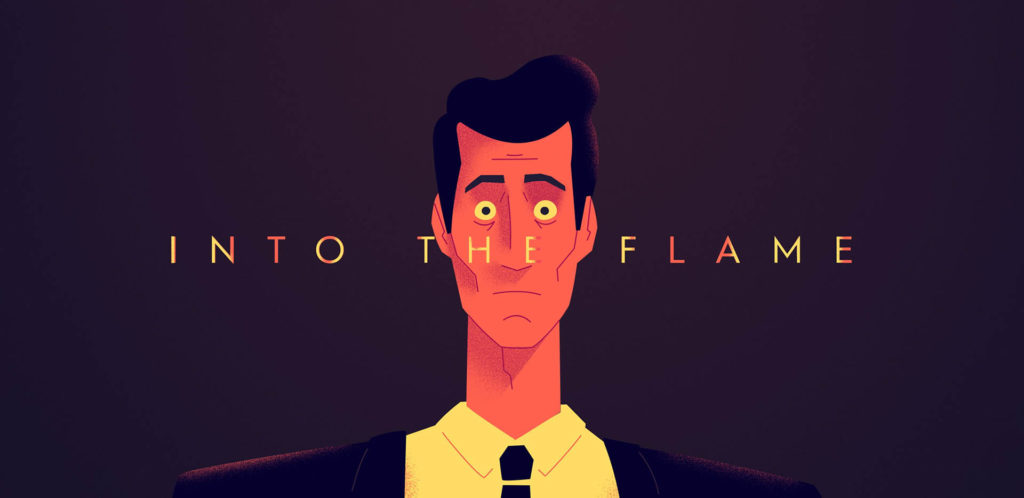
“Into The Flame” To Screen At The Oscar-Qualifying Hollyshorts Film Festival’s “Sweet 16”

Hue&Cry’s short film will screen virtually November 14, 2020, exclusively on Bitpix

Hue&Cry, the studio and team behind INTO THE FLAME, is thrilled to announce that their animated short will be screening in competition at the Oscar®-Qualifying HollyShorts Film Festival. The annual festival saw over six thousand submissions for their “Sweet 16” year and will take place virtually between November 9-15, 2020 on the new streaming platform Bitpix.

“INTO THE FLAME represents our studio’s pure love of animation and storytelling and it’s an honor to be an official selection of the HollyShorts Festival,” says the film’s Executive Producer Magnus Hierta. “With so many commercial projects flooding into the studio, we decided to make something just for the love of it. And just like our hero character, Floyd, we learned so much along the path of making this film. What started as a passion project ended up in our developing of new skills and techniques we could use every day.”
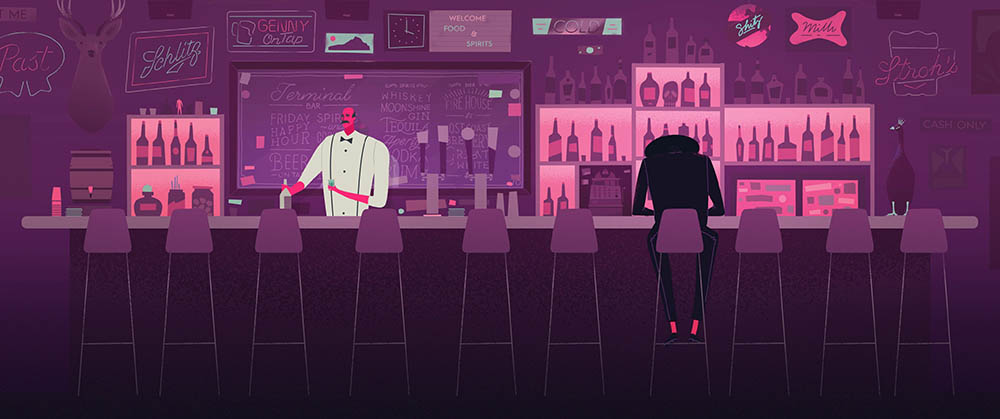
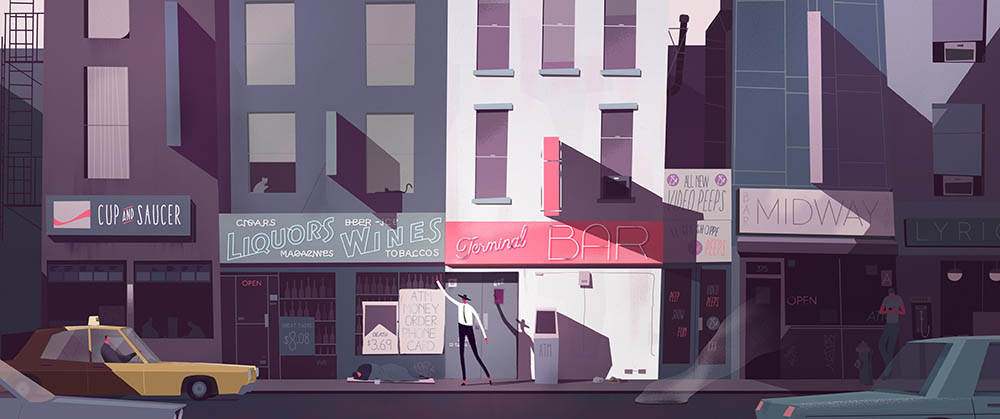
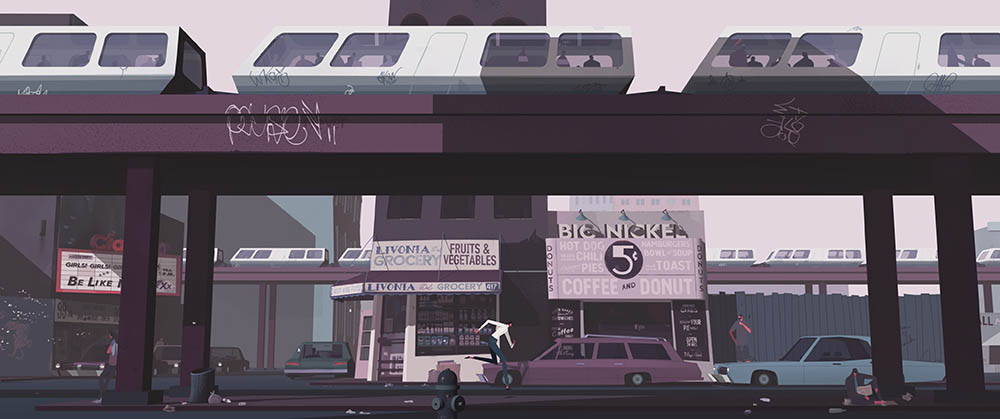
INTO THE FLAME follows the story of Floyd whose life begins to unravel in his wife’s sudden absence. As so many questions and seemingly strange answers lead him forward, moths appear all around him and no matter what he tries, he can’t halt the visions. Audiences can catch INTO THE FLAME on Saturday, November 14, at 2:30 pm during the animation block.

Over 400 films will play throughout the seven-day festival. Winners will be announced on Sunday, November 15th online along with the three Oscar®-Qualifying categories, Best Short Film, Best Live Action, and Best Animation Short.
For tickets and the complete schedule please visit: hollyshorts.com
Responses