

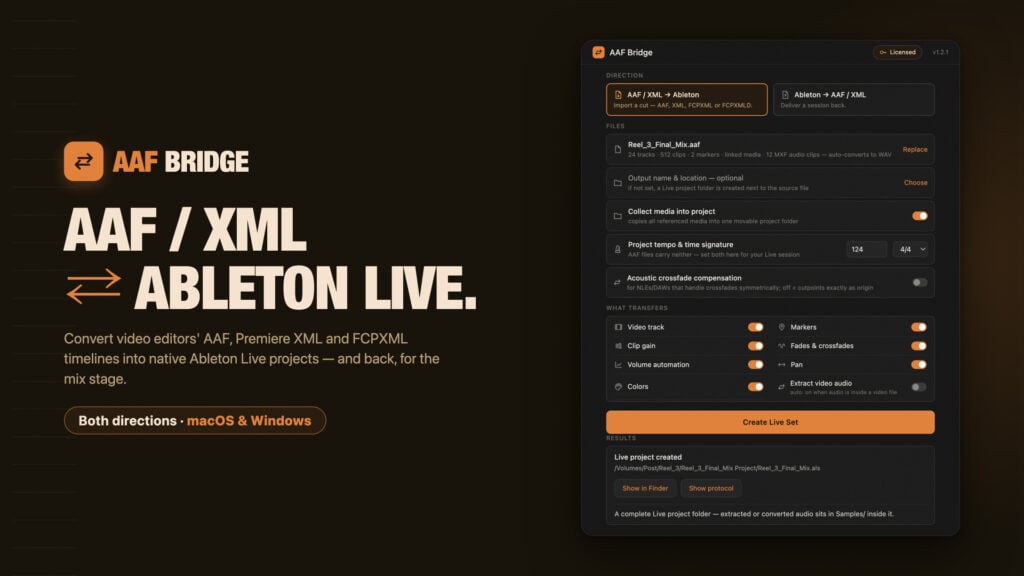
AAF Bridge converts AAF and XML Timelines to Ableton Live – and back

A two-way converter for macOS and Windows that imports AAF, Premiere XML and FCPXML timelines as native Ableton Live projects – and exports finished Live sets back to the edit.
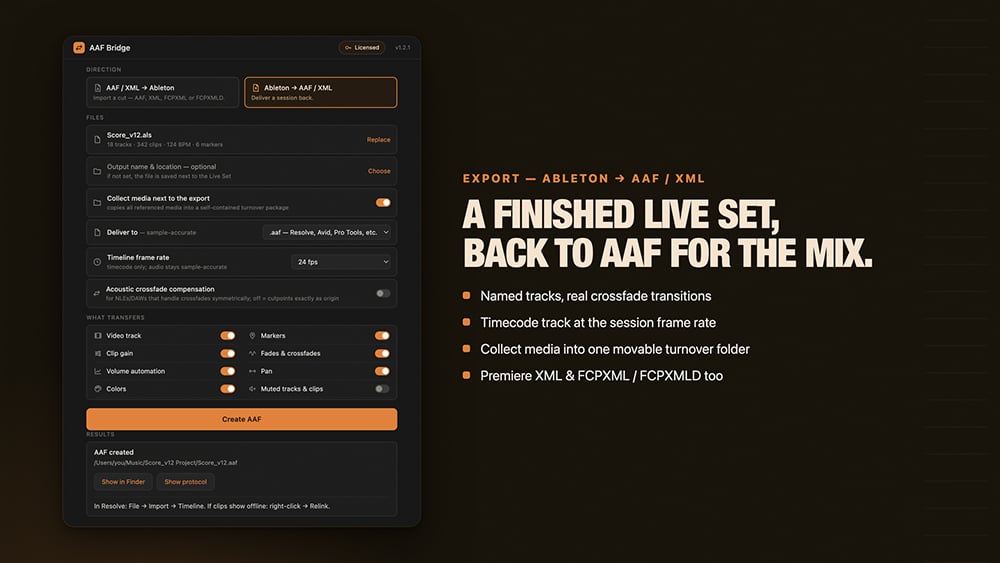
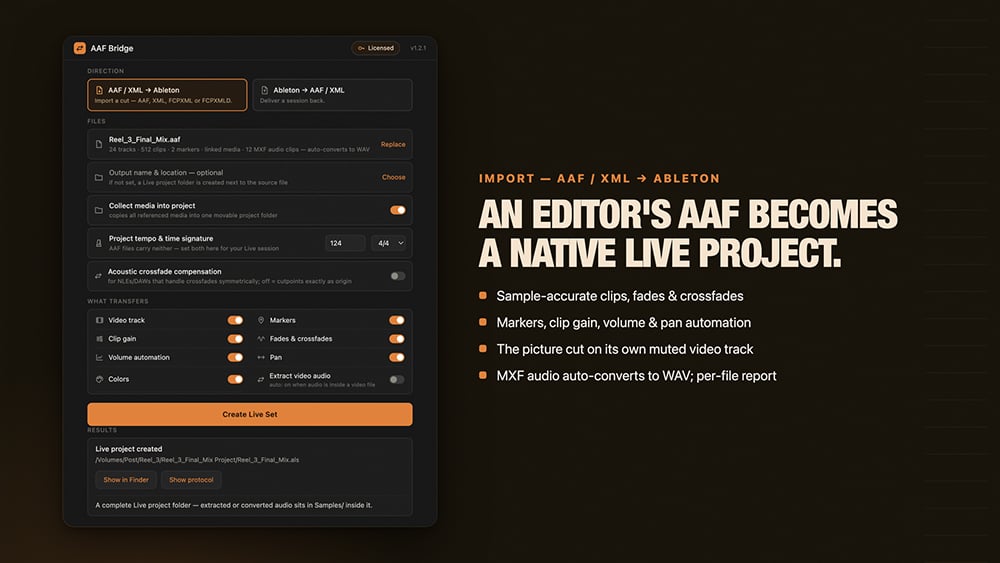
Ableton Live has no native AAF import or export — even though AAF is the interchange format most NLEs and DAWs export. Delivering a timeline to or from Ableton Live has always meant stems and a manual rebuild. AAF Bridge closes the gap in both directions. On import, an AAF becomes a native Ableton Live project. On export, a finished Ableton Live set is written back to AAF:
- Sample-accurate clip positions and source offsets
- Fades and crossfades, clip gain, volume automation, pan and markers carried over
- MXF-wrapped audio converts to WAV automatically
- Collect-media option gathers all assets into one movable folder
- Crossfade compensation for NLEs/DAWs that map crossfades symmetrically at the joint
- Also reads and writes Premiere XML, FCPXML and FCPXMLD
- A plain-text report per conversion lists what did and didn’t transfer
It’s honest about the limits: time-stretched warped clips are flagged for consolidation rather than silently rendered.
AAF Bridge is available now for macOS and Windows: US$49 one-time, no subscription, fully offline.
The free demo is the full app and converts the first 120 seconds of any timeline, with no signup.
More information, free demo and demonstration videos: https://aafbridge.com ·
AAF Tools is an independent one-person studio building timeline converters for post-production.
Enjoying the news? Sign up for the Creative COW Newsletter!
Sign up for the Creative COW newsletter and get weekly updates on industry news, forum highlights, jobs, inspirational tutorials, tips, burning questions, and more! Receive bulletins from the largest, longest-running community dedicated to supporting professionals working in film, video, and audio.
Enter your email address, and your first and last name below!


Responses