

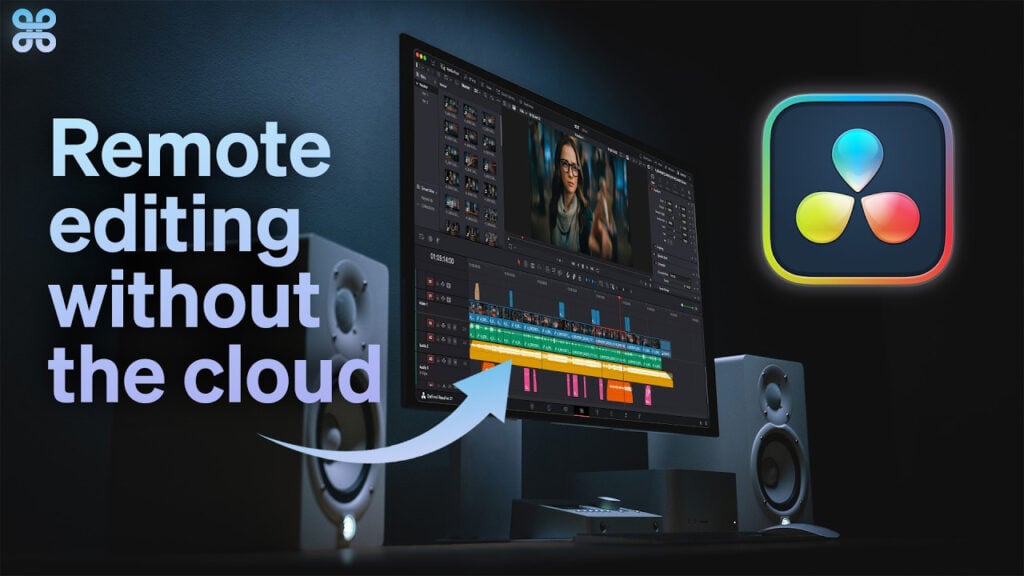
Remote Editing Without Cloud Storage in Resolve

This is a step-by-step guide that demonstrates how to setup your entire post production remote editing workflow for a team of editors using DaVinci Resolve.
This video explores two key options for remote workflow:
1. In-Camera Proxy (editing with proxies generated by the camera)
2. In-App Proxy (editing proxies generated by Resolve)
Strada offers the most cost effective and easy to use remote editing solution because it does not require spending any time uploading files to a cloud or downloading files from a cloud in order to remotely edit. The Strada remote editing workflows also demonstrate how several remote editors can edit simultaneously off one computer and share timelines with each other without having to relink any media at all.
Can’t see this video? Click here!
To learn more: strada.tech
Enjoying the news? Sign up for the Creative COW Newsletter!
Sign up for the Creative COW newsletter and get weekly updates on industry news, forum highlights, jobs, inspirational tutorials, tips, burning questions, and more! Receive bulletins from the largest, longest-running community dedicated to supporting professionals working in film, video, and audio.
Enter your email address, and your first and last name below!


Responses