-
Reshow “Hide Original Clips”?
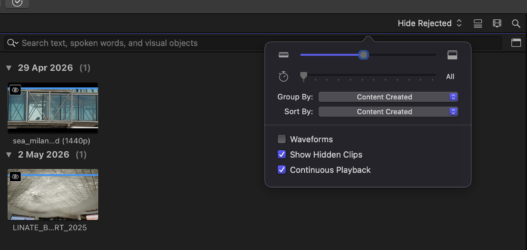
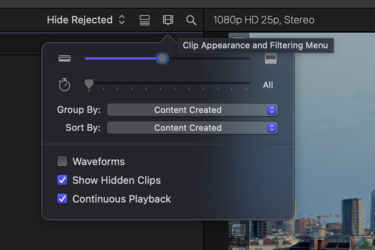
When creating a Multicam clip there is an option (which I only noticed for the first time yesterday) “Hide original clips”. For some reason it was already ticked and I didn’t think to untick it. When syncing had finished I noticed that indeed the clips involved had disappeared from view but for various reasons I wanted to still see all the clips.
How to reveal them again? I thought maybe delete the Multicam and reimport the footage? No. Then restart FCP? No. Reboot machine? No, still out of view. In the end I deleted the library, reimported all the footage (hours of footage from seven camcorders) and start all over again. I understand that some people might use this option but I’m wondering if there is a button somewhere which re-reveals all the clips (in the Multicam clip) that I hidden by mistake? Thanks for any ideas in case I make the same mistake again.